

You’ve got a WooCommerce store. Orders are coming in. But how fast are you actually seeing them?
WooCommerce’s built-in email notifications just don’t cut it for busy store owners. By the time you open that email, the order is already 20 minutes old. If you’re running a food store, local delivery business, or any time-sensitive shop, that delay hurts.
That’s why WooCommerce order notification plugins exist to give you real-time alerts the moment a new order lands.
But here’s the problem. There are several plugins out there claiming to do the same thing. How do you know which one is actually built for your needs?
In this post, we compare 5 of the best WooCommerce order notification plugins side by side features, pros, cons, and pricing so you can make a smart, confident decision.
Why the Default WooCommerce Notifications Aren’t Enough
WooCommerce sends email alerts for new orders by default. That sounds fine on paper. But in practice, it’s far from ideal.
Think about it. Email is passive. You only see it when you check your inbox. And if you’re managing a busy store packing orders, answering customers, handling inventory you’re not sitting with your inbox open 24/7.
Here’s the real cost of slow order notifications:
- Orders sit unprocessed while customers wait
- Local delivery windows get missed
- Customers assume something went wrong and start messaging support
- You lose repeat business from bad first impressions
According to WooCommerce.com, fast order fulfillment is one of the top drivers of customer satisfaction in online stores. And that starts with knowing an order arrived immediately.
A dedicated notification plugin solves this. But which one should you choose?
Let’s look at the top 5 options available right now.
The 5 Best WooCommerce Order Notification Plugins Compared
Plugin 1: Order Notification for WooCommerce by StackWC (Our Top Pick)
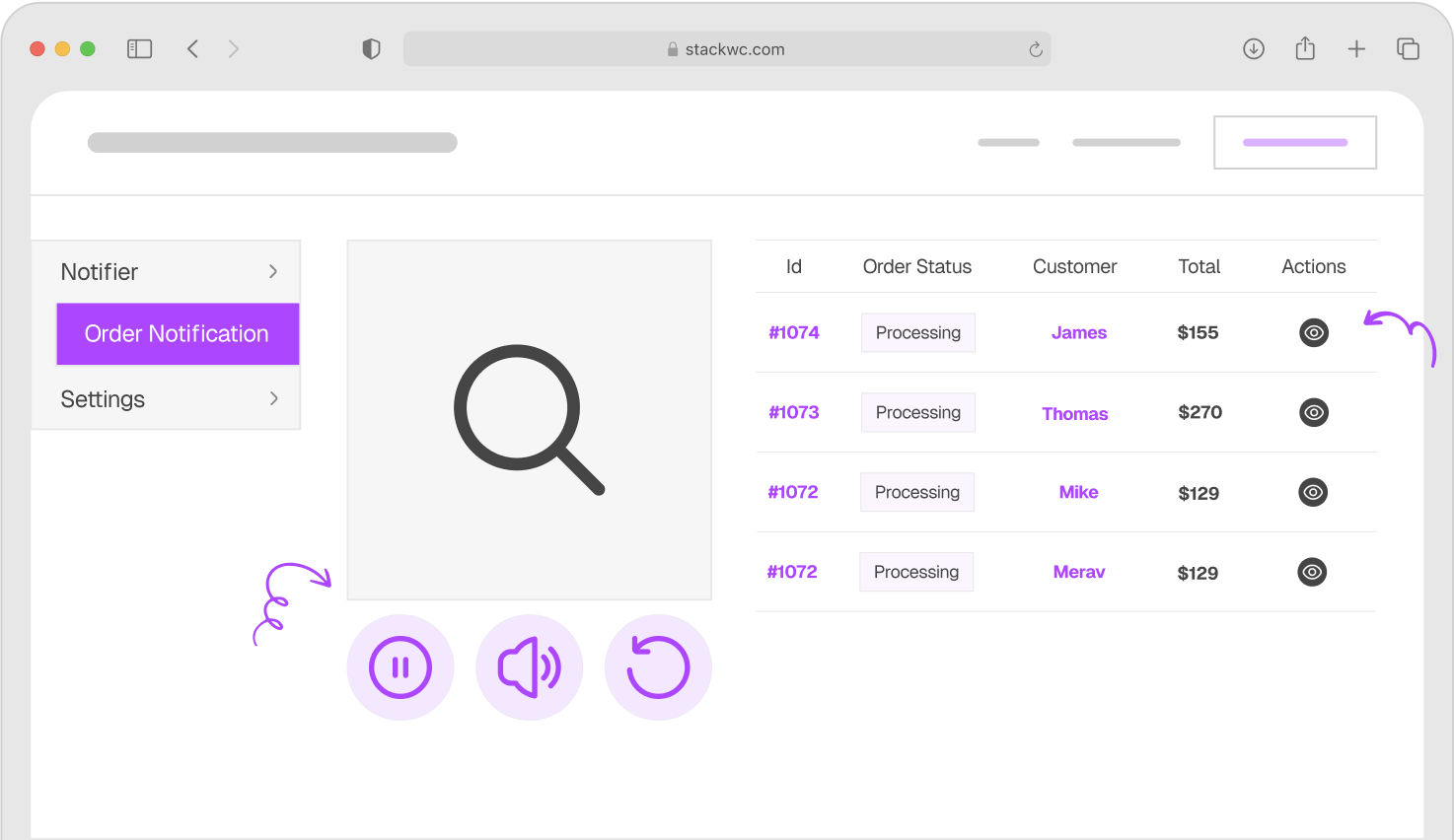
Overview: Built specifically for WooCommerce store owners who need real-time awareness without any technical headaches. Order Notification for WooCommerce by StackWC is lightweight, intuitive, and packed with the right features nothing bloated, nothing missing.
Key Features:
- Real-time audio alerts the moment an order is placed
- Custom notification sounds upload your own or choose built-in options
- Order status filtering get alerted only for statuses that matter to you
- Multi-device support works across multiple browser tabs simultaneously
- Lightweight won’t slow down your admin or storefront
- Zero coding required set up in minutes from your WooCommerce dashboard
- Works seamlessly with all standard WooCommerce order flows
Pros:
- Purpose-built for WooCommerce not a generic notification tool
- Clean, simple settings panel with no learning curve
- Multi-device support is genuinely useful for small teams
- Custom sound uploads set it apart from most competitors
- Excellent value for the price
- Backed by StackWC’s 14-day money-back guarantee
Cons:
- Requires the WooCommerce admin tab to be open in a browser
- No standalone mobile app (works through mobile browser)
Pricing: Premium plugin visit stackwc.com for current pricing. Includes a 14-day money-back guarantee.
Best For: Small to medium WooCommerce stores that need reliable, real-time order alerts with full sound customization and team-friendly multi-device support.
Plugin 2: YITH WooCommerce Desktop Notifications
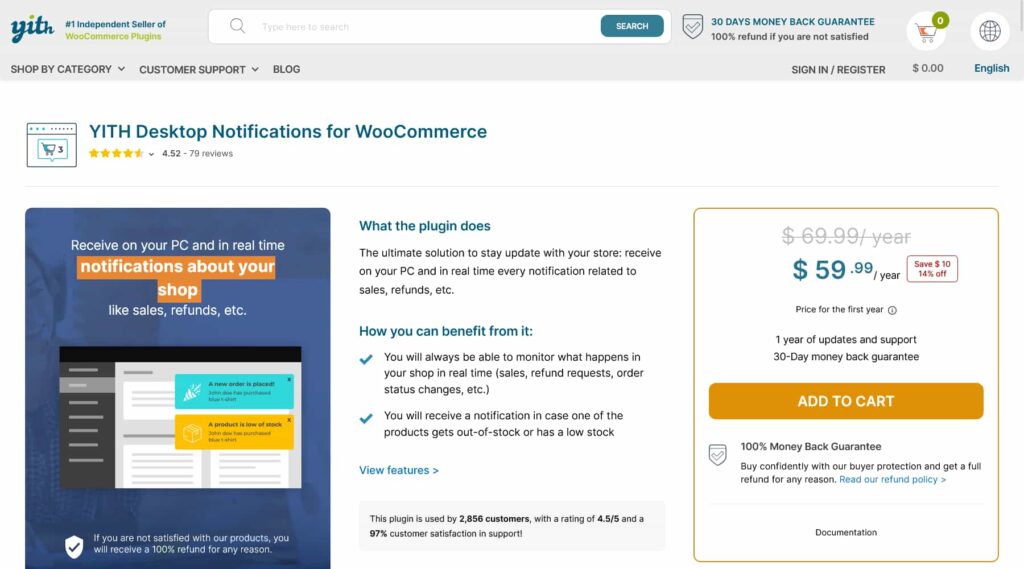
Overview: YITH is one of the most well-known names in the WooCommerce Order Notification Plugins space. Their desktop notification plugin focuses on delivering browser-based desktop alerts when new orders arrive. It’s a solid, reputable option from a large development company.
Key Features:
- Desktop browser notifications via the Web Notifications API
- Alerts appear even when the browser tab is not in focus
- Configurable notification content (order ID, total, customer name)
- Compatible with most major browsers
- Option to choose which order statuses trigger alerts
Pros:
- Desktop pop-up alerts work even when WooCommerce tab is minimized
- Trusted brand with a large support team
- Good documentation and regular updates
Cons:
- The free version is very limited most useful features require the premium version
- No custom audio notification sounds in the base version
- Can feel heavy for simple use cases YITH plugins often come with a lot of overhead
- Pricing can be steep compared to alternatives
- Multi-device support is not a standout feature
Pricing: Freemium free version available on WordPress.org; premium version sold via YITH’s subscription model.
Best For: Store owners already invested in the YITH plugin ecosystem who want desktop pop-up style alerts.
Plugin 3: Desktop Notifications for WooCommerce (Free, WordPress.org)

Overview: This is a free, no-frills option available directly from the WordPress.org plugin repository. It leverages the browser’s native notification system to push desktop alerts when orders are placed. Simple and free but that simplicity comes with trade-offs.
Key Features:
- Browser desktop notifications for new WooCommerce orders
- Uses the Web Notifications API (no third-party dependency)
- Basic order status trigger options
- Free to use with no premium upsell
Pros:
- Completely free no cost at all
- Easy to install from WordPress.org
- Works without any configuration complexity
- Good starting point for very small or hobby stores
Cons:
- No audio/sound notifications visual only
- No custom notification sound options
- Very limited filtering and customization
- No multi-device support
- Development updates are infrequent
- No dedicated support team you’re on your own
- Not suitable for stores with high order volume or team-based fulfillment
Pricing: Free.
Best For: Very small stores just getting started who need a basic notification setup and can’t justify any budget yet.
Plugin 4: WooCommerce Order Alert (Various Developers)
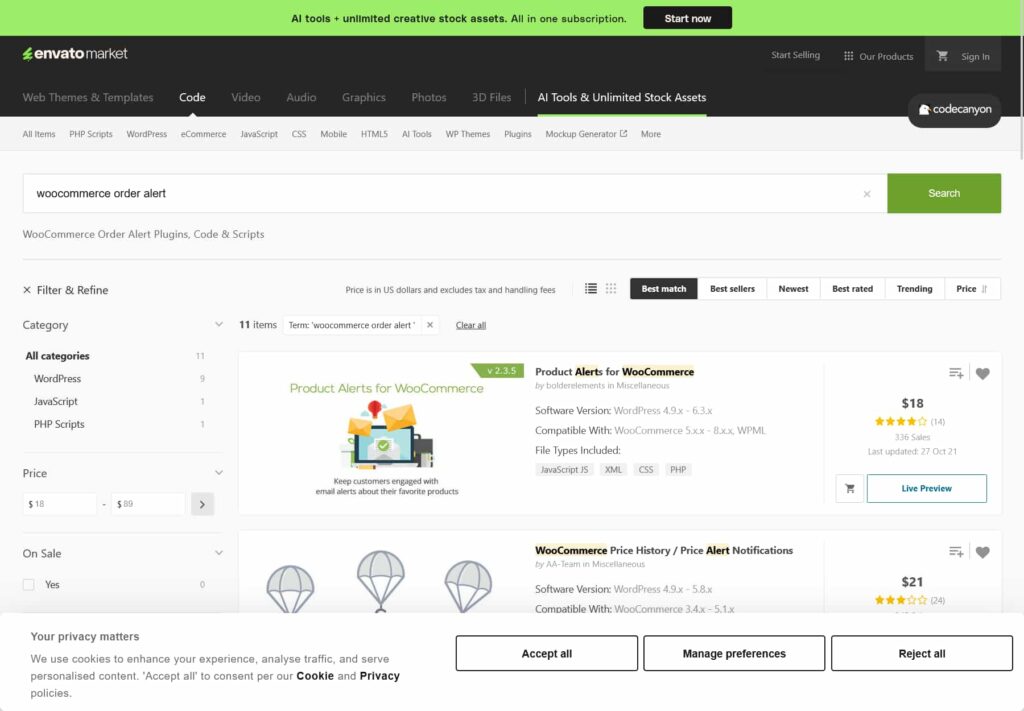
Overview: There are several plugins on CodeCanyon under variations of this name. They typically offer audio alerts and basic customization options. CodeCanyon plugins can vary widely in quality, support responsiveness, and update frequency, so you need to vet carefully before buying.
Key Features:
- Audio alert sounds for new orders
- Basic WooCommerce order status filtering
- Admin panel settings for sound and volume
- Some versions include email + browser notification combo
Pros:
- One-time purchase pricing model (no subscription)
- Usually includes audio alerts out of the box
- Wide variety of options across different developers
Cons:
- Quality is inconsistent depends heavily on which developer you choose
- Support can be slow or unreliable (common on CodeCanyon marketplaces)
- Updates may stop if the developer moves on
- No StackWC-style money-back guarantee framework
- Multi-device support is rare in this category
- You’re often buying from anonymous developers with no brand accountability
Pricing: Typically $15–$29 one-time on CodeCanyon. No refund guarantees are standard.
Best For: Budget-conscious buyers comfortable with marketplace risk and who don’t need long-term support.
Plugin 5: WooCommerce Push Notifications (via OneSignal or PushEngage Integration Plugins)
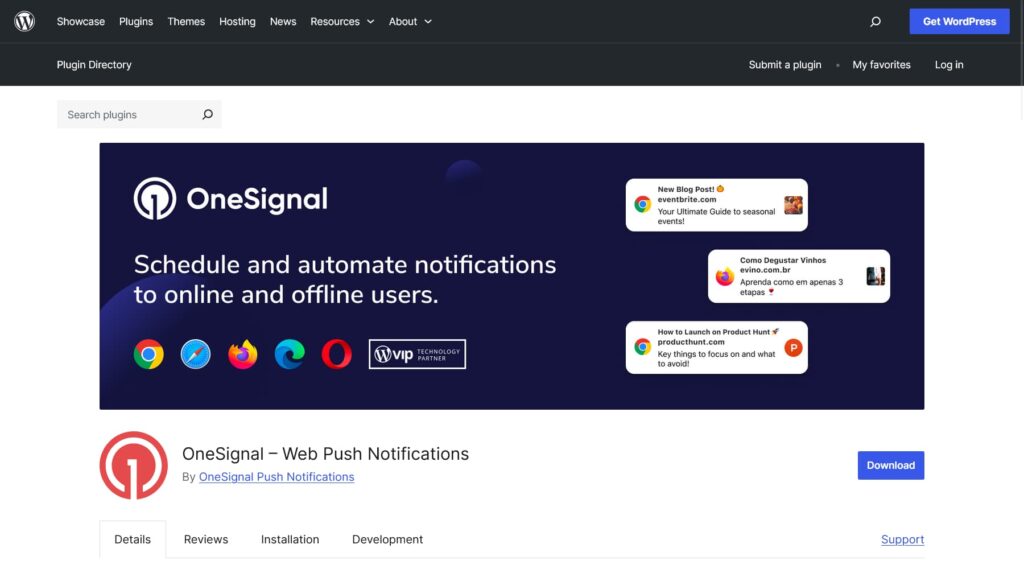
Overview: Some store owners use push notification services like OneSignal or PushEngage combined with a WooCommerce integration plugin to receive order alerts as push notifications on their devices. This is a different approach: it sends alerts even when you’re not actively in your WooCommerce dashboard.
Key Features:
- True push notifications sent to your phone or desktop
- Works when the browser is closed
- Can notify multiple team members simultaneously via subscriber lists
- Highly customizable notification templates
Pros:
- Alerts arrive even when you’re not in WooCommerce admin
- Mobile-first approach great for on-the-go store owners
- Can double as a customer marketing tool (separate use case)
Cons:
- Complex setup requires connecting a third-party push service
- Not a pure WooCommerce solution you’re managing two platforms
- Free tiers have subscriber/notification limits that quickly become restrictive
- Overkill for most small store owners who just want a simple alert
- Privacy considerations with third-party data handling
- Troubleshooting involves two separate services, not one
Pricing: Free tiers exist but paid plans start from $9–$19/month depending on the service.
Best For: Tech-savvy store owners who want alerts even when away from their computer and are comfortable managing third-party integrations.
Why Order Notification Plugin for WooCommerce by StackWC Stands Out
After comparing all five options, one thing becomes clear. Most plugins do some things well. But Order Notification for WooCommerce by StackWC is the only one that hits every important feature without compromise.
Here’s what makes it the smart choice:
It’s purpose-built. StackWC doesn’t build generic tools. This plugin was designed for WooCommerce store owners specifically not adapted from something else.
It covers the essentials and then some. Real-time audio alerts, custom sounds, status filtering, and multi-device support all in one clean package. No bloat, no confusion.
It’s actually supported. You’re not buying from an anonymous marketplace developer. StackWC is a dedicated WooCommerce plugin company with real support behind every product.
It’s risk-free. Every StackWC plugin comes with a 14-day money-back guarantee. You try it, and if it’s not right for your store, you get a full refund. No awkward questions.
If you’re also looking to control when your store accepts orders not just when you’re notified pair it with Open Close Store for WooCommerce. It lets you set business hours, block after-hours orders, and show customers exactly when you’re open. A powerful combo for any time-sensitive store.
Frequently Asked Questions
Most browser-based plugins including Order Notification for WooCommerce work on mobile browsers. Open your WooCommerce admin in your phone’s browser and keep the tab active. Push notification services (Plugin 5) go further but require more setup.
A well-built plugin like StackWC’s runs only in the backend admin area. It doesn’t load on your customer-facing storefront at all, so your store speed is completely unaffected.
Audio alerts play a sound through your device’s speakers when a new order comes in great if you’re nearby. Desktop notifications are visual pop-ups that appear even when the browser tab is in the background. StackWC’s plugin focuses on audio alerts, which are harder to miss when you’re in a busy environment.
Yes with Order Notification Plugin for WooCommerce, multi-device support means several team members can all receive the alert simultaneously as long as they’re logged in with the WooCommerce admin open.
Conclusion: Choose the Plugin That Fits Your Store
All five plugins have their place. If you’re a solo hobbyist on zero budget, the free WordPress.org option gets the job done. If you’re deep into the YITH ecosystem, their desktop notifications make sense. And if you want push alerts to your phone even when you’re offline, a push notification service might be worth the complexity.
But if you want the best overall balance of features, simplicity, support, and value Order Notification for WooCommerce by StackWC is the clear winner.
Real-time audio alerts. Custom sounds. Multi-device support. Order filtering. No coding. No bloat. Just a plugin that works.
Ready to hear every order the moment it arrives? Try Order Notification for WooCommerce with a 14-day money-back guarantee. No risk, fully supported, no coding needed.