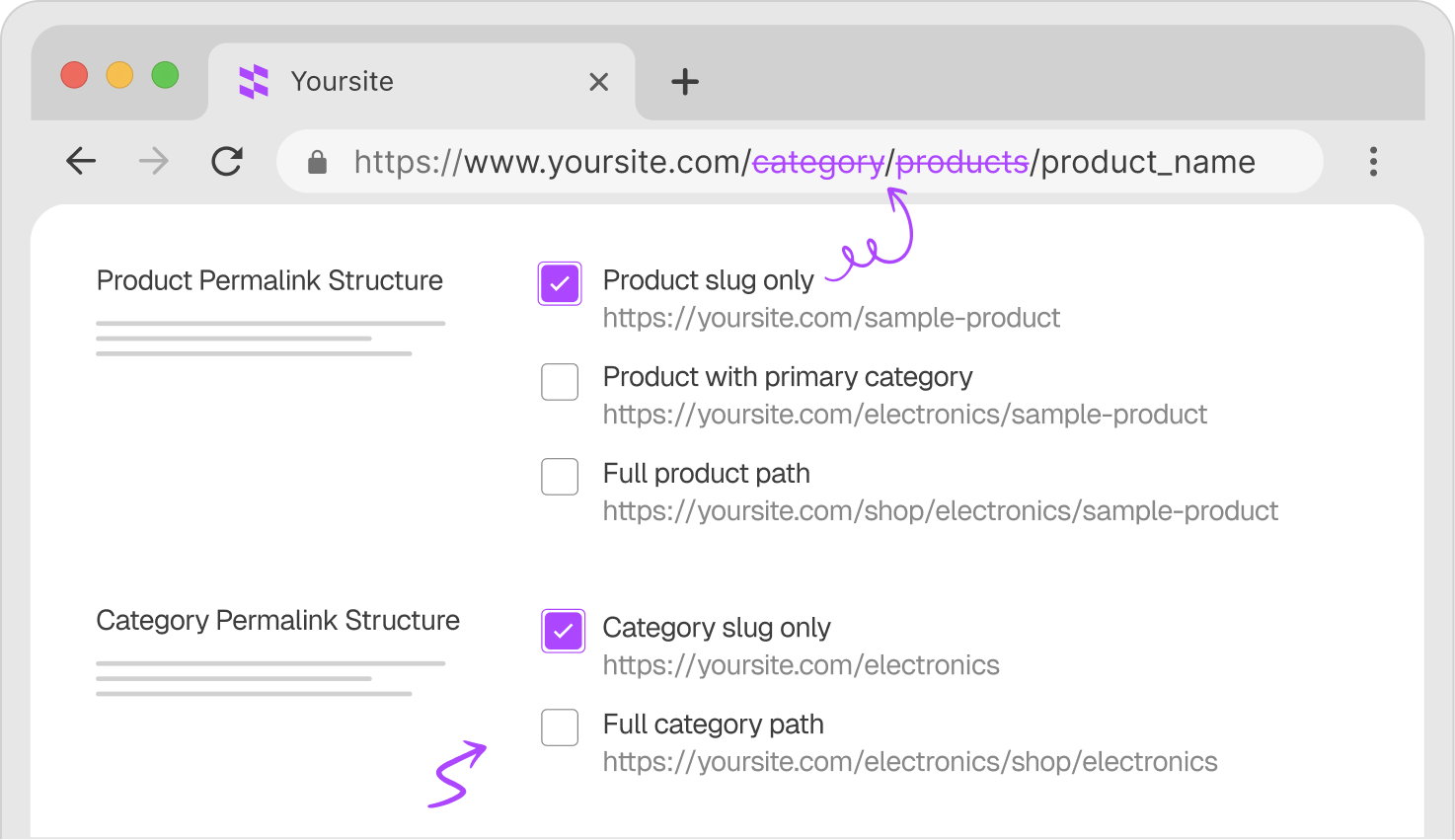
Take full control of your WooCommerce URLs, remove noisy slugs, create cleaner product paths, and build an SEO-friendly store structure without touching a single line of code.
Find quick answers to common questions about plugin!
How do I remove /product/ from WooCommerce URLs?
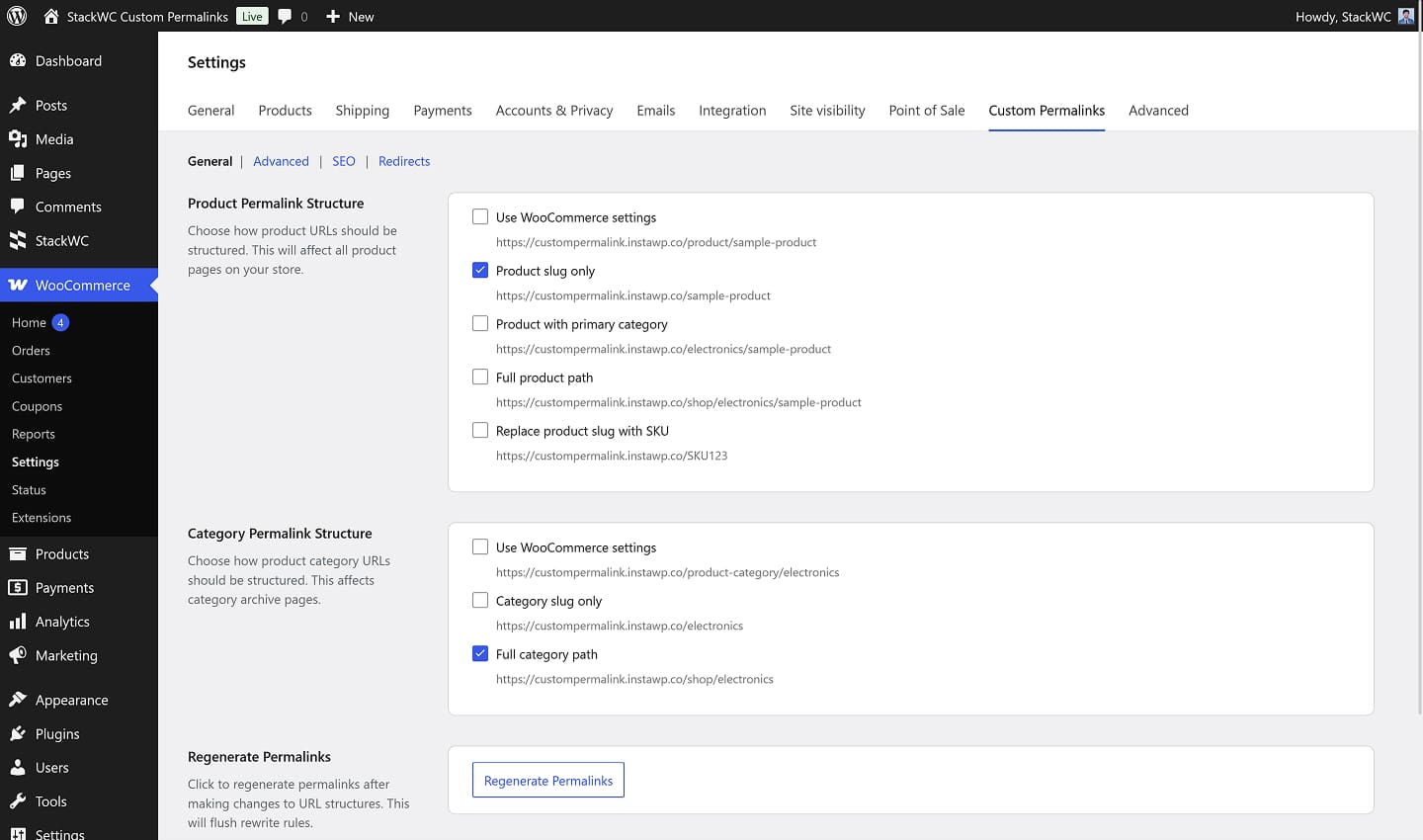
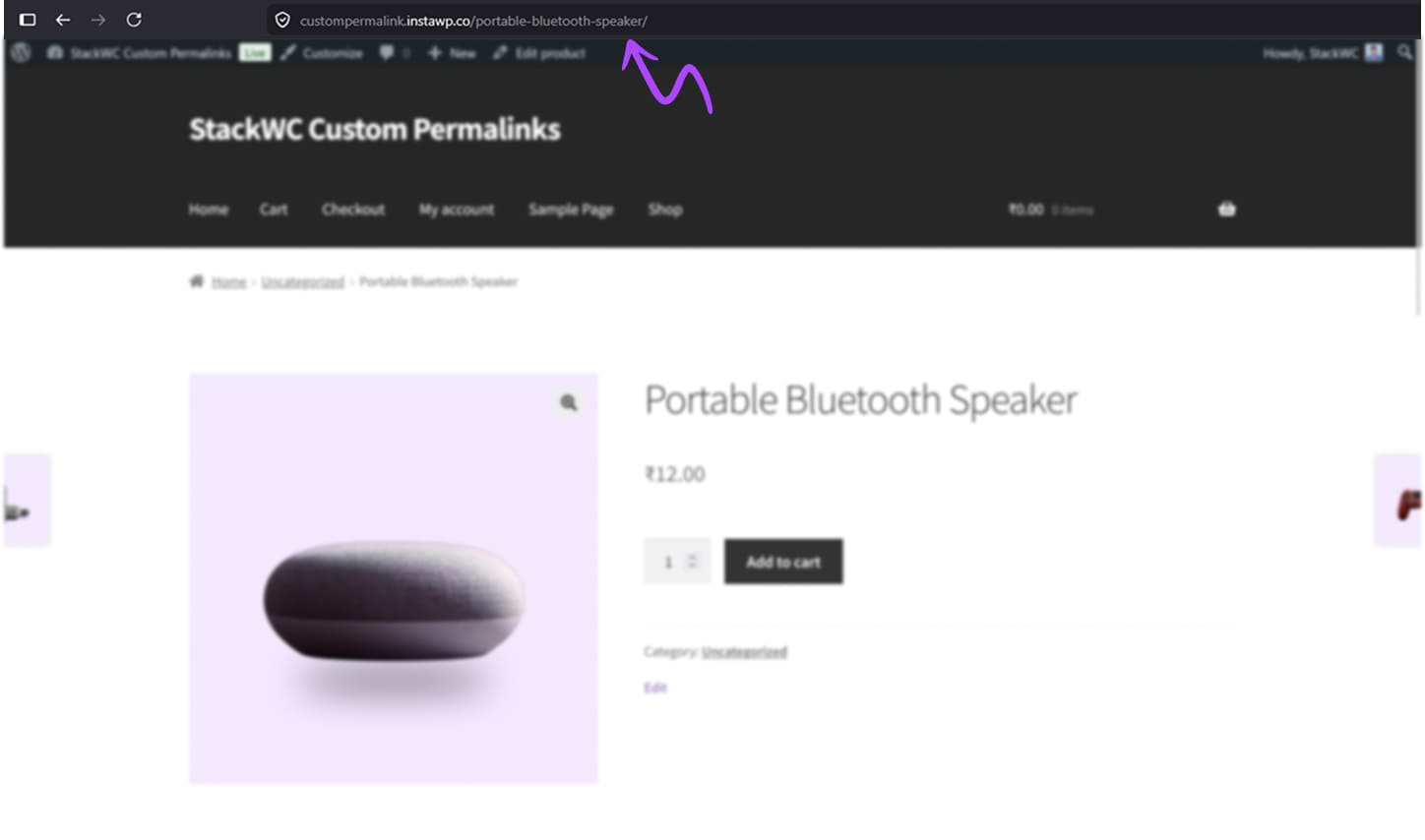
Go to WooCommerce → Settings → Custom Permalinks and select "Product slug only" as your product permalink structure. The plugin removes the /product/ base globally - no code, no manual rewrite rules needed.
Will changing WooCommerce permalinks hurt my SEO?
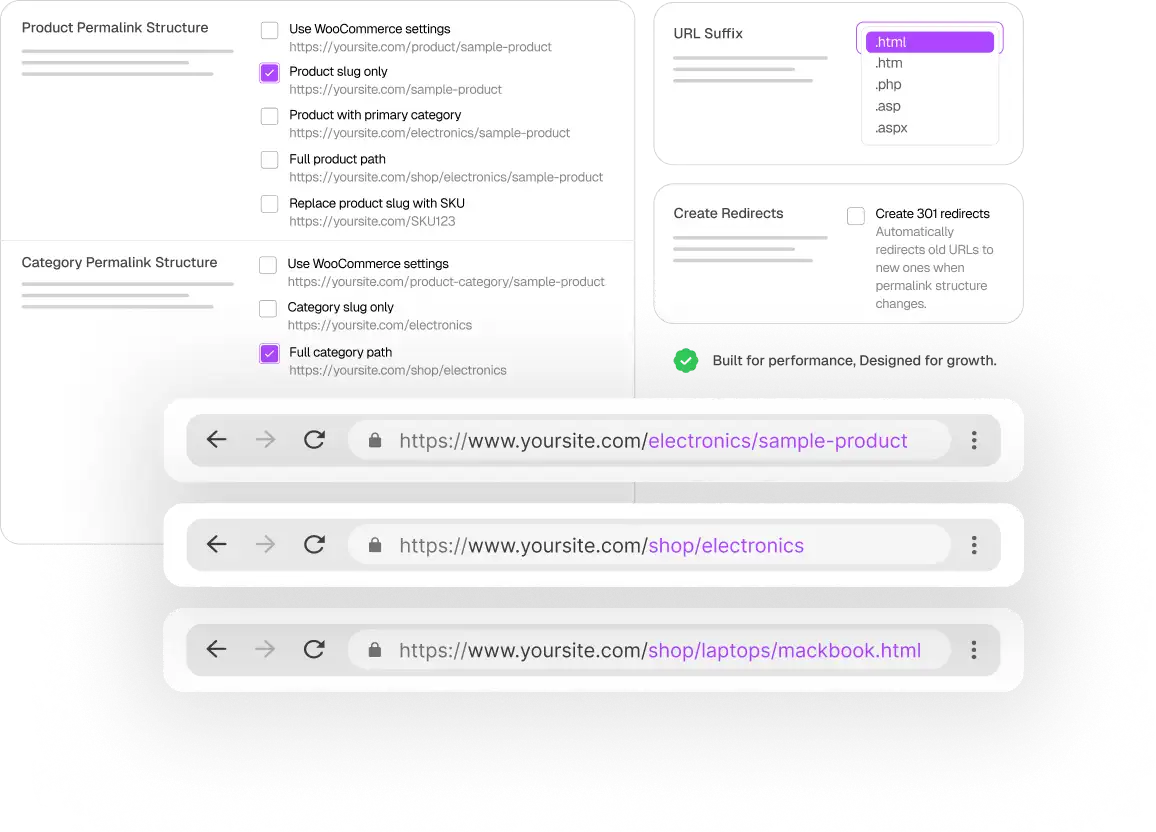
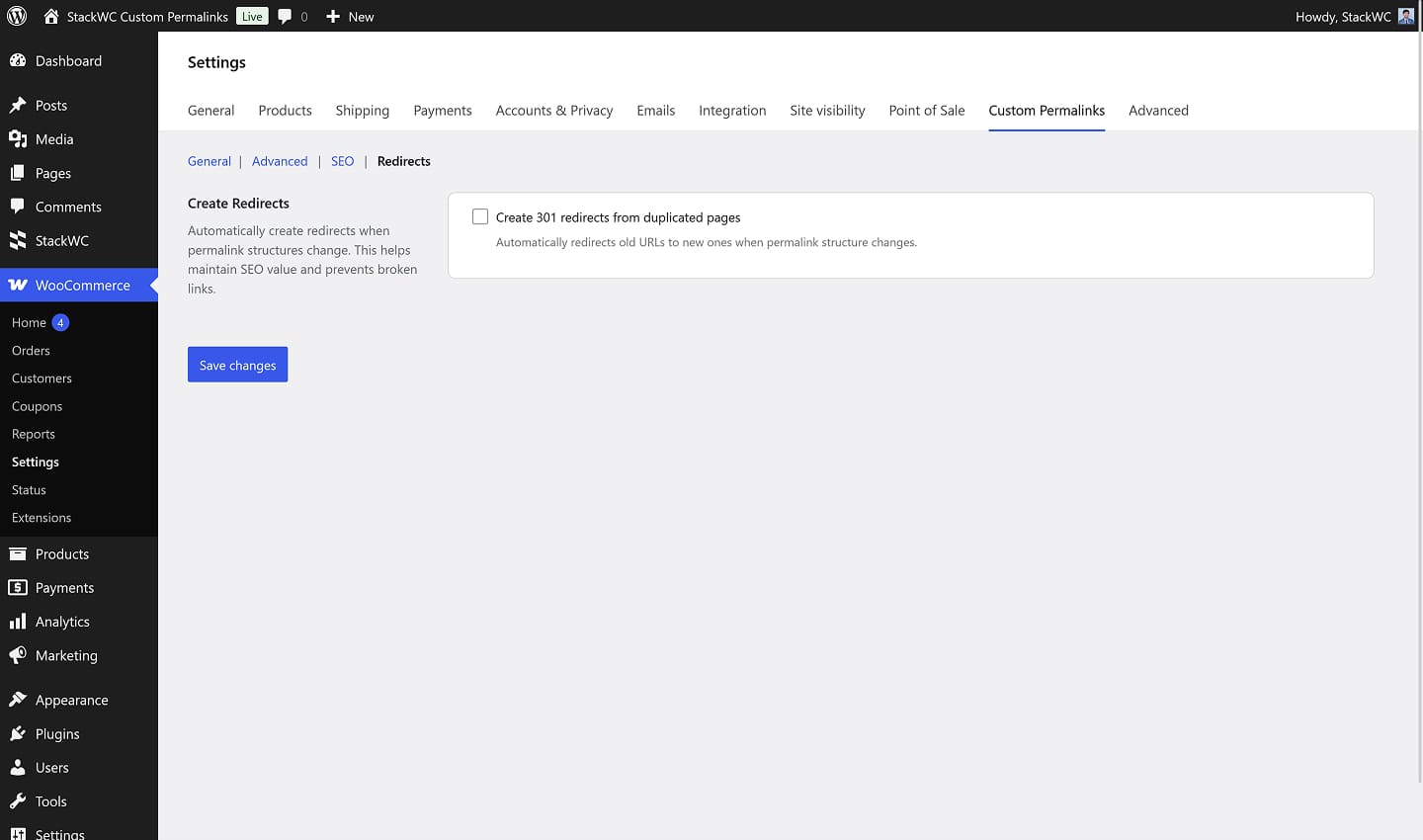
If your store is new or low-traffic, the impact is minimal. For established stores, the Pro version handles this with automatic canonical redirects — old URLs redirect cleanly to the new ones, so you don't lose rankings, backlinks, or traffic.
Can I change the URL of just one product without affecting the whole store?
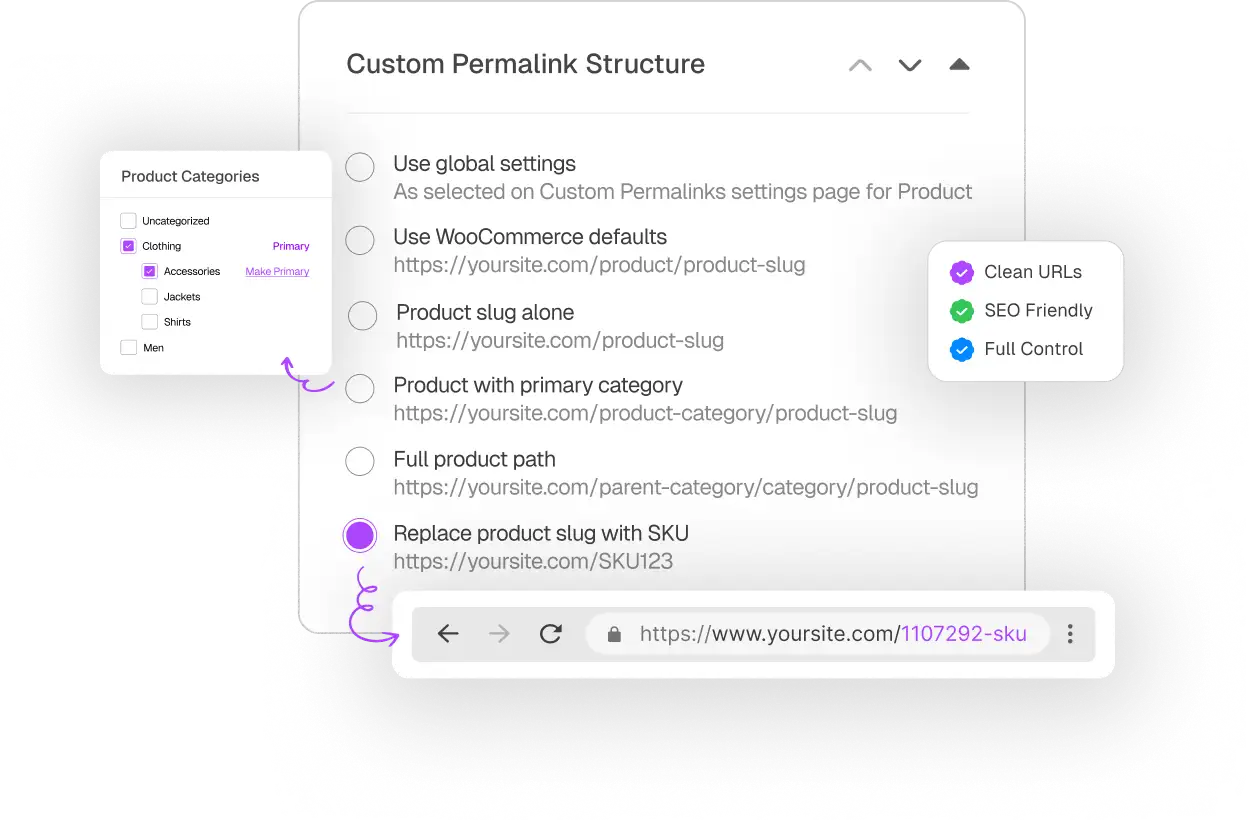
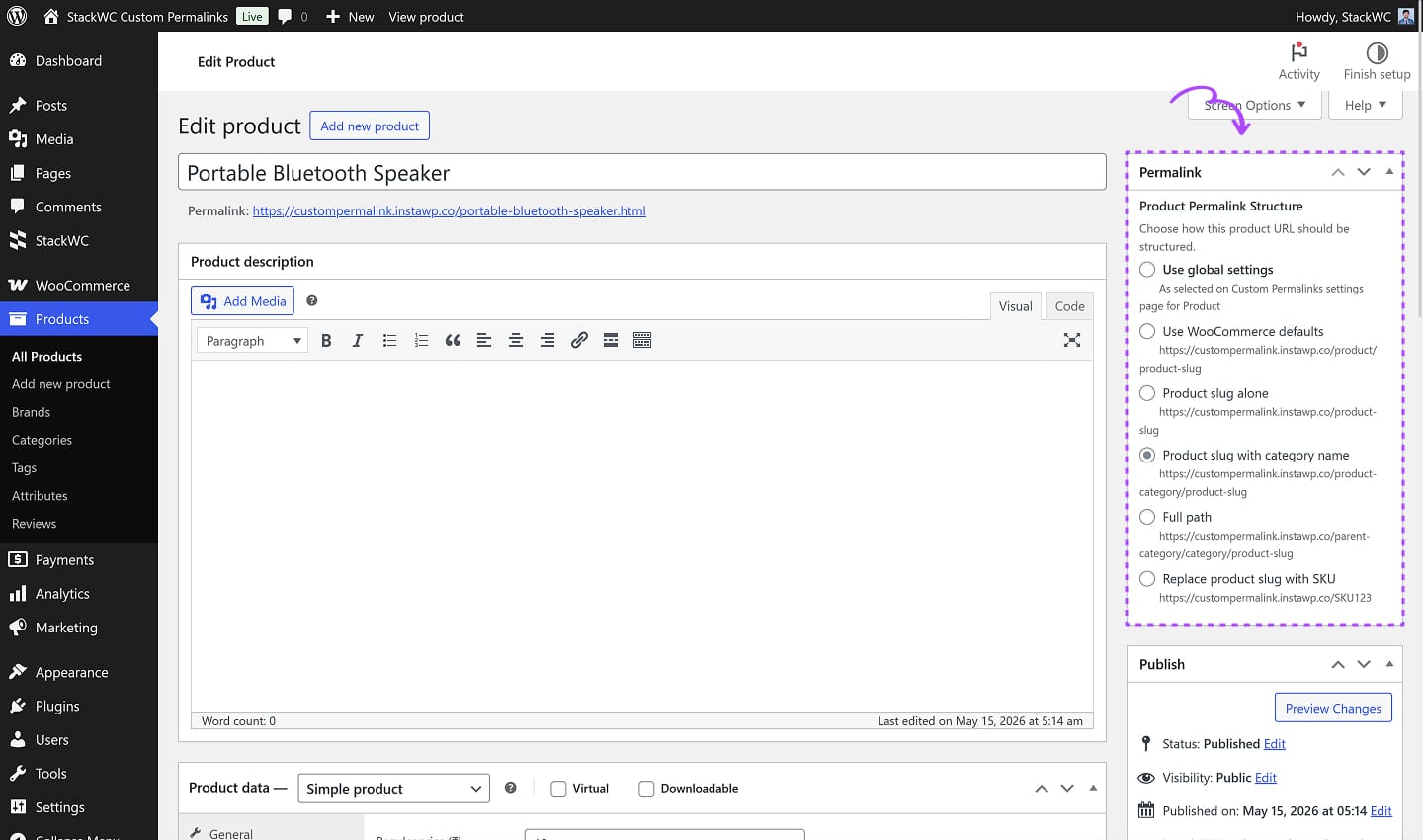
Yes. With the Pro version, you can override the global permalink structure for individual products right from the product edit sidebar. The rest of your catalog stays untouched.
How do I use SKU instead of product name in the URL?
The Pro version lets you replace the product slug with its SKU on selected products. Ideal for B2B stores or catalogs where product codes matter more than descriptive names.
Can I add .html to WooCommerce product URLs?
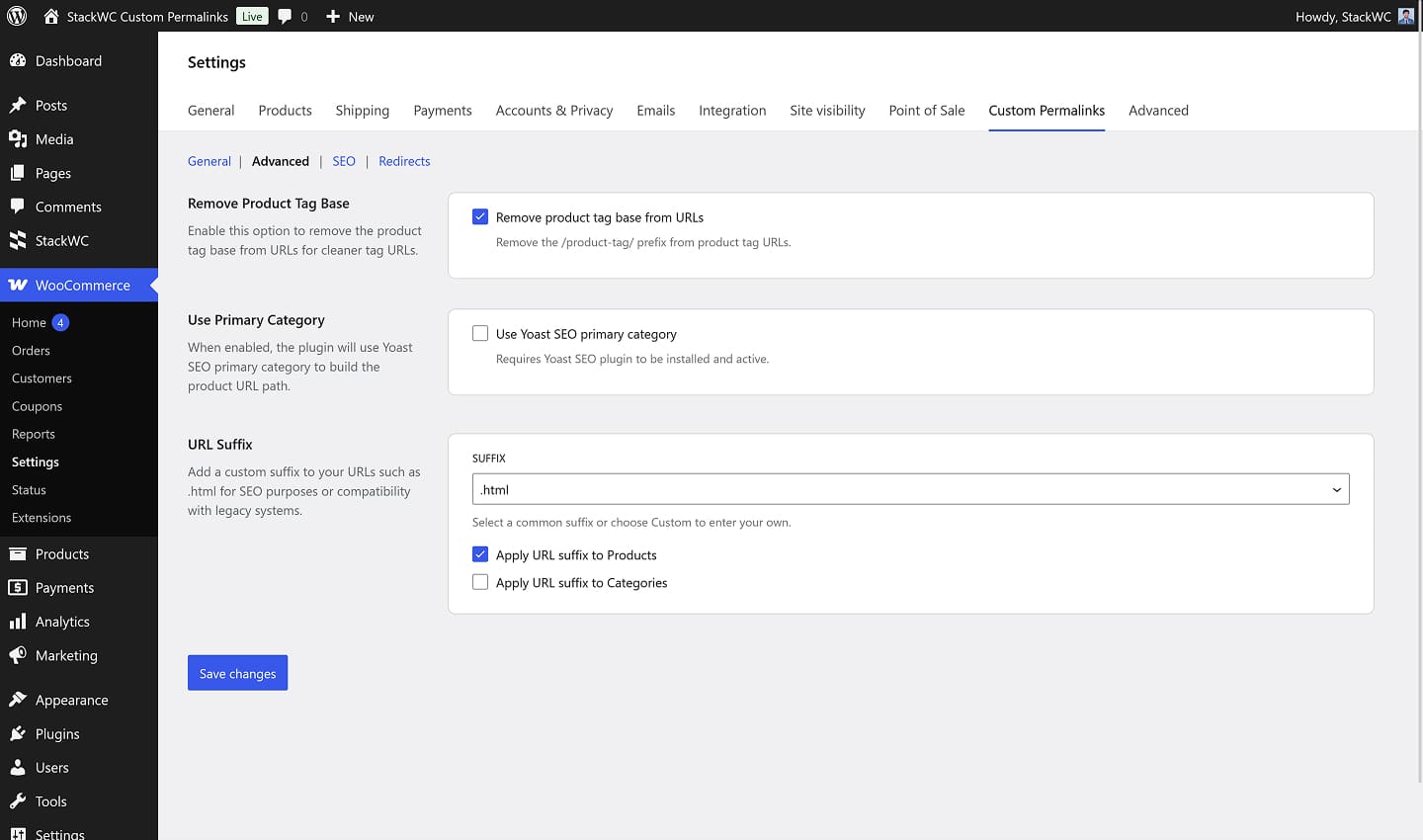
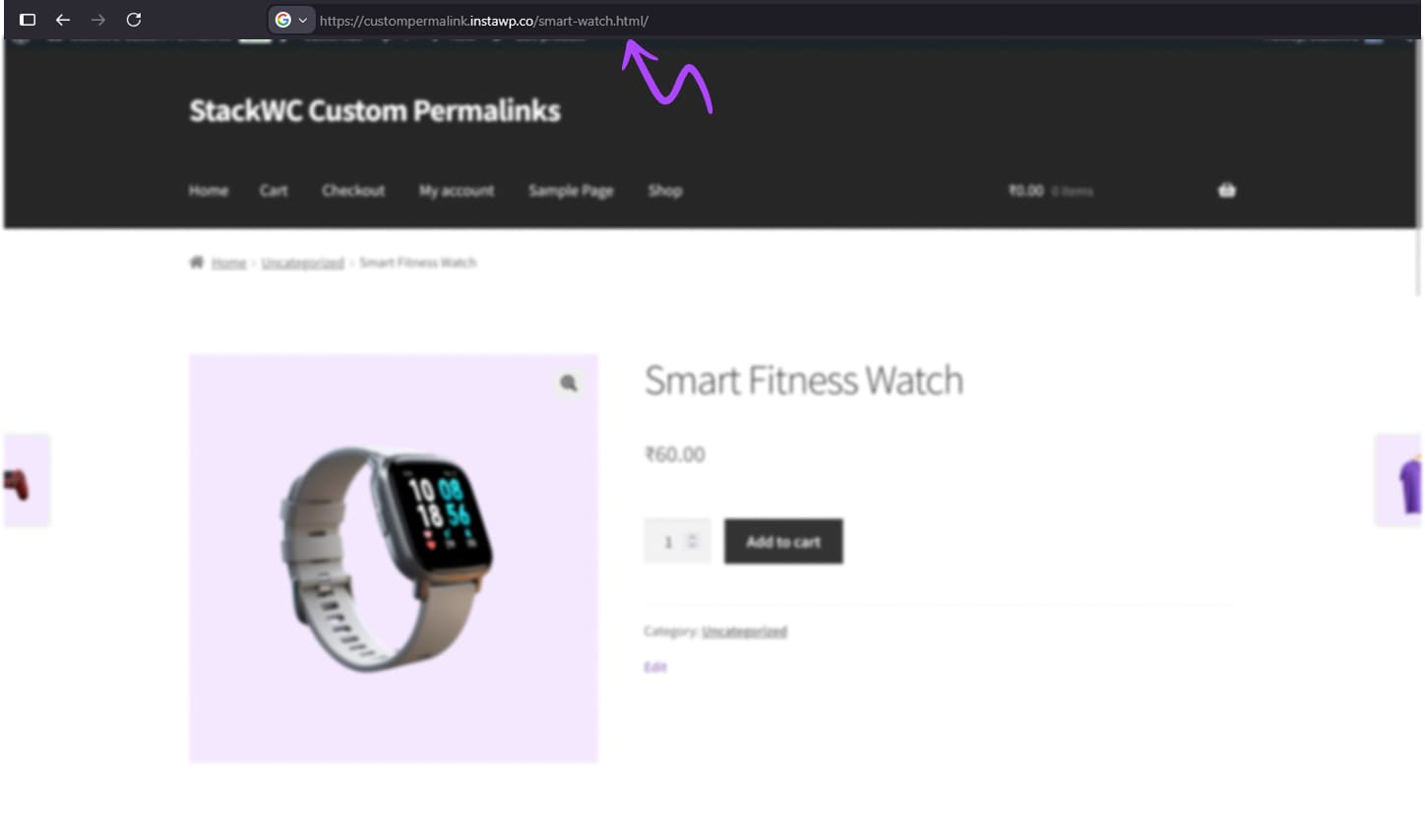
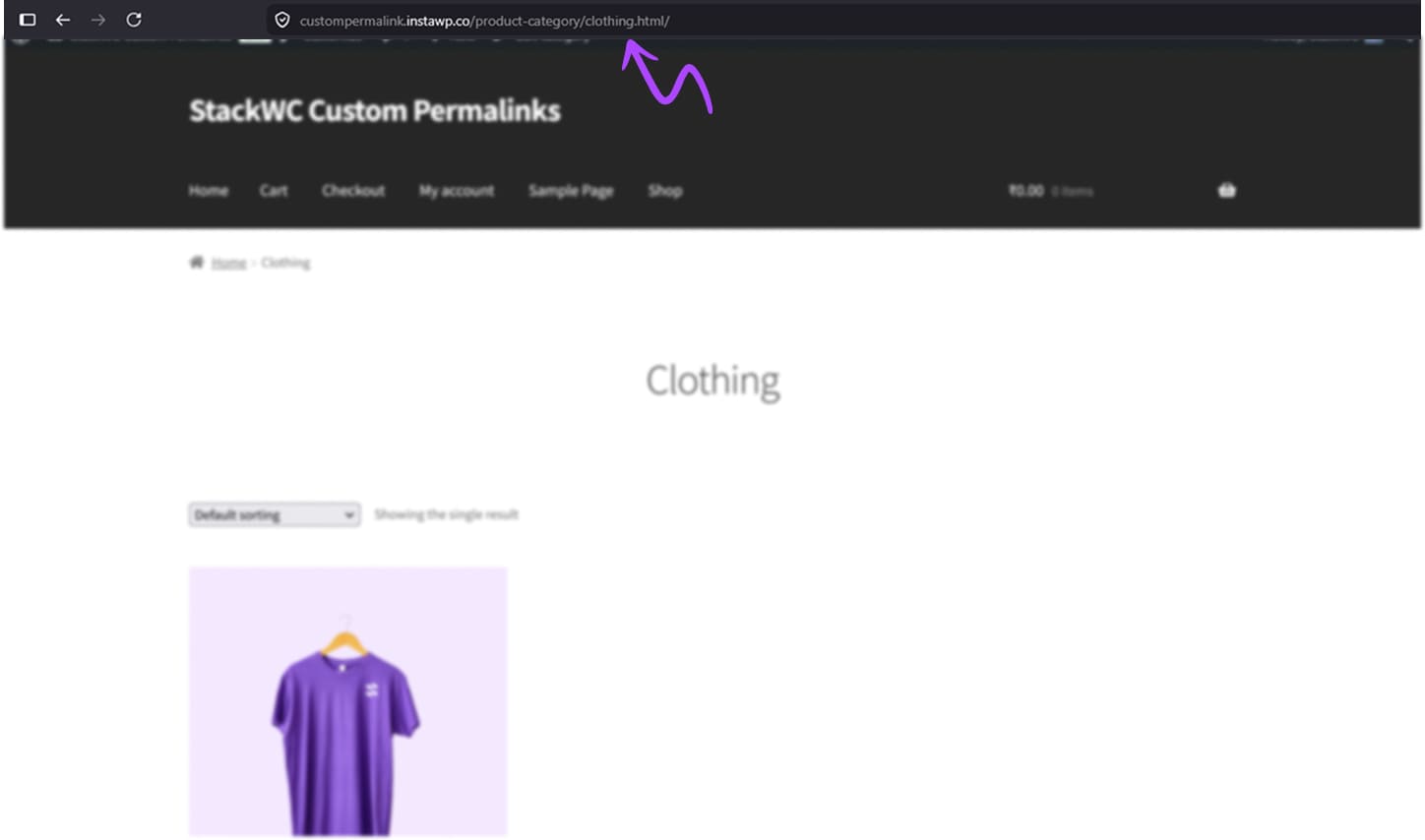
Yes. You can add optional URL suffixes like .html, .htm, or .php — globally or per product. This is useful when migrating from platforms like Magento or PrestaShop where you want to preserve old URL formats.
What happens when I change a WooCommerce product slug or SKU — do the URLs break?
No. It will automatically refreshes permalink rewrites whenever a product slug, SKU, or custom URL changes. No manual flushing, no broken links.
Is this plugin compatible with Yoast SEO and Rank Math?
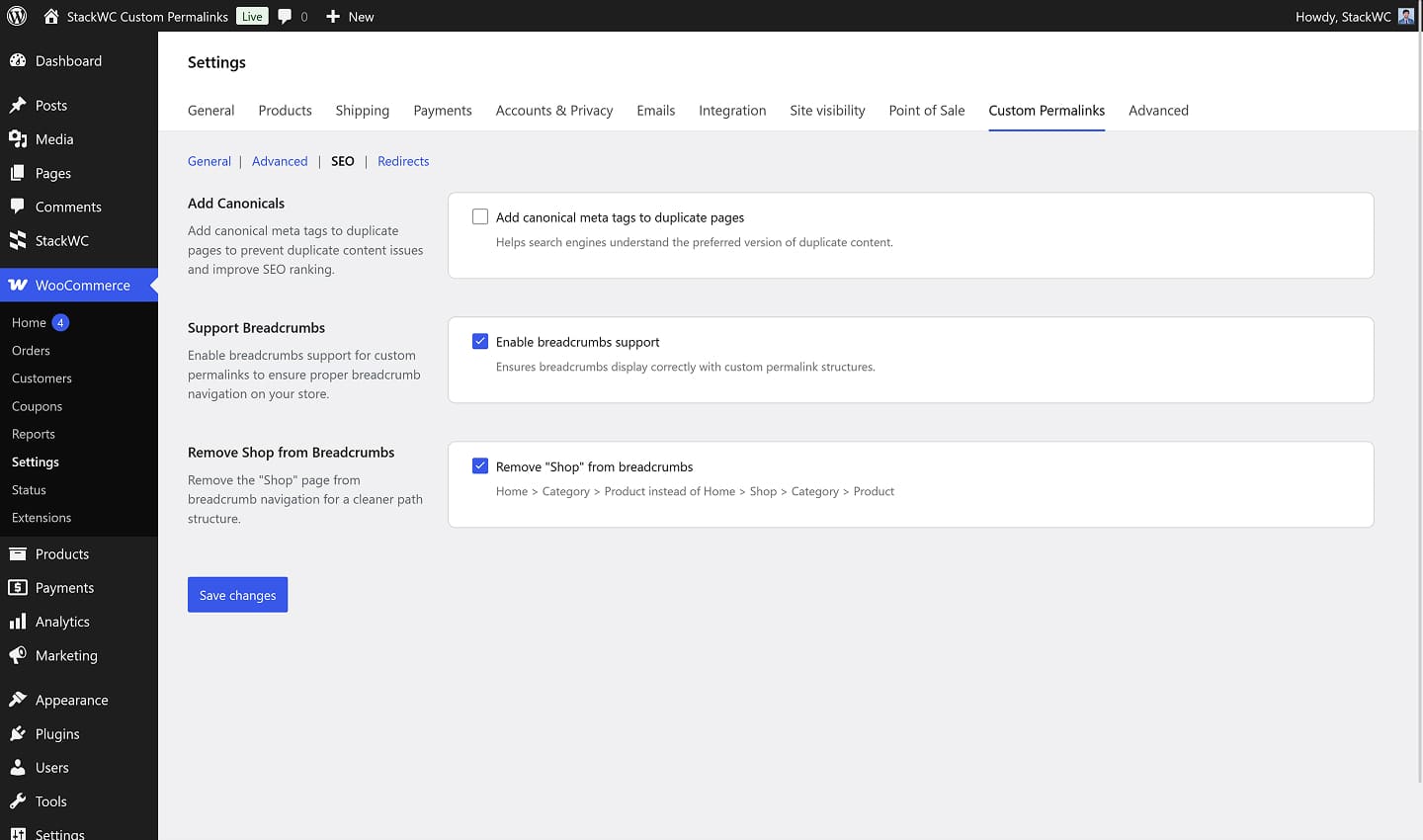
Yes. The plugin works alongside Yoast SEO and Rank Math — canonical tags, sitemaps, and breadcrumbs from these plugins continue to function correctly with your new URL structure.
You’re almost there! Install the plugin today and turn your ideas into results...