
Get Audio Alert on new Orders
Order Notification for WooCommerce
5 Stars
7+ Five-Star Reviews
100%
Money Back Guarantee
1000+
Website Served
- Version 3.6.4
- Last updated: 24 Apr 2026
- Changelog : View here
Real-Time Audio Notifications for New Orders
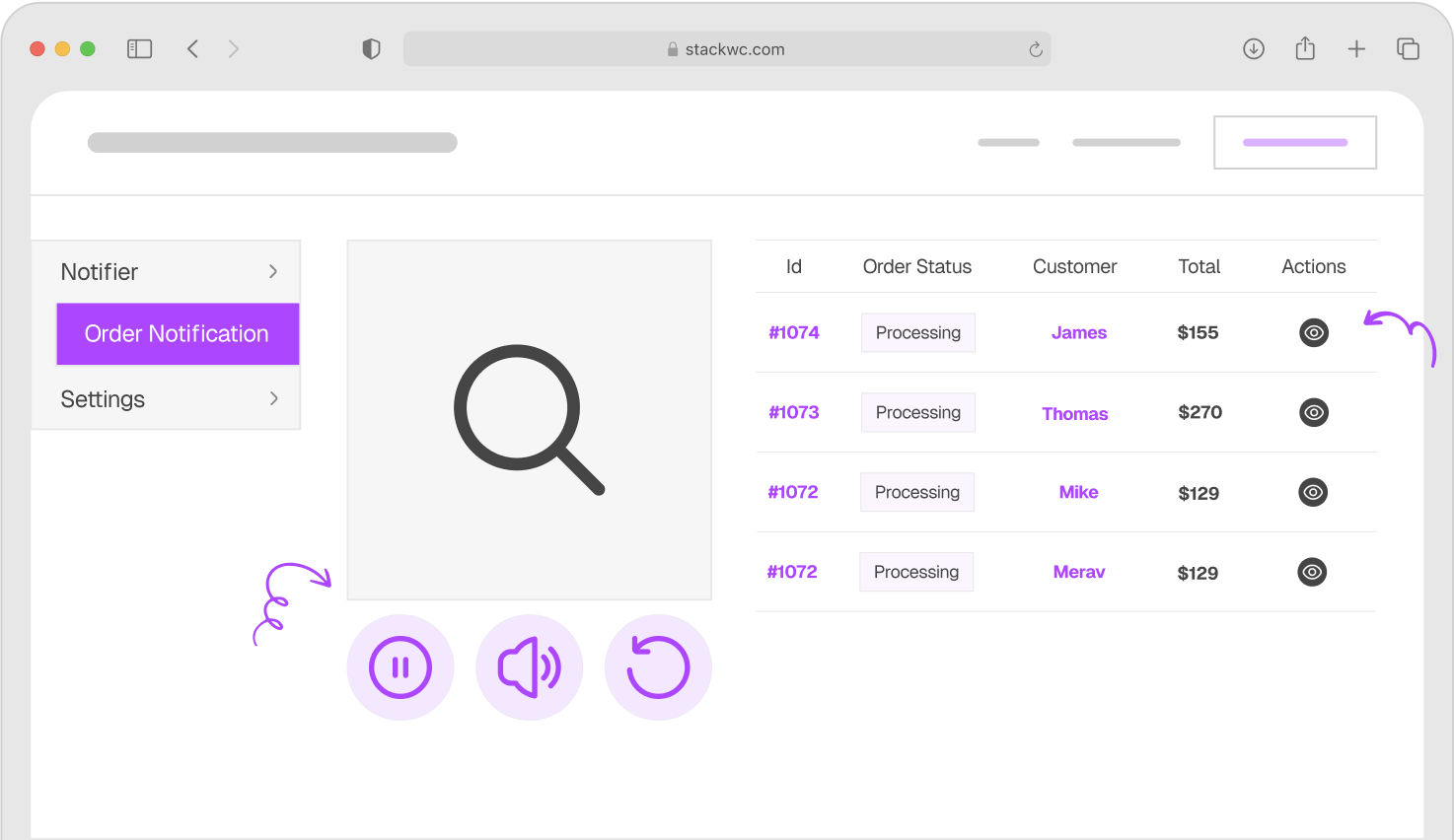
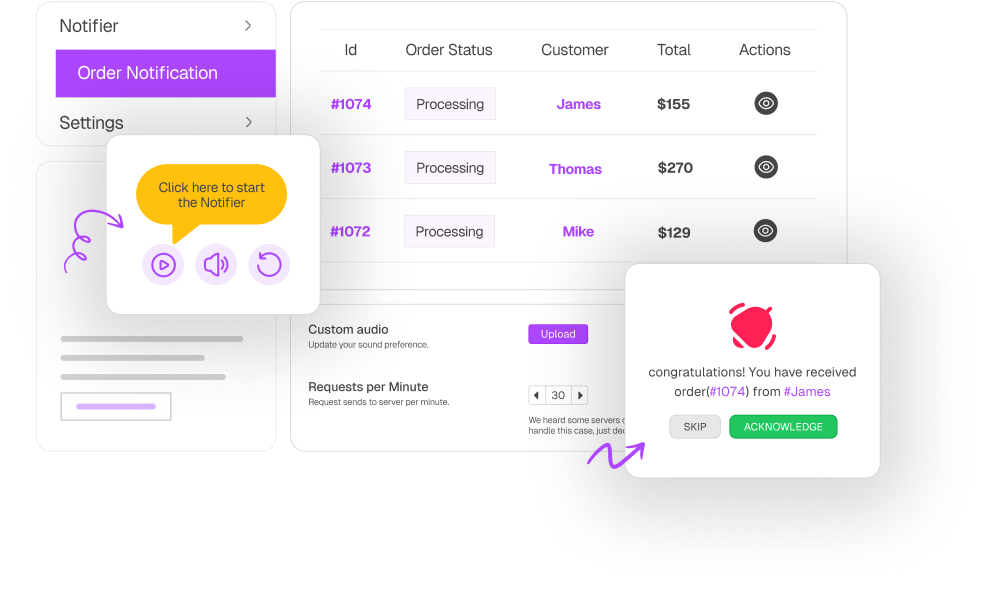
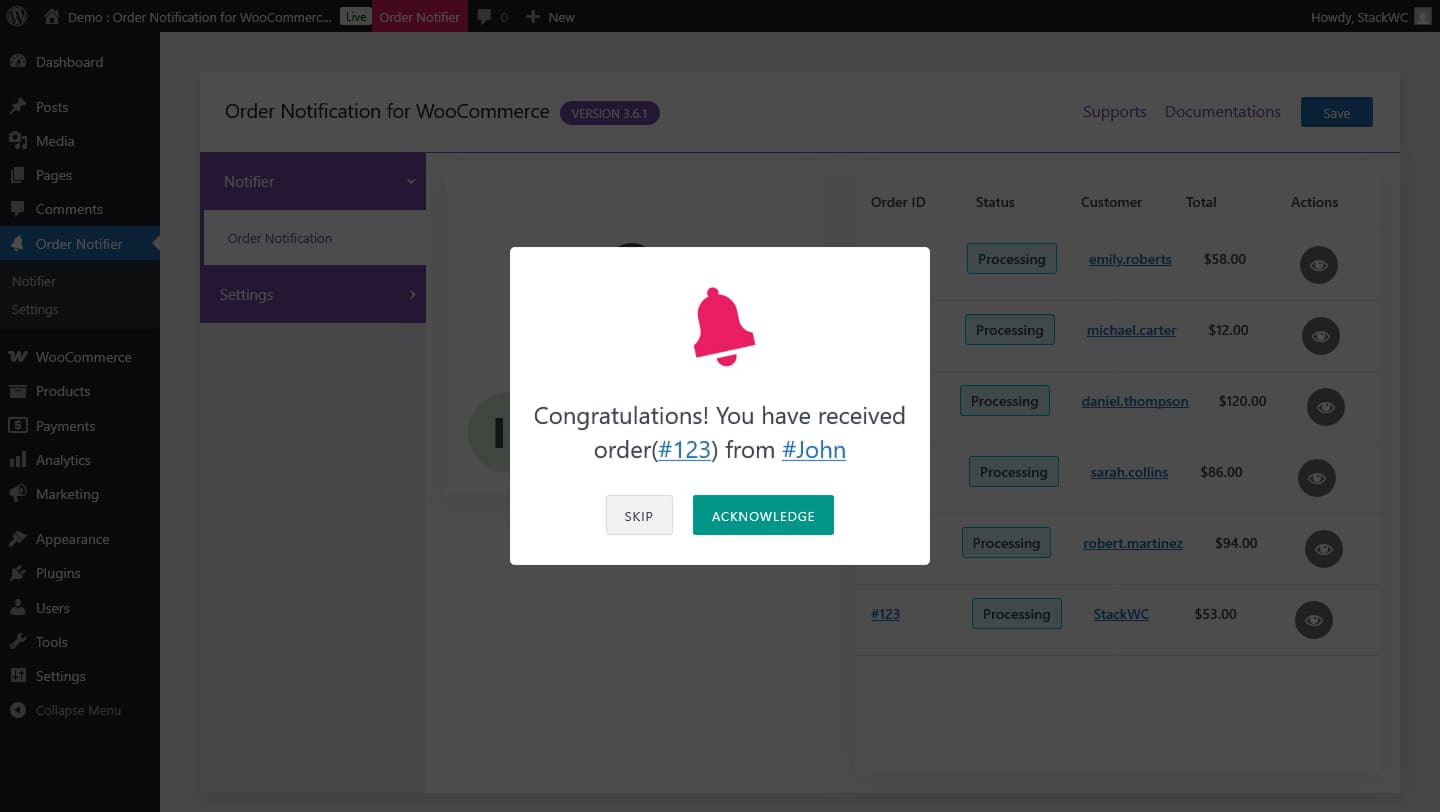
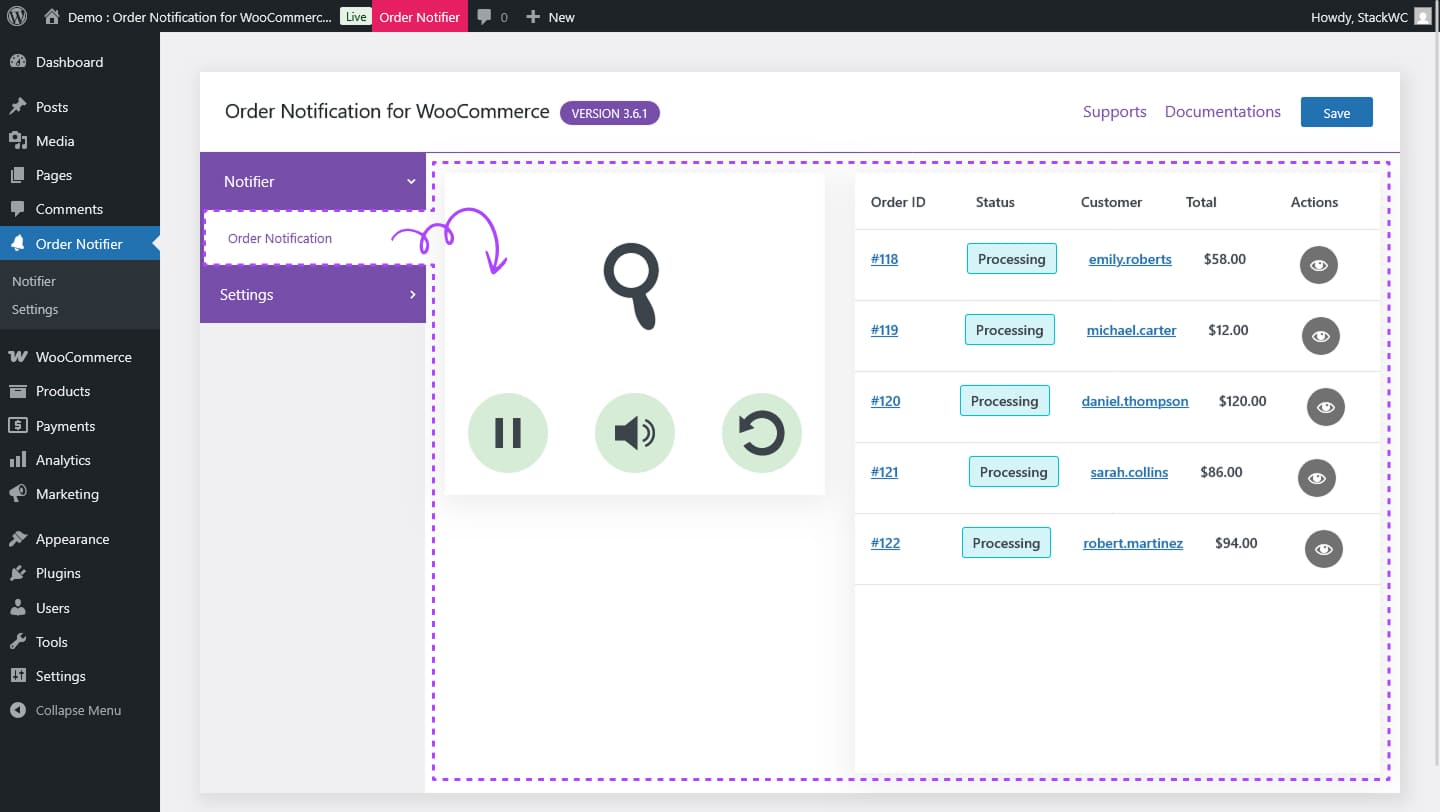
- Automatically checks for new orders in the background—no need to refresh.
- Plays a custom sound alert directly in your browser or device.
- Works even if the tab is not actively being viewed.
Smart Order Filtering with Custom Rules
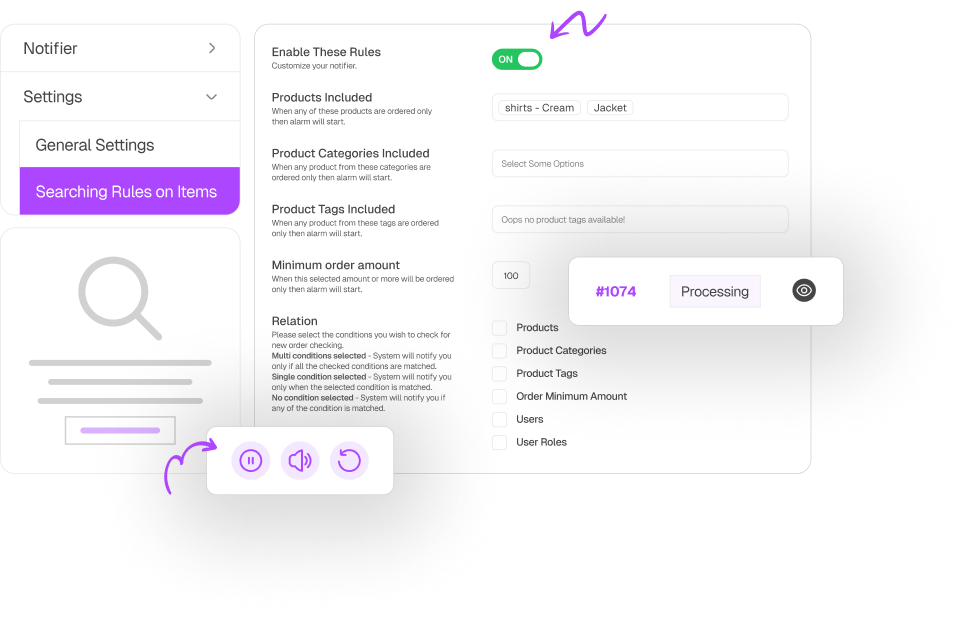
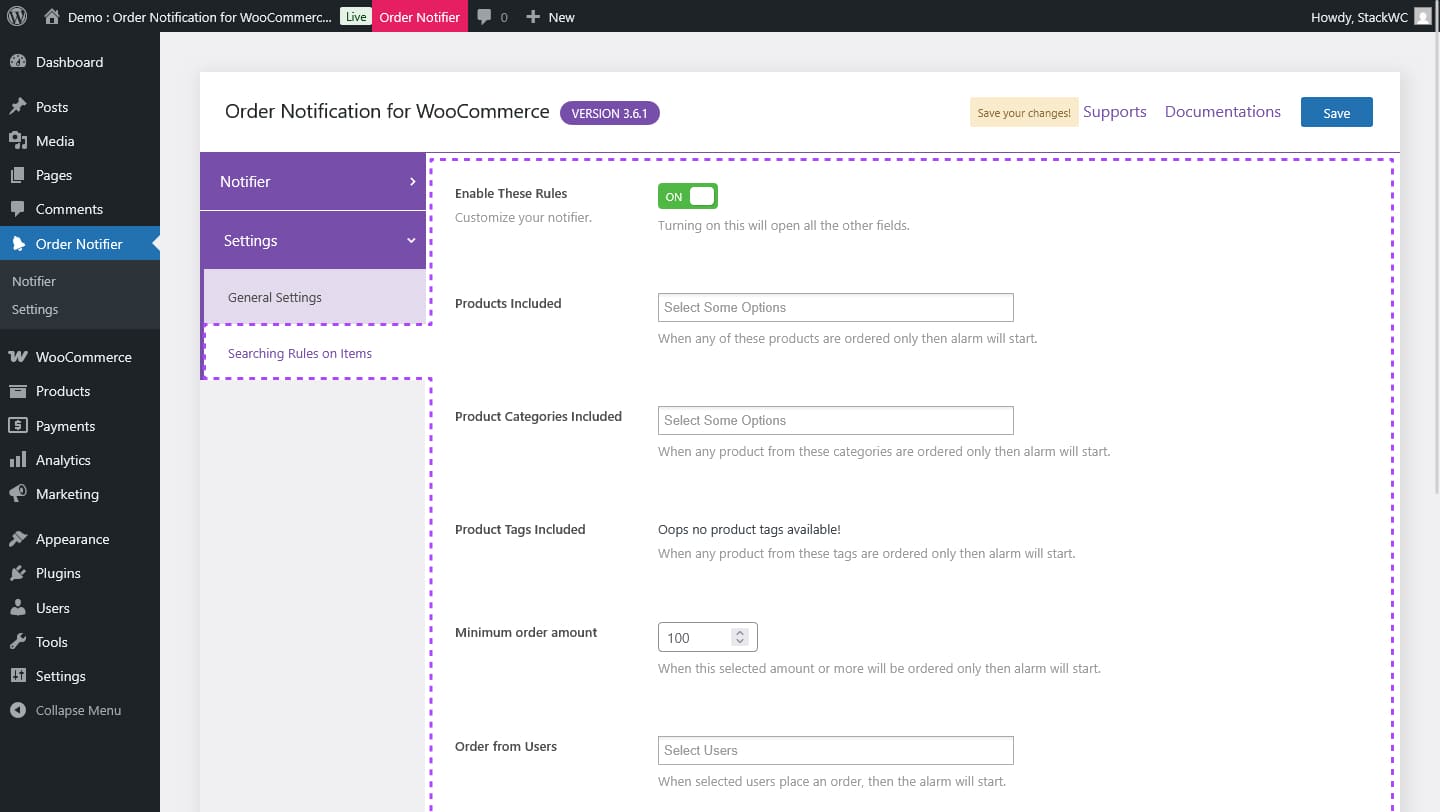
- Set conditions based on order amount, specific products, categories, or tags.
- Choose order statuses that trigger alerts (like Processing or Completed).
- Advanced rules and logic available in the Pro version for targeted alerts.

Lightweight, Efficient, and Easy to Use
- Minimal server impact with optimized background requests.
- Clean interface with fast setup—no coding needed.
- Works seamlessly across most WordPress and WooCommerce setups.
Real Stores. Real Results.
Trusted by Store Owners Worldwide
11 Feb, 2024
5/5 WordPress
My apology for the previous review. The plugin’s working great. There was a conflict with another plugin made it stop working.
miky990t
18 Mar, 2022
5/5 WordPress
We had a problem with their plugin and they fixed for us in minutes. Good job boys, keep doing ur best magic tricks in coding.
Madalin
18 Jul, 2025
5/5 Trustpilot
We use use plugin from StackWC, and it’s been a game changer. The custom rules are super handy, and the support team helped.....
Laura
The most feature-rich WooCommerce Order Notification Plugin
Stay ahead of every sale without slowing down your website.
Instant Sound Alerts
Customizable Rules
Lightweight Performance
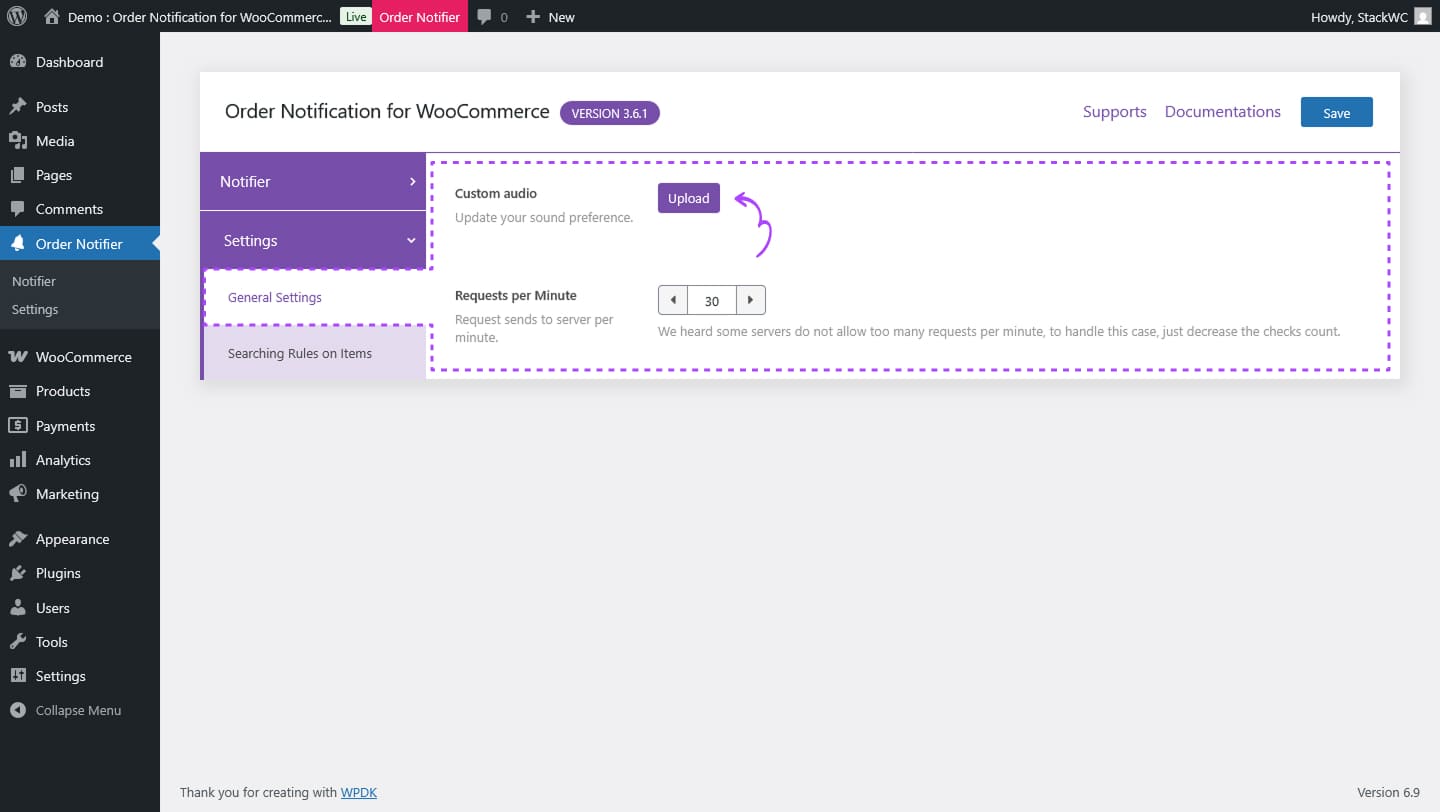
Upload Your Own Sound
Works Across Devices
Tested & Updated Regularly
Choose Your Plan
Covered by the StackWC Promise with a 14-day money-back guarantee.
One Access
Get with all-access
Yearly subscription, cancel anytime.
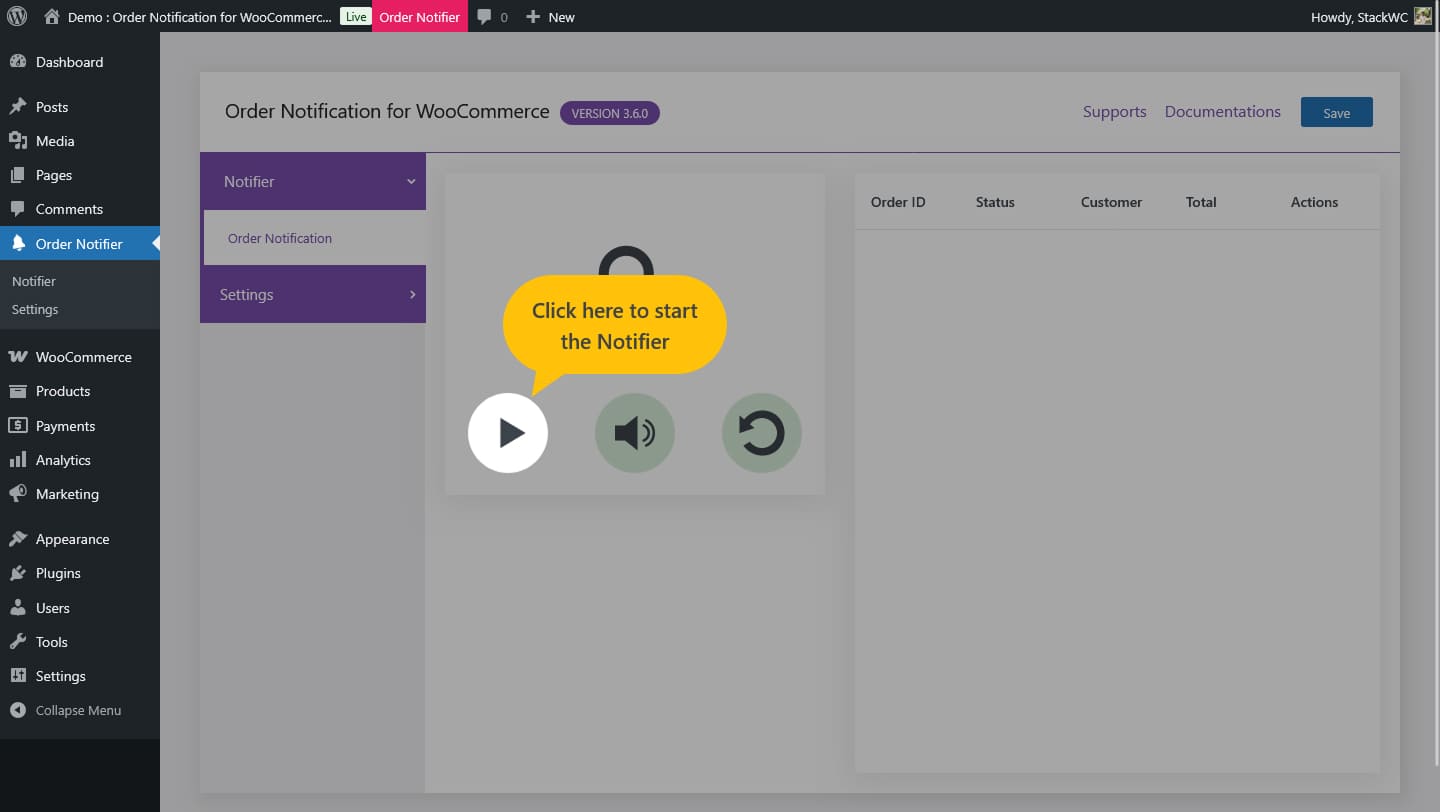
Plugin Screenshot
StackWC Order Notification for WooCommerce – Explore how it works and try the demo.
FAQ
How does this plugin notify me when a new order is placed?
The plugin runs a background listener in your browser that checks for new orders at regular intervals. When a new order is detected, it instantly plays a sound notification—even if you’re working in a different tab.
Do I need to keep the tab open for it to work?
Yes, the plugin requires the browser tab with the listener enabled to remain open in order to function. However, it can work in the background and doesn’t need to be the active tab.
Can I use a custom sound for the notification?
Yes! With the Pro version, you can upload and use your own audio or music file as the alert tone instead of the default one.
Can I set filters for specific products or order conditions?
Absolutely. The plugin allows you to set rules based on product names, categories, tags, or even order amount. You can also configure it to only notify you for certain order statuses.
Will it slow down my website?
Not at all. The plugin is optimized to make lightweight background requests that have near-zero impact on your website’s performance.
Does it work on mobile or tablet?
Sound alerts may not work reliably on mobile or tablet browsers due to device-level restrictions on autoplay media. For best results, use the plugin on a desktop browser.
Is the plugin compatible with the latest versions of WordPress and WooCommerce?
Yes. The plugin is regularly updated and tested with the latest versions of both WordPress and WooCommerce to ensure smooth compatibility.
Do I need the Pro version to get notifications?
No, the free version provides basic notification features. The Pro version unlocks advanced functionality like custom audio, rule-based alerts, and more control over order filtering.