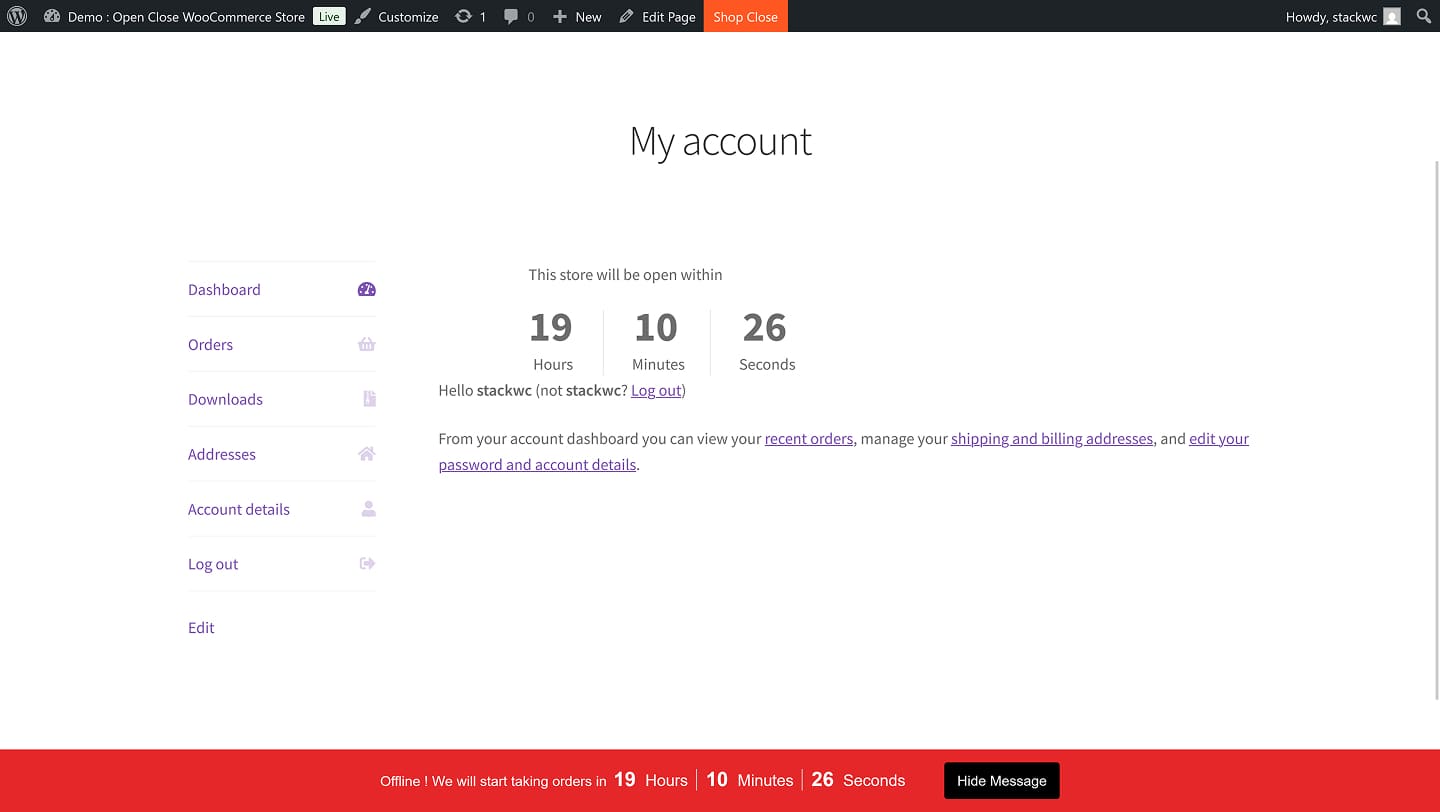
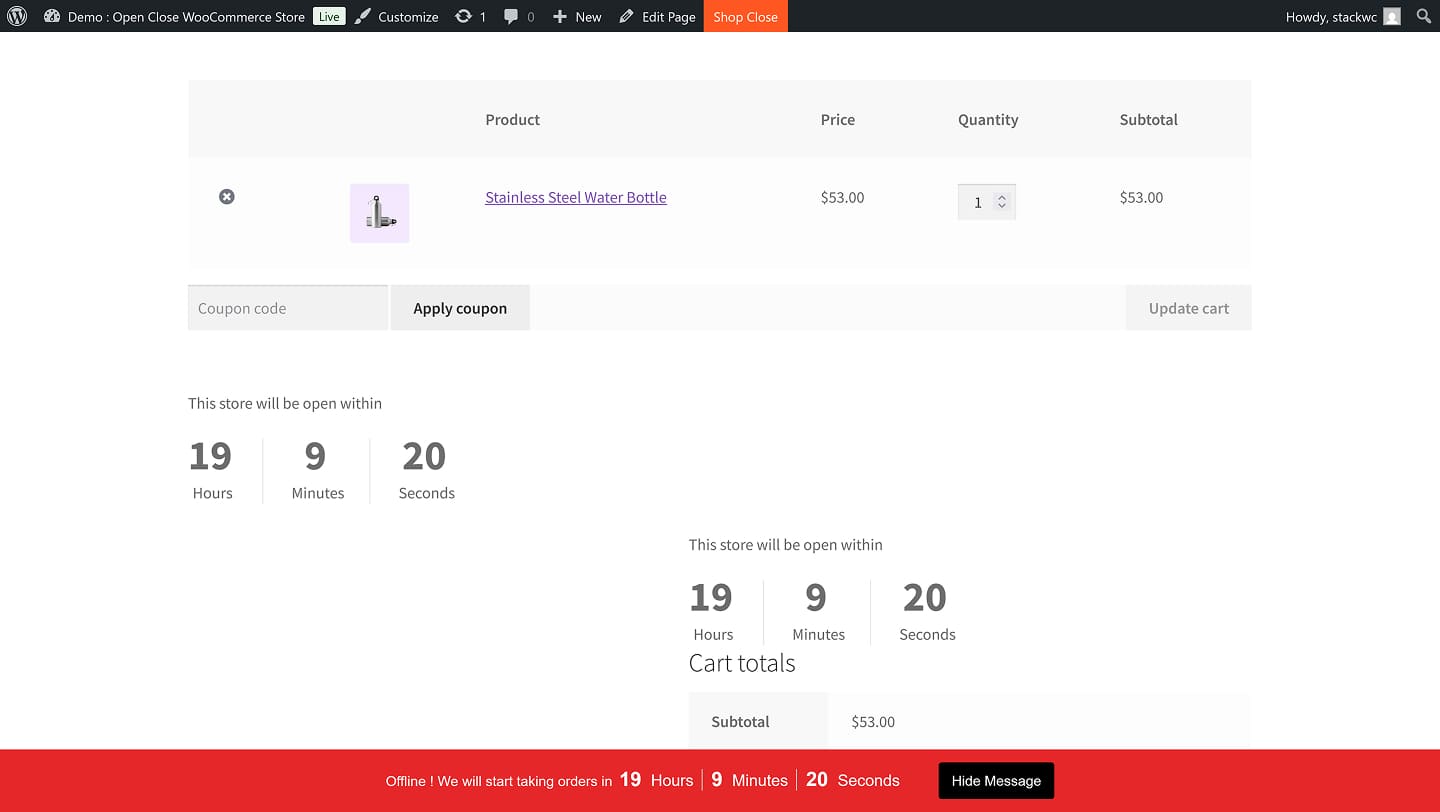
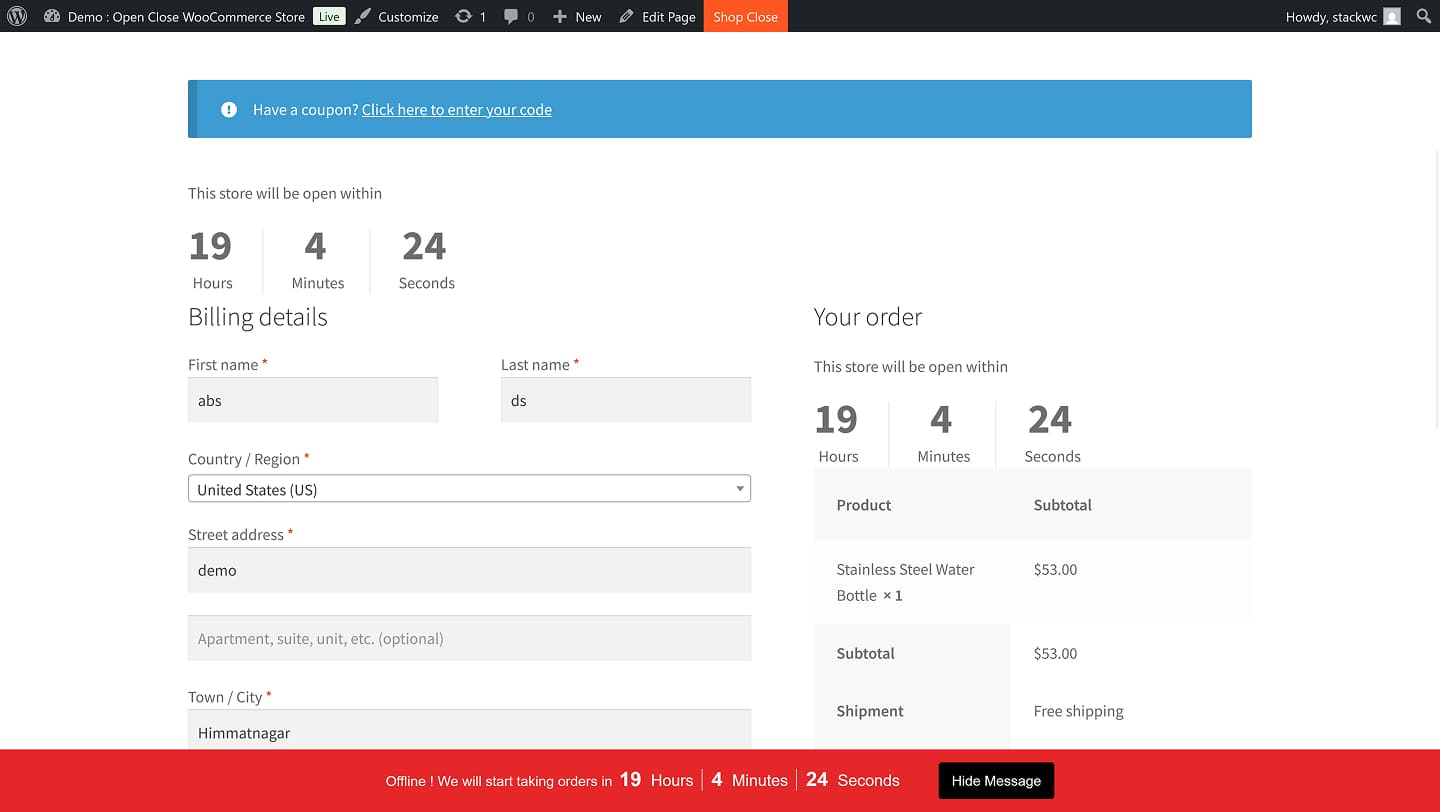
Best Business Schedules Manager

Open Close Store for WooCommerce

Take full control of your WooCommerce store hours — schedule shifts, automate open/close times, and keep customers informed with a lightweight, reliable, store-friendly WooCommerce plugin.
StackWC Open Close Store for WooCommerce

5 Stars

20+ Five-Star Reviews

100%

Money Back Guarantee

900+

Website Served

StackWC Open Close Store for WooCommerce plan your store’s business hours illustration

Plan Your Store’s Business Hours

Total Control Over Ordering

StackWC Open Close Store for WooCommerce total control over ordering illustration

Real Stores. Real Results.

Trusted by Store Owners Worldwide

Your Smart WooCommerce Business Scheduler Plugin

power-packed with everything you need to control store access like a pro.

Multi-Schedule Support
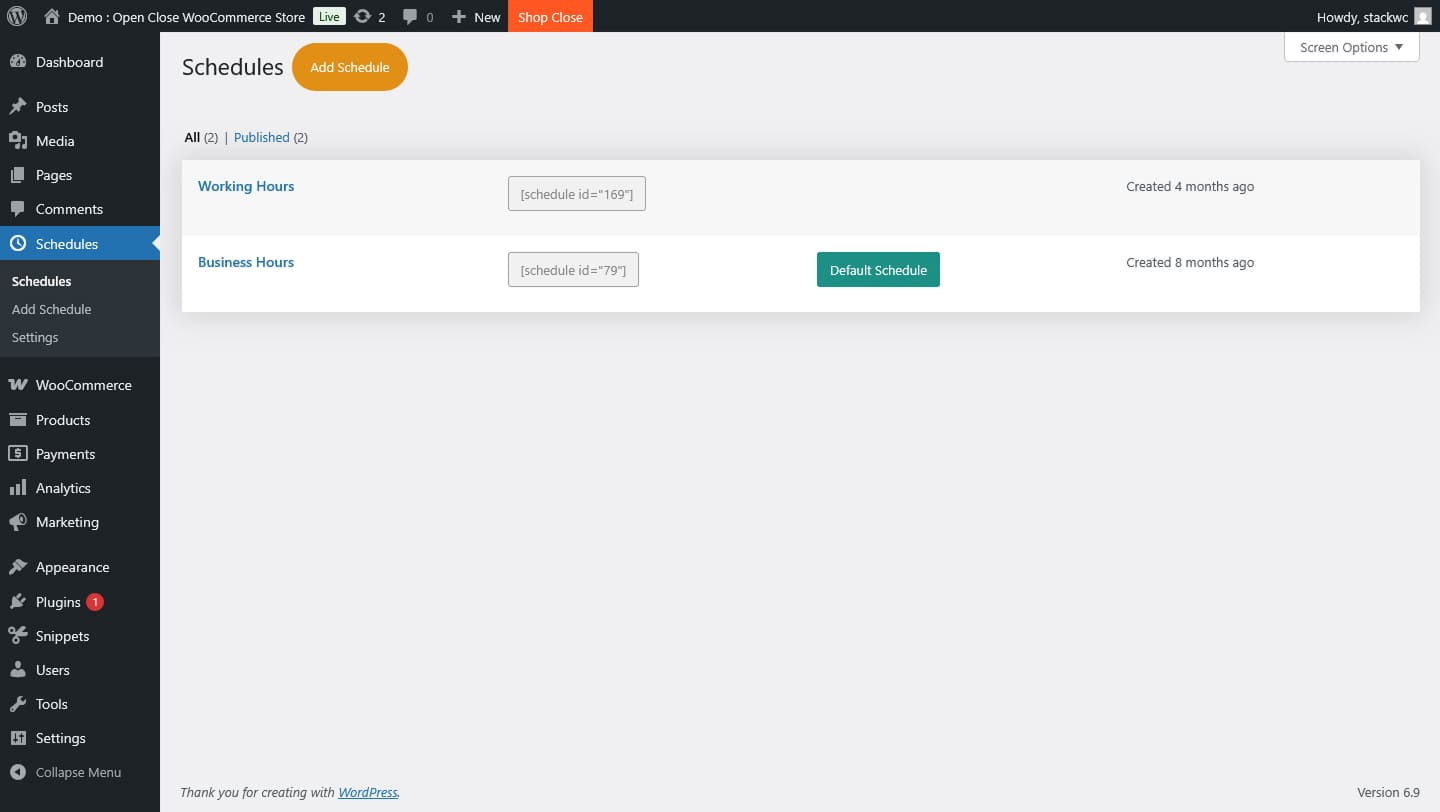
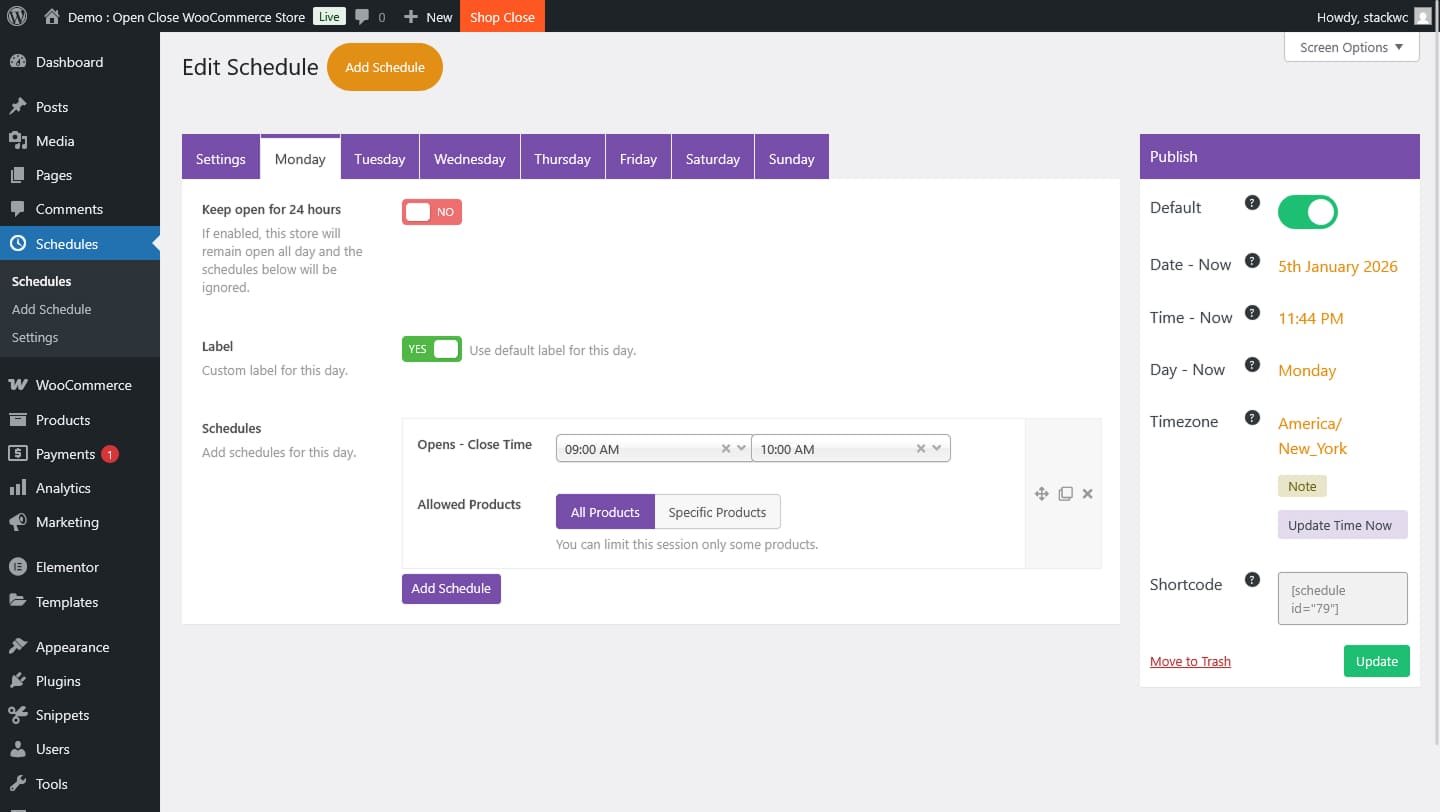
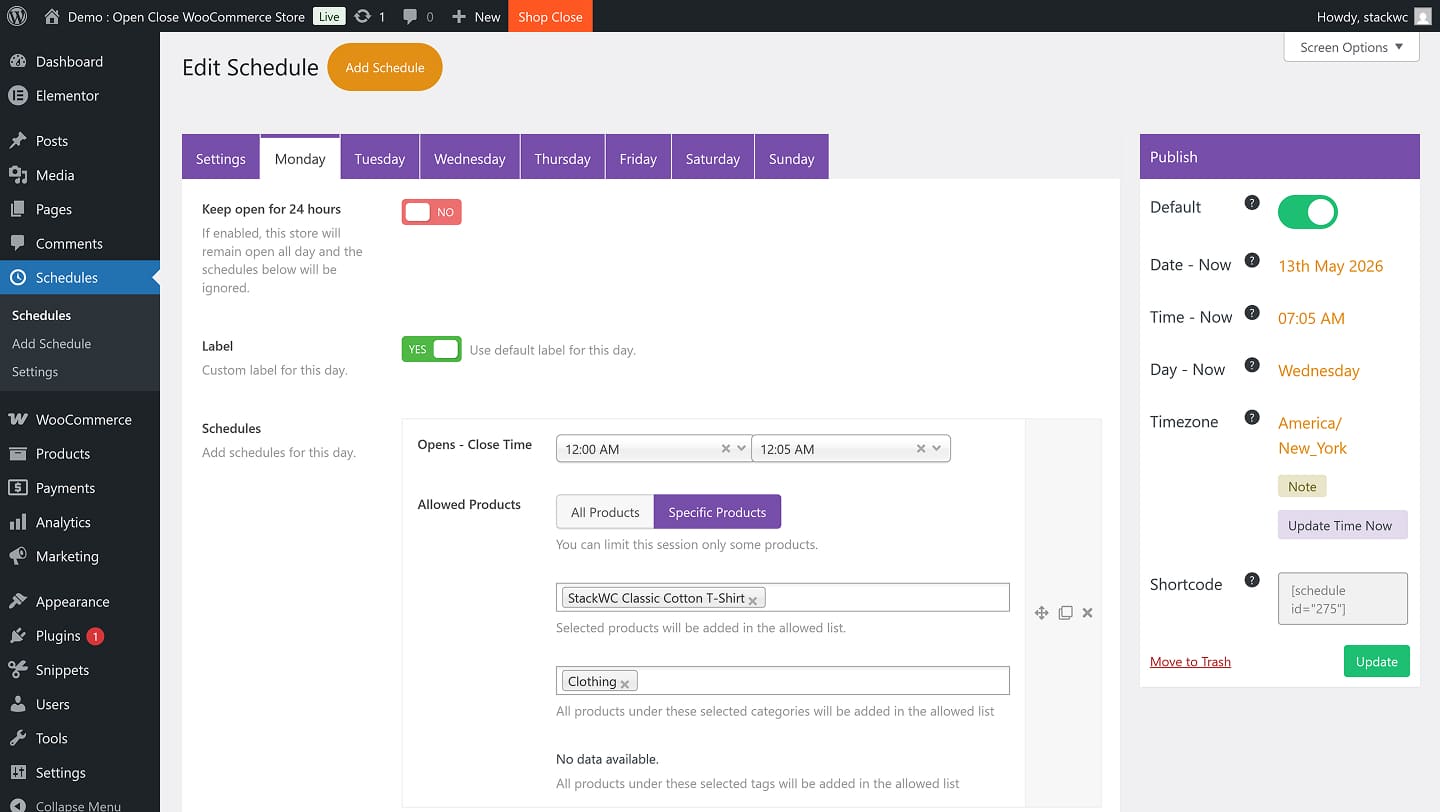
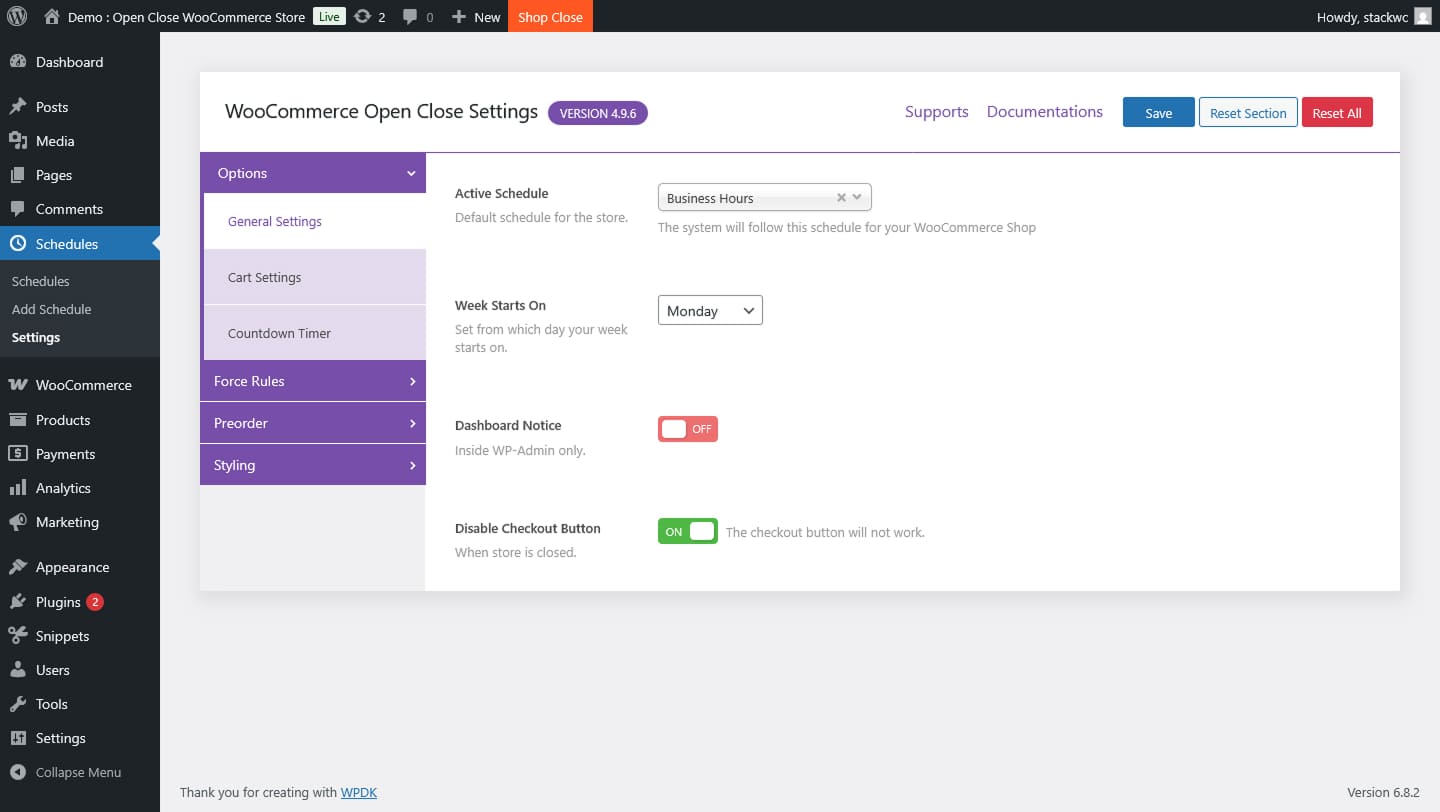
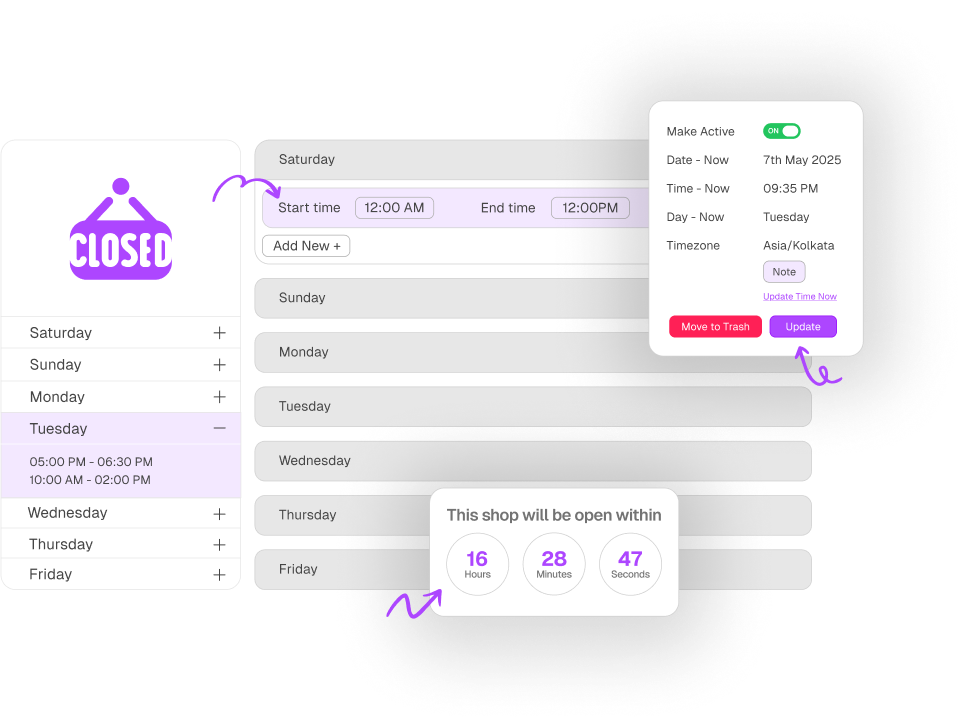
Create custom business hours with daily or weekly variations.
Timezone-Aware
Uses your store’s local WordPress timezone, no confusion.
Instant Toggle
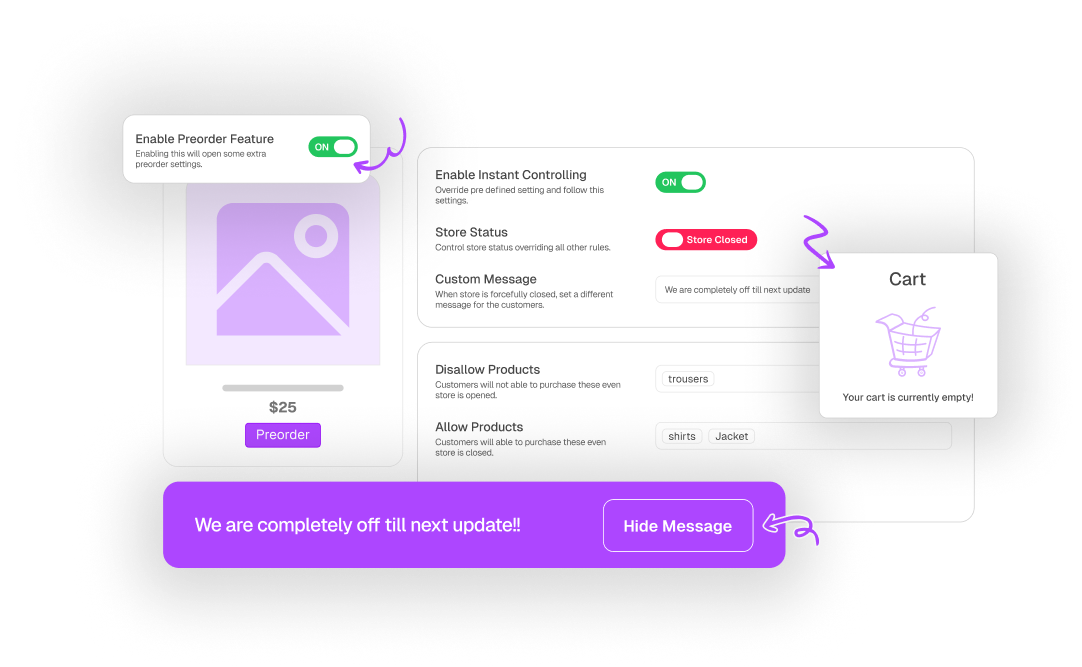
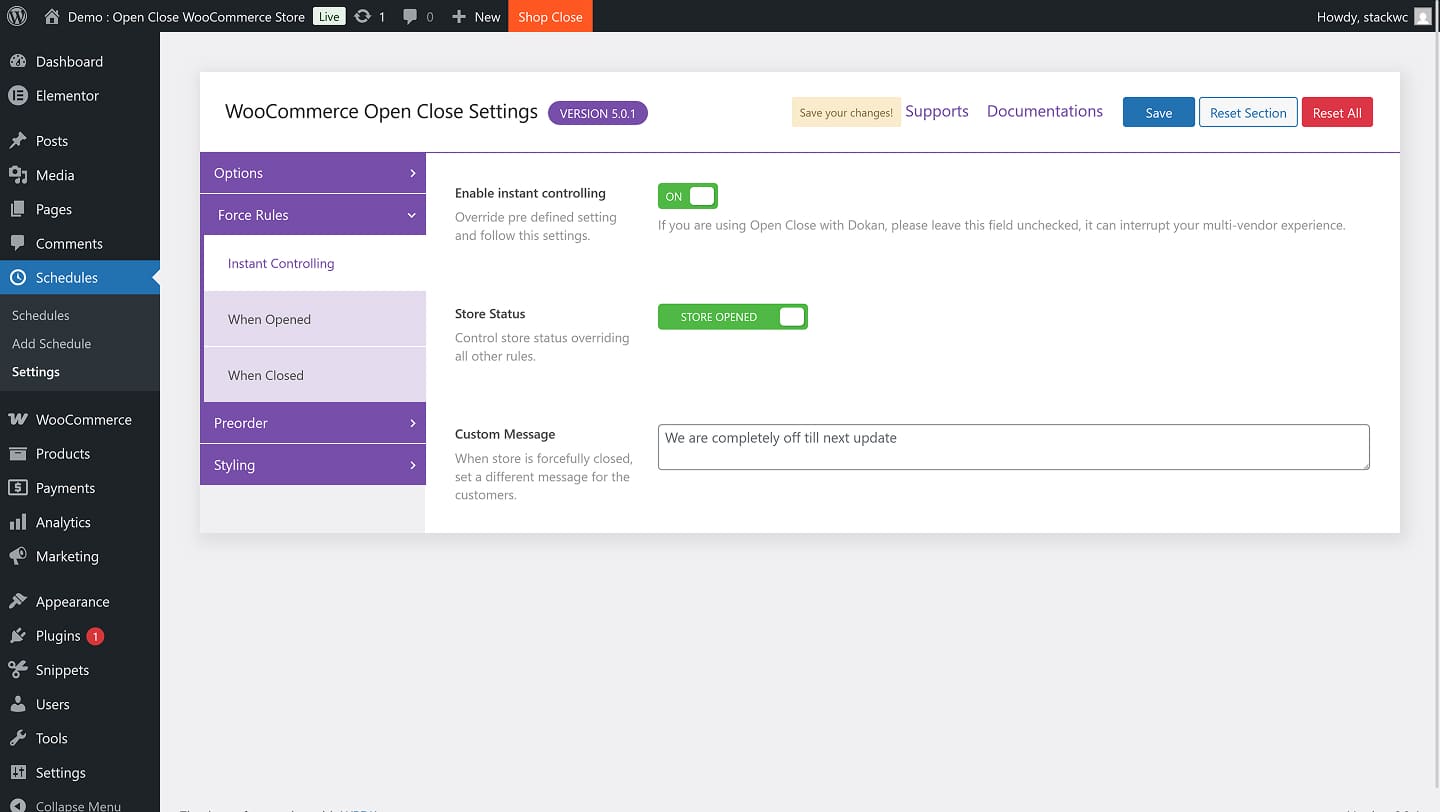
Instantly close or reopen the store with a click — no need to edit schedules.
Marketplace Ready
Seamlessly integrates with Dokan marketplace.
Custom Messages & Styles
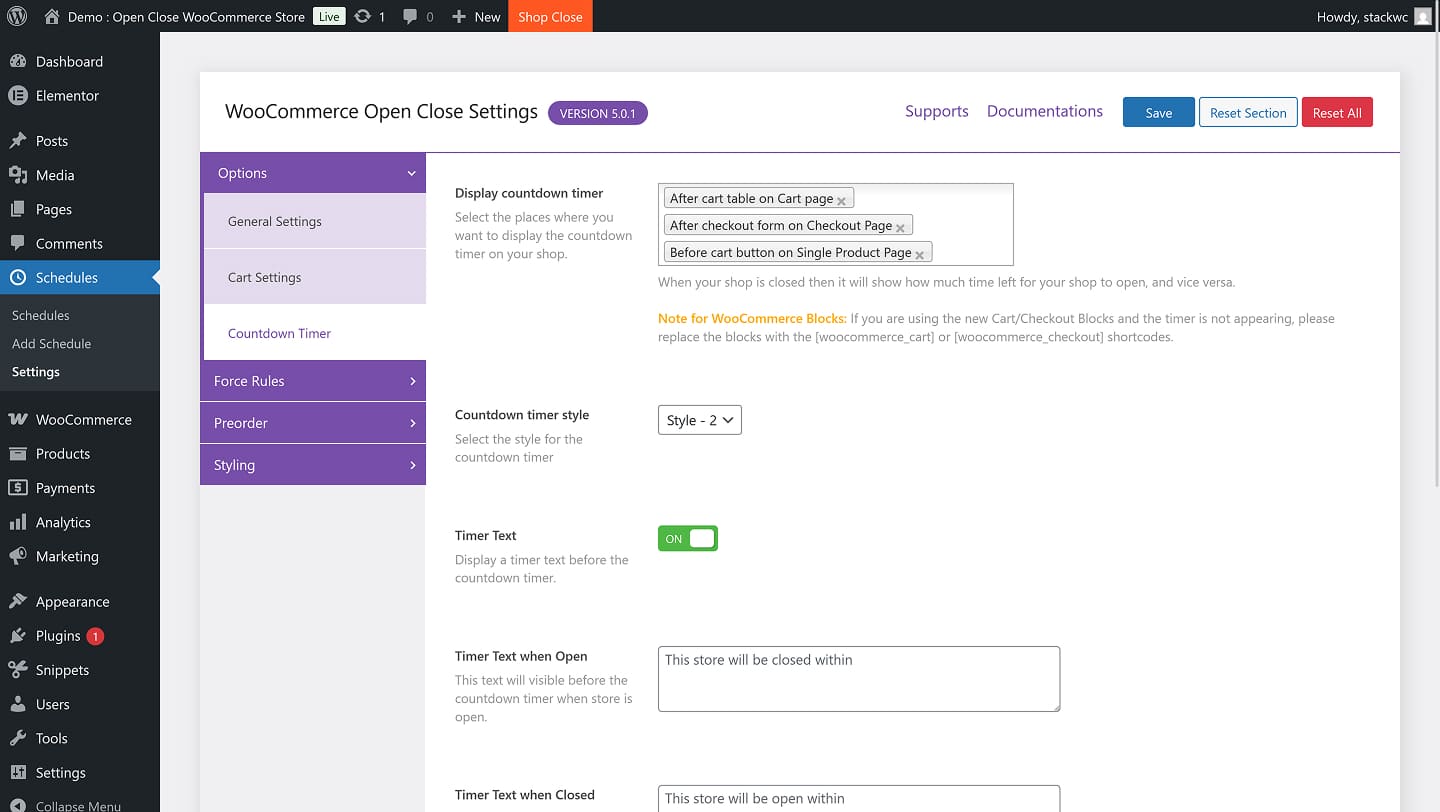
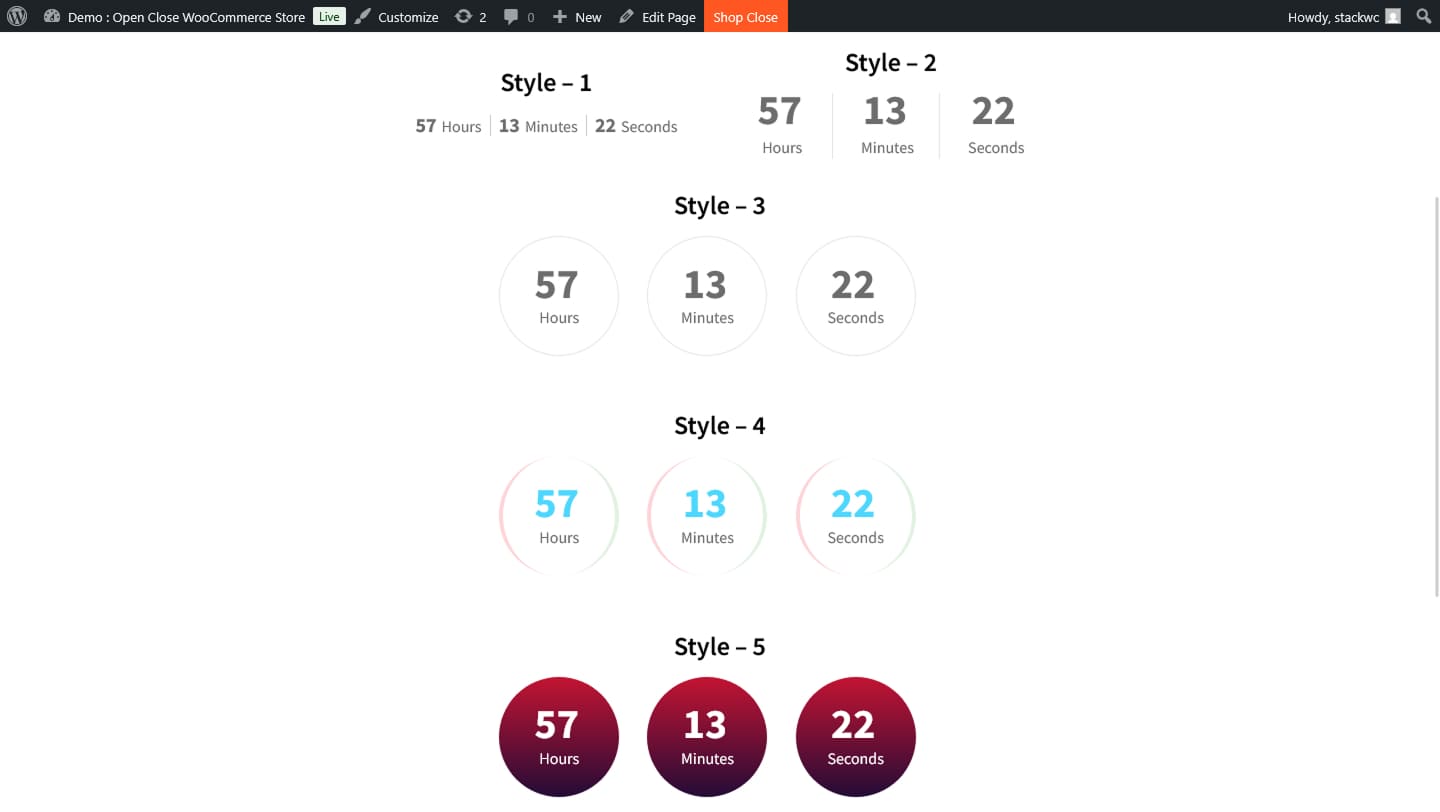
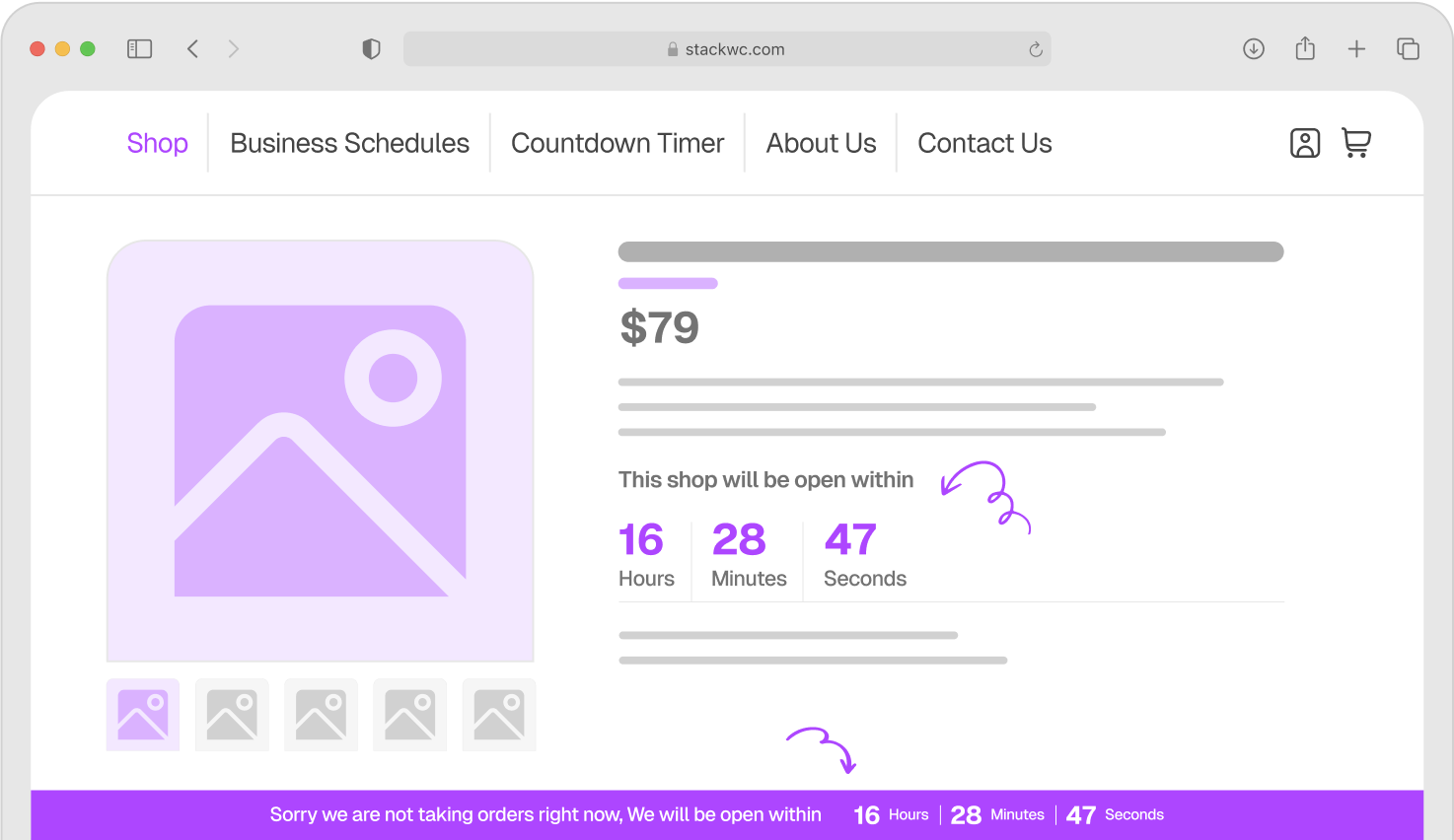
Add branded messages and display countdowns in your own style.
Notice Bar + Popup
Alert users with popups or status bars when they try to order during closed times.

Choose Your Plan

Covered by the StackWC Promise with a 14-day money-back guarantee.

One Access
Single Plugin
$49
Get with all-access
All 5 Plugins
$249

Yearly subscription, cancel anytime.

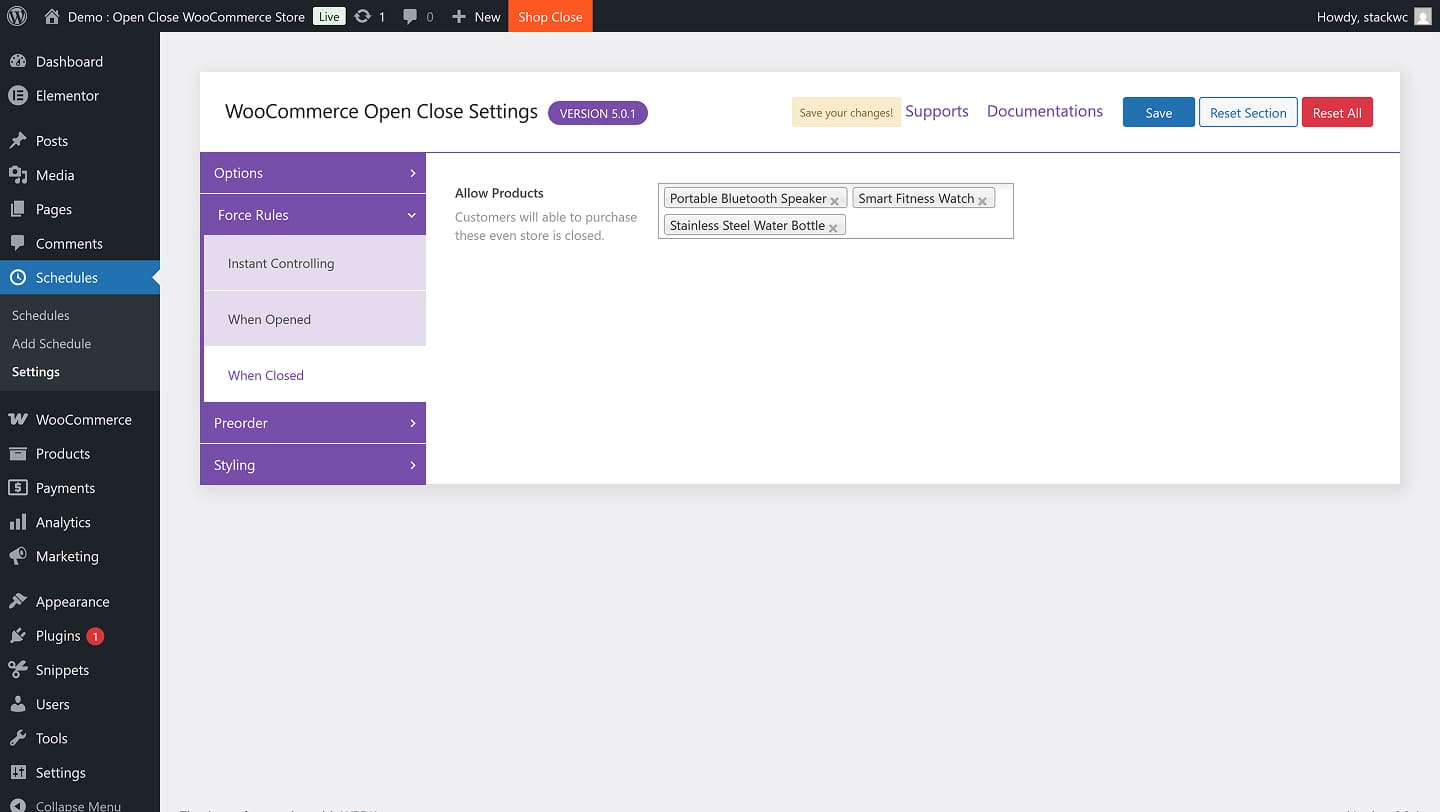
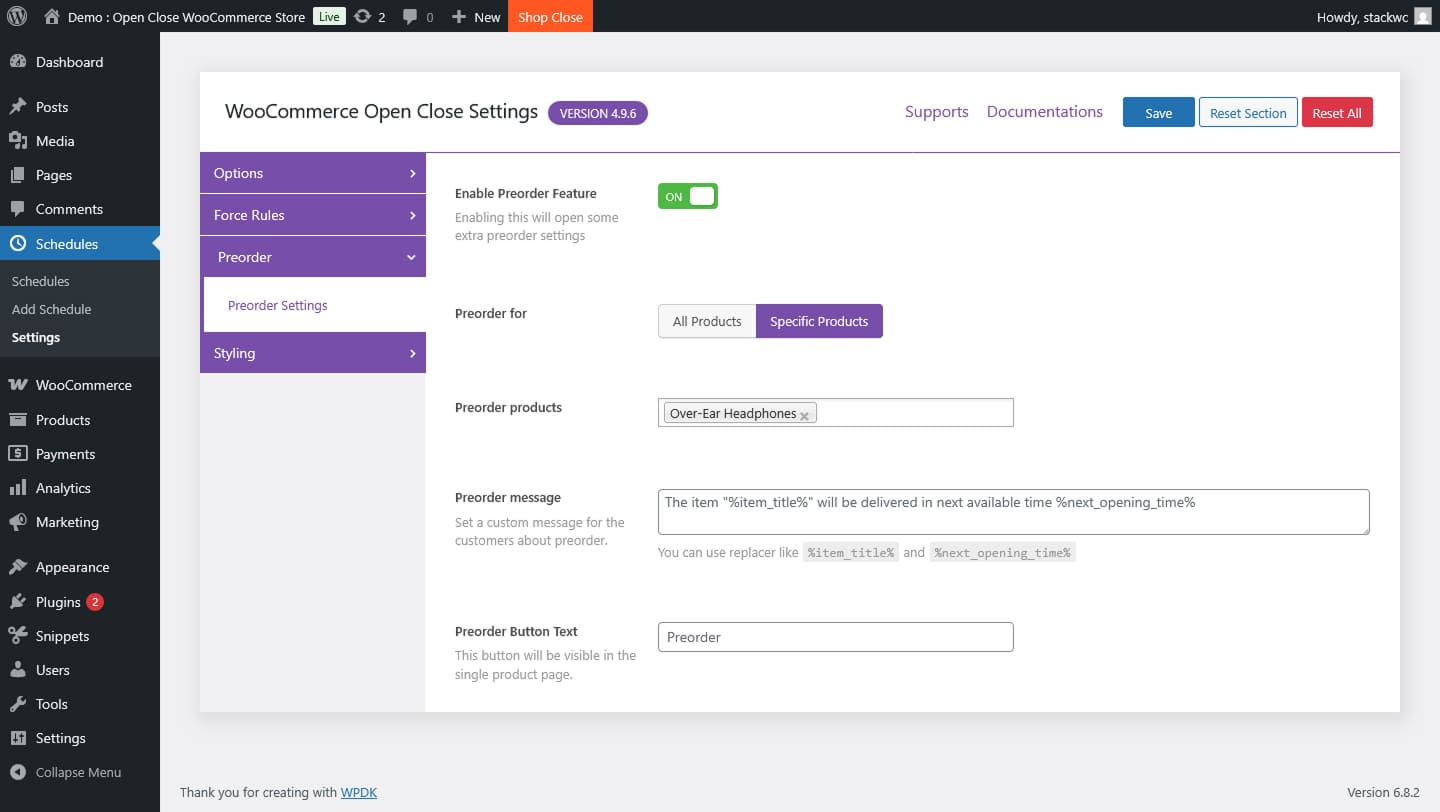
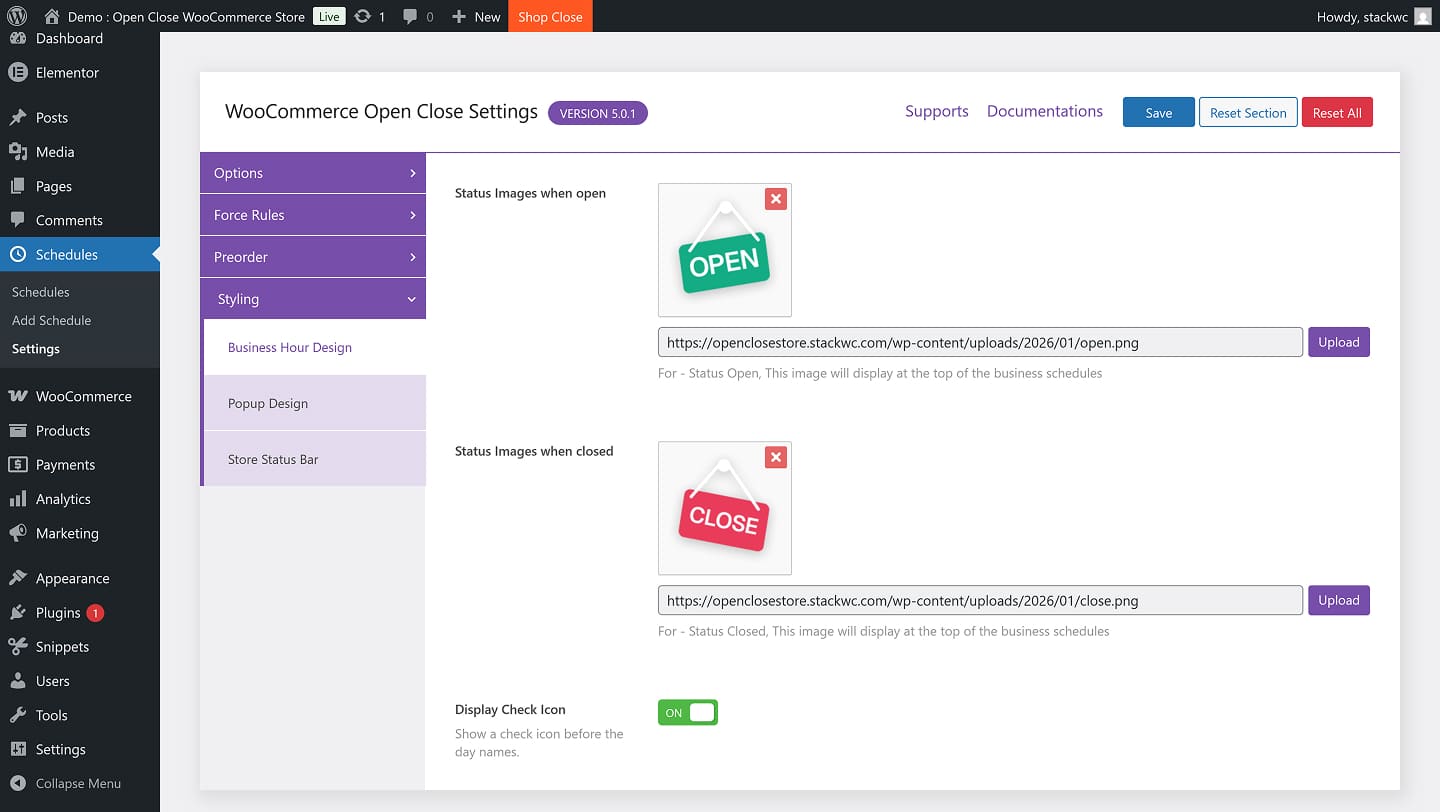
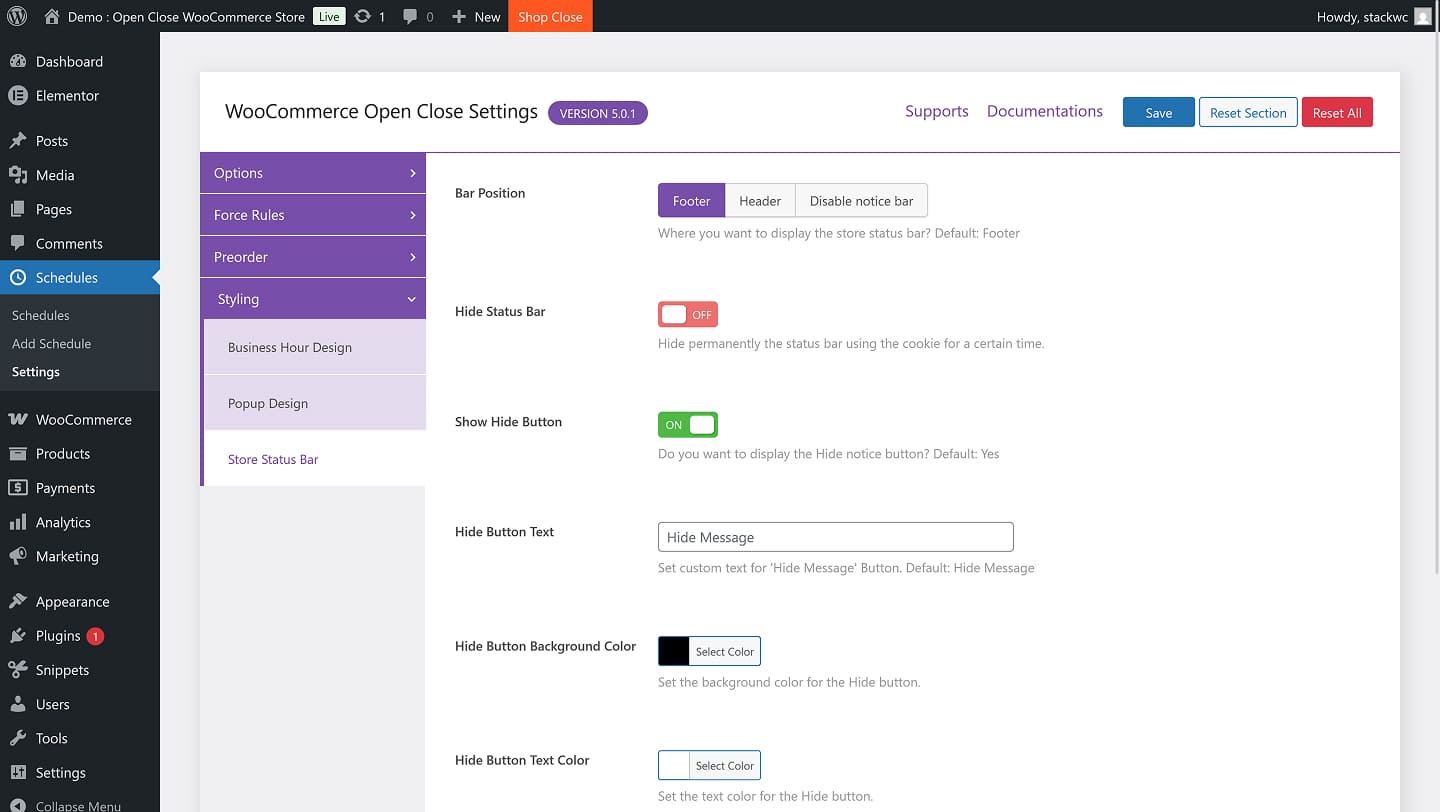
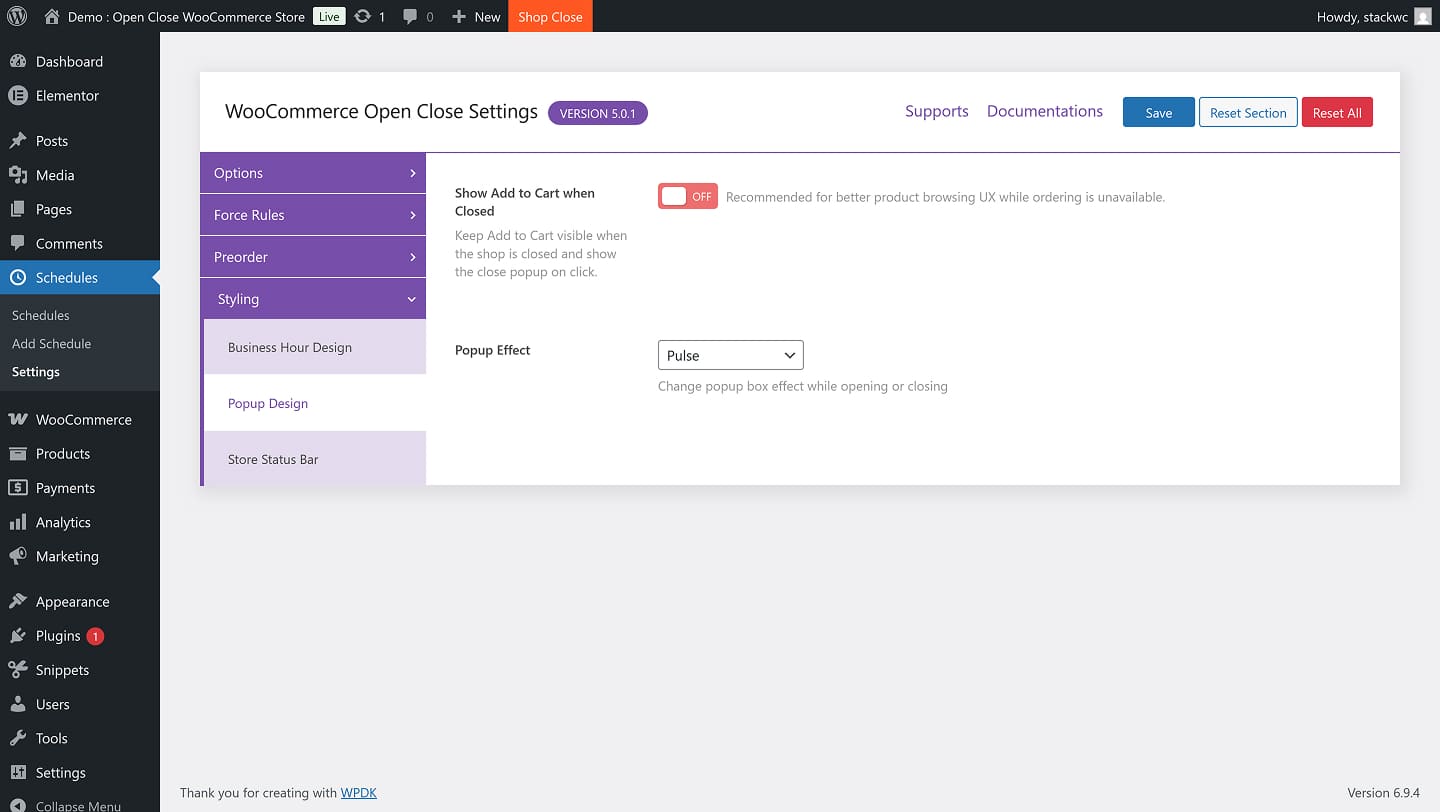
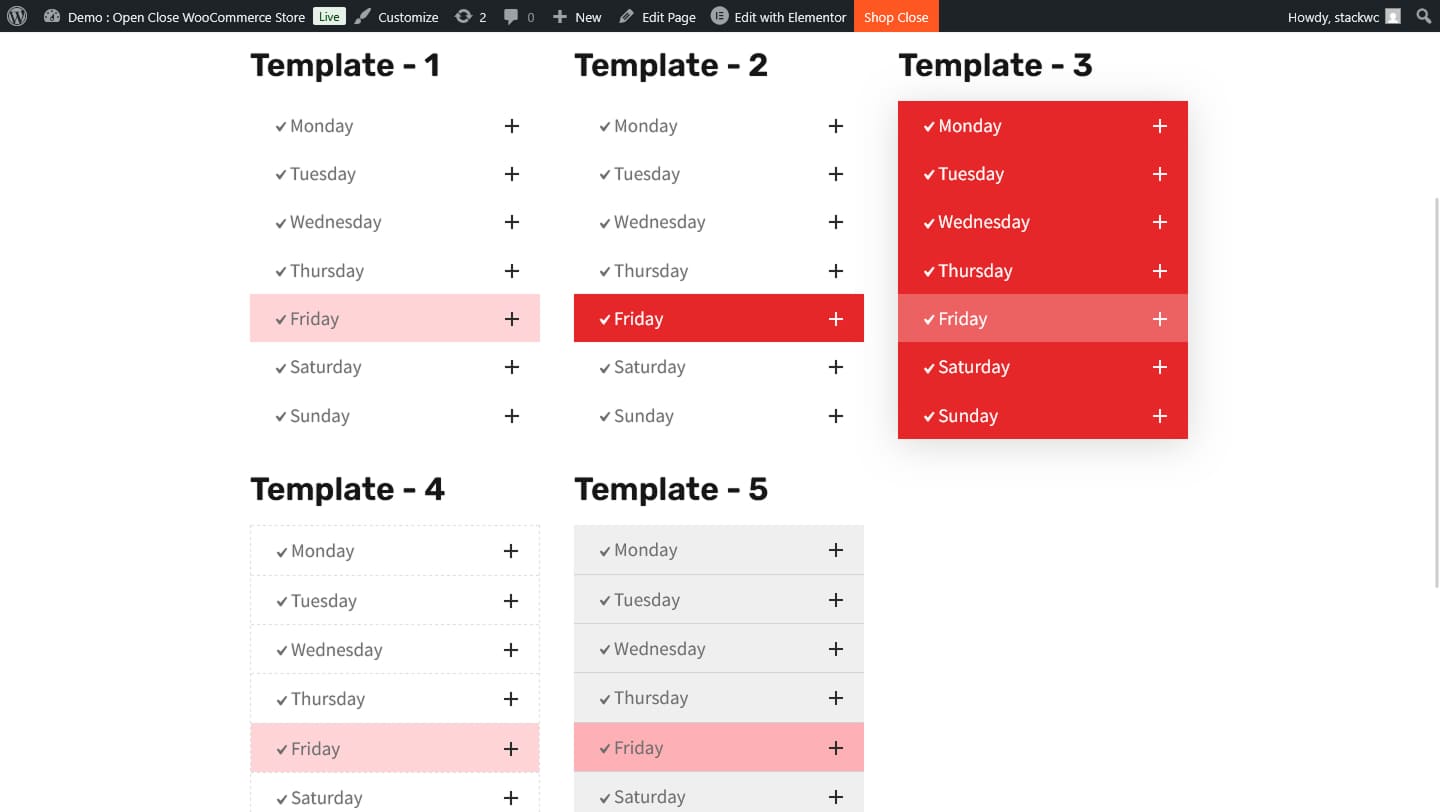
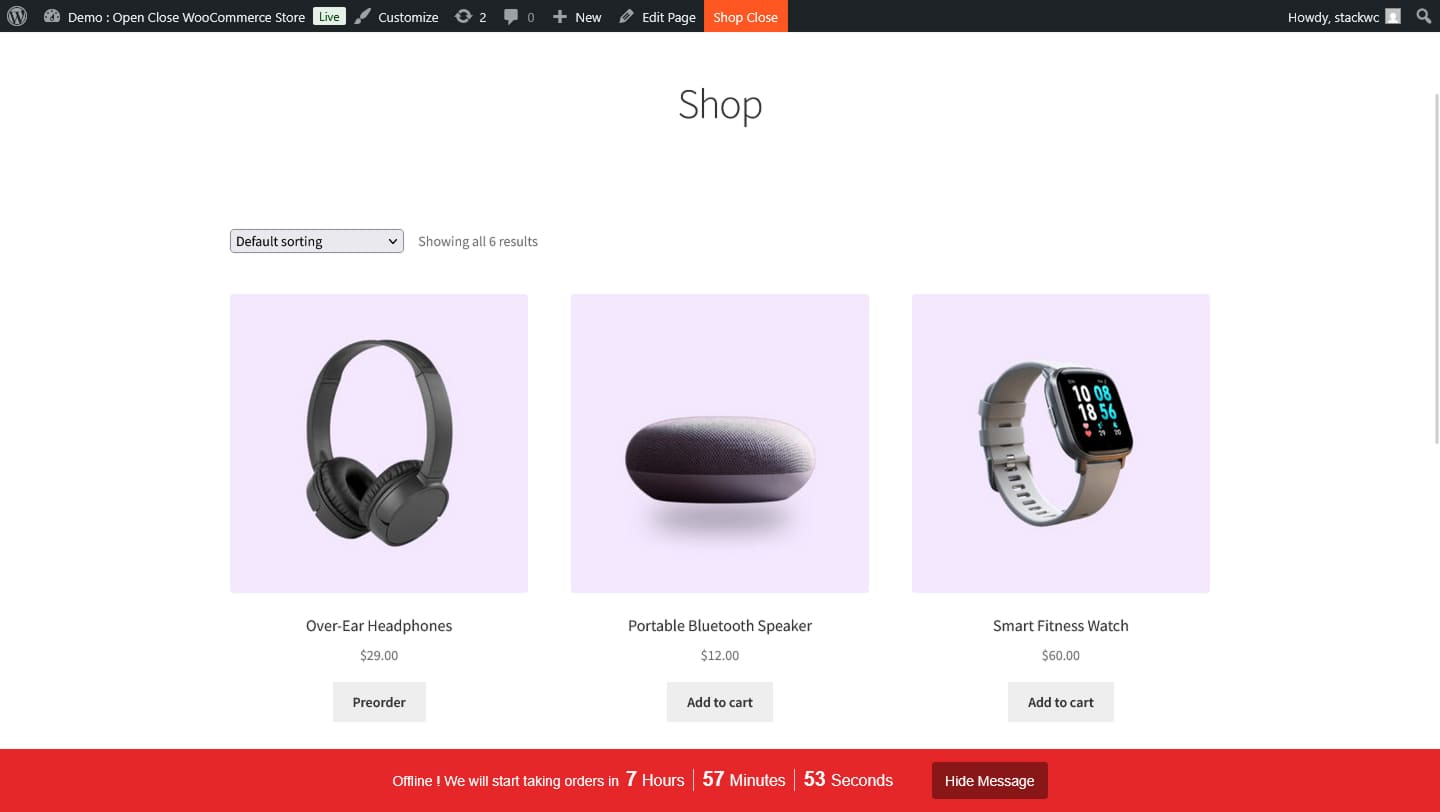
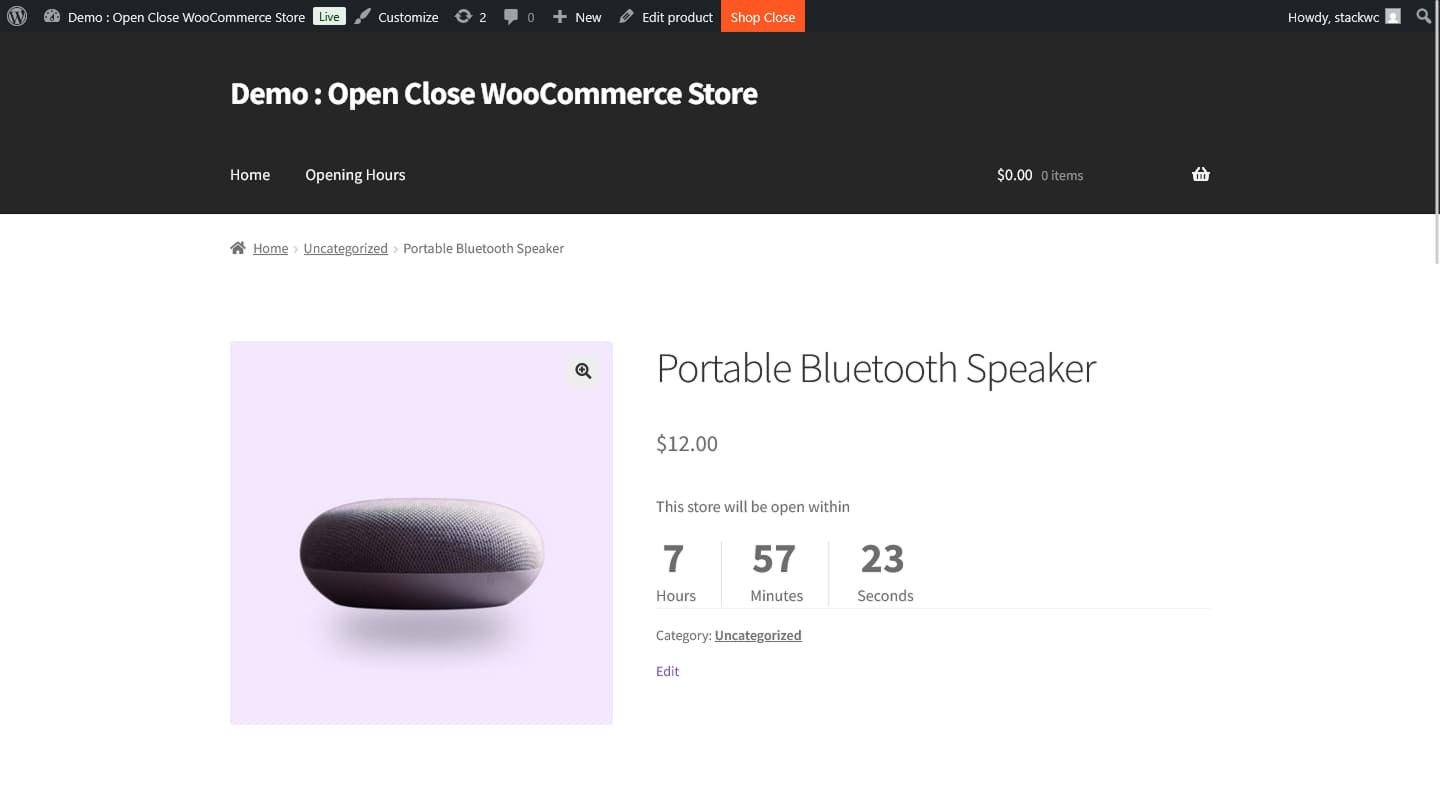
Plugin Screenshot

StackWC Open Close Store for WooCommerce – Explore how it works and try the demo.

FAQ

Find quick answers to common questions about plugin!

Yes! You can create multiple shifts per day (e.g., morning & evening hours).

Absolutely. It uses the same timezone you configure under Settings > General.

Yes. You can open or close your store instantly at any time with just a click.

Currently, it works with Dokan.

Definitely. You can allow or disallow specific products to bypass store schedules.

Yes! The plugin is 100% translation-ready and community contributions are welcome.

Yes, in the Pro version, you can use a shortcode to manage all schedules from the frontend.

Of course! We’ve tested it with many popular themes. If you face any issues, our support team is here to help.
You’re almost there! Install the plugin today and turn your ideas into results...

Changelog

5.0.1 – 27 Apr 2026

  • FIX: Improved “hide add to cart when store is closed” compatibility for Astra and WooCommerce block themes.
  • FIX: Added fallback handling to hide add-to-cart buttons in theme-specific templates when ordering is not allowed.
  • NEW: Added Pro-only styling controls for store status bar background/text colors and hide button background/text colors.

5.0.0 – 16 Apr 2026

  • FIX: Fixed 24 hours condition for display time
  • FIX: Fixed the text domain warning
  • FIX: Fixed the Blocksy theme layout issue
  • FIX: Hide Astra theme’s metabox
  • FIX: Fixed hours counting issue
  • FIX: Added null default value
  • UPDATE: Removed unused hooks
  • UPDATE: Removed the error_logs comment code
  • Updated: Tested up to WooCommerce 10.7.0

4.9.9 – 2 Jan 2026

  • NEW: Added “Keep open for 24 hours” toggle option for each day in schedule settings
  • FIX: Fixed fatal error when viewing orders with deleted products
  • Updated: Tested up to WooCommerce 10.4
  • Updated: WordPress compatibility to 6.9

4.9.8 – 17 Sep 2025

  • FIX: Fixed schedule creation issues.
  • FIX: Fixed the add to cart through URL when the store is closed.
  • Updated: Tested up to WooCommerce 10.1.2

4.9.7 – 27 Jun 2025

  • FIX: Fixed plugin activation error.

4.9.6 – 26 Jun 2025

  • NEW: Added Freemius.
  • FIX: Tested with the latest WordPress and WooCommerce versions.

4.9.5 – 16 Apr 2025

  • FIX: Tested with the latest WP version.
  • FIX: Fixed some broken links.

4.9.4 – 24 Jan 2025

  • FIX: Fixed load textdomain issue.
  • FIX: Compatibility Test with Latest WordPress and WooCommerce Versions.

4.9.3 – 09 May 2024

  • FIX: Compatibility Test with Latest WordPress and WooCommerce Versions

4.9.2 – 07 Mar 2024

  • FIX: Security bug fixed

4.9.1 – 17 Jan 2024

  • FIX: Bug fixed

4.9.0 – 06 Dec 2023

  • FIX: Bug fixed

4.8.0 – 26 Nov 2023

  • FIX: Bug fixed

4.7.9 – 11 Nov 2023

  • FIX: Bug fixed

4.7.5 – 20 Sep 2023

  • FIX: Bug fixed

4.7.0 – 20 Sep 2023

  • FIX: Compatibility Test with Latest WordPress and WooCommerce Versions

4.6.0 – 06 Aug 2023

  • FIX: Add support for stripe pay button

4.5.0 – 17 Jun 2023

  • FIX: Fixed issues

4.4.7 – 09 Apr 2023

  • FIX: Fixed issues

4.4.5 – 27 Mar 2023

  • FIX: Fixed plugin action link

4.4.4 – 20 Mar 2023

  • FIX: Bug fixed

4.4.3 – 26 Feb 2023

  • FIX: Fix status bar visibility issue

4.4.2 – 25 Feb 2023

  • FIX: Issue fix while updating with pro version

4.4.1 – 22 Feb 2023

  • NEW: New meta box system implemented

4.3.7 – 14 Aug 2022

  • NEW: Hide button of store status bar hides actually for specific time
  • FIX: After update cart timer issue has been fixed

4.3.6 – 13 Aug 2022

  • FIX: Pro version issue fixed

4.3.5 – 12 Aug 2022

  • FIX: Fixed SDK issue

4.3.3 – 07 Aug 2022

  • NEW: Added new settings library in updated SDK

4.3.0 – 10 Apr 2022

  • FIX: Fix security issues

4.2.14 – 24 Feb 2022

  • FIX: Handle updates of pro version lower version

4.2.13 – 21 Feb 2022

  • FEATURE: Options added for changing texts of Hours, Minutes and Seconds for the countdown timer

4.2.12 – 17 Feb 2022

  • BUG: SDK update and moved to free plugin only

4.2.11 – 28 May 2021

  • FIX: Bug fixed

4.2.10 – 26 May 2021

  • NEW: Preorder feature added

4.2.9 – 24 May 2021

  • FIX: Bug fixed

4.2.6 – 05 May 2021

  • NEW: Pluginbazar SDK added

4.2.5

  • Litespeed Cache support enabled

4.1.9

  • Sunday store closing issue fixed

4.1.8

  • A serious bug has been fixed

4.1.5

  • Admin UI Update

4.1.4

  • Compatibility Test with Latest WordPress and WooCommerce Versions

4.0.8

  • Enable option to disable notice bar and fix a bug

4.0.7

  • Instant closing feature added in pro version and minor bug fixes

4.0.2

  • Dokan plugin support in Pro version

4.0.1

  • Frontend schedules manager added with shortcode in Pro version

4.0.0

  • Major Update

3.2.0

  • New variations and styles

3.0.4

  • Bug Fixing

3.0.3

  • New 2 features added to Pro version

3.0.2

  • Bug Fixing

3.0.0

  • Added so many things, Came with New Look, interface and new Technologies.

2.5.5

  • Allow or Block products no matter shop is Opened or Closed

2.5.3

  • Video Help section added

2.5.3

  • Translation Ready
  • Open Close WooCommerce Store – Reports : A New addon ready for this Release.

2.5.1

  • License Management Added!!!

2.5

  • New feature – Order Number Restrictions

2.4

  • This is a Big Update. We change the structures and layout in a big format. Hope you will enjoy this.

2.3

  • Added extra features to the Settings Panel.

2.2

  • Solved the Problem arise in New Version.

2.1

  • Add New Feature: Add 2 Opening and Closing Hours.

2.0

  • Changed to a Super Edition.

1.3

  • Automation in PRO Feature.

1.2

  • Fixed a BUG.

1.1

  • Changed a Lots in functionality and compatibility with WordPress.

1.0 – Initial Release