
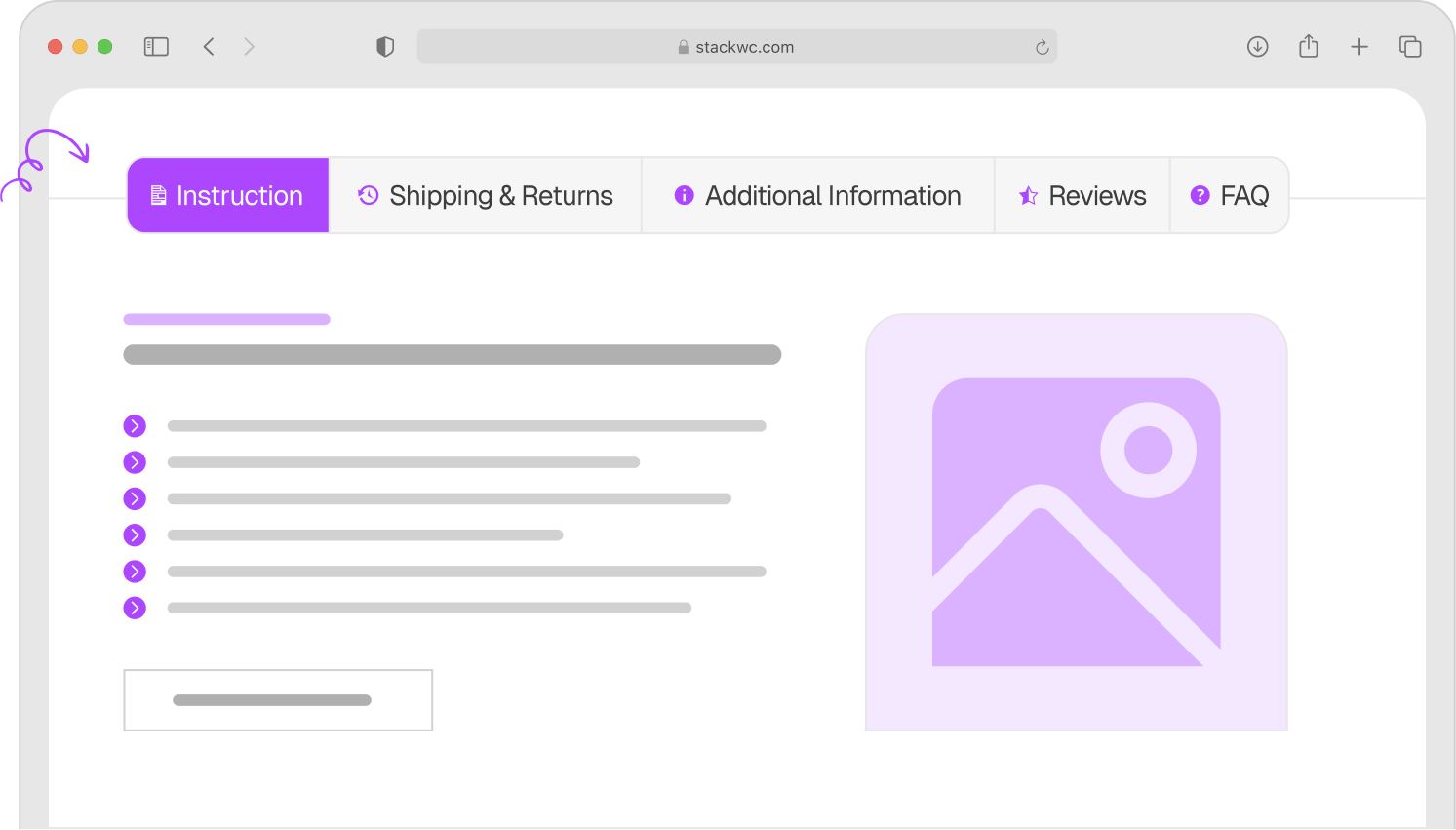
5 Stars
Rated Excellent
100%
Money Back Guarantee
500+
All time downloads
- Version 1.0.3
- Last updated: 04 Mar 2026
- Changelog : View here
#1 WooCommerce Tab Manager Plugin Powered by Block Editor
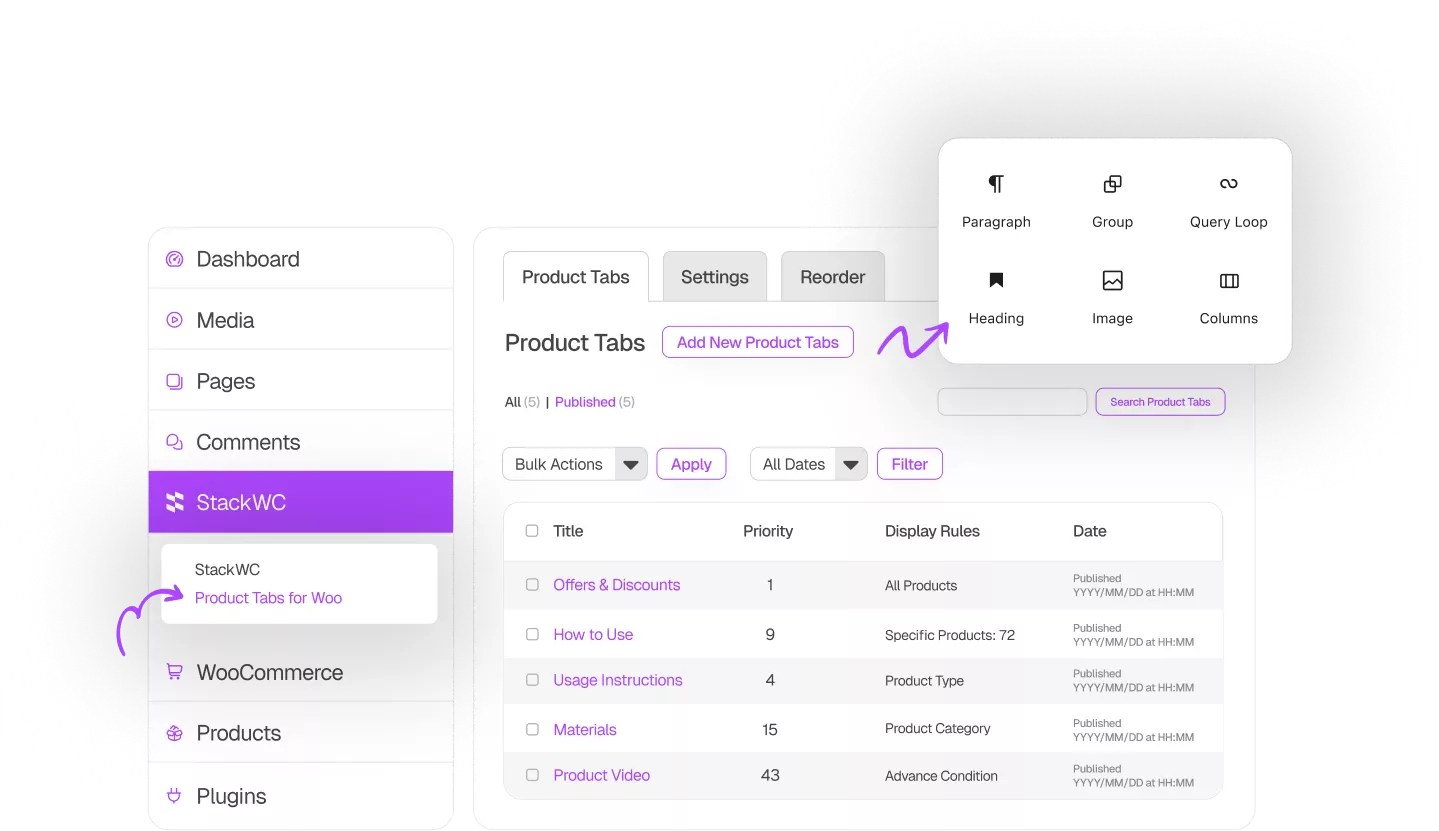
Create Unlimited Custom Tabs
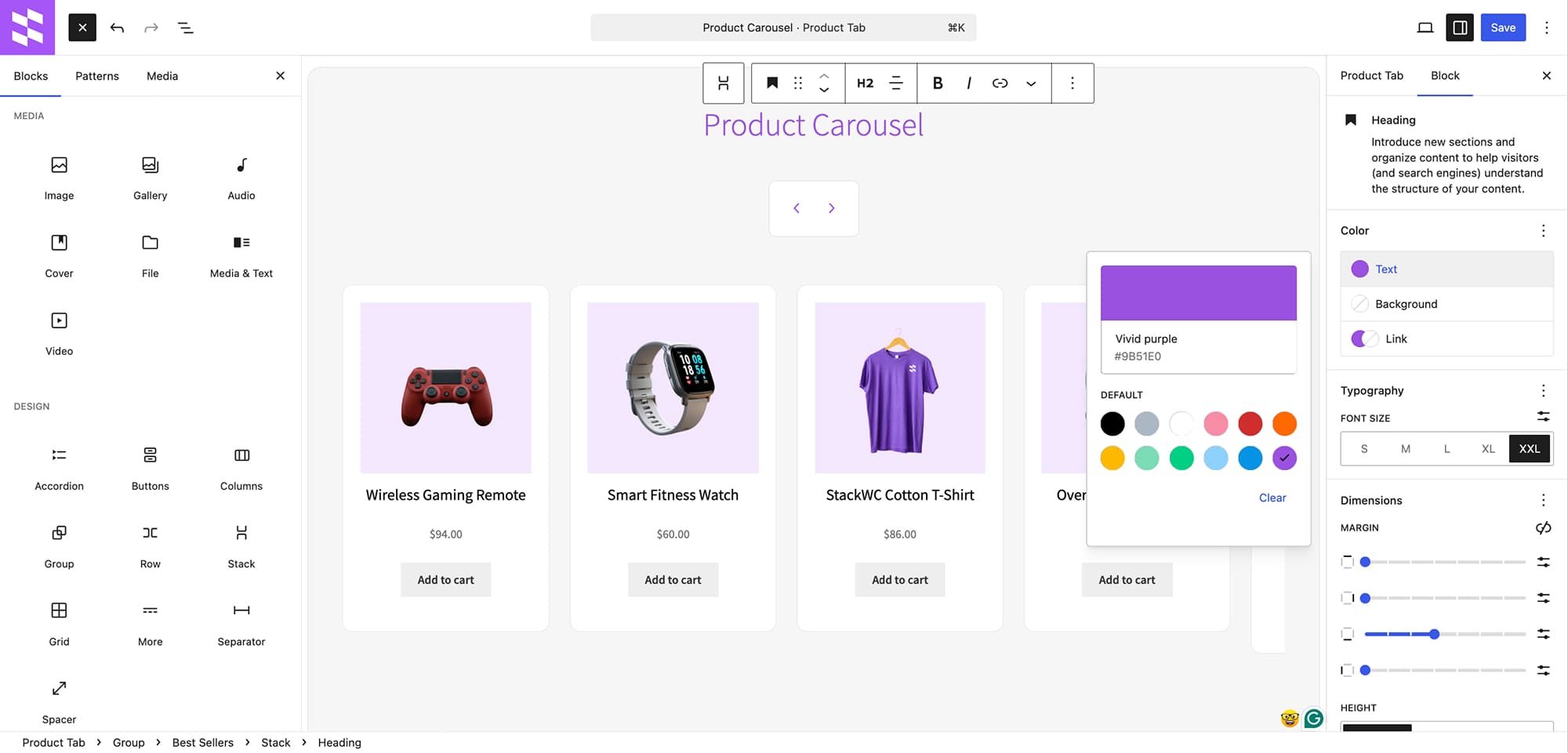
- Use the built-in block editor or import ready-made patterns
- Add any content like specs, FAQ, videos, guides, or comparisons
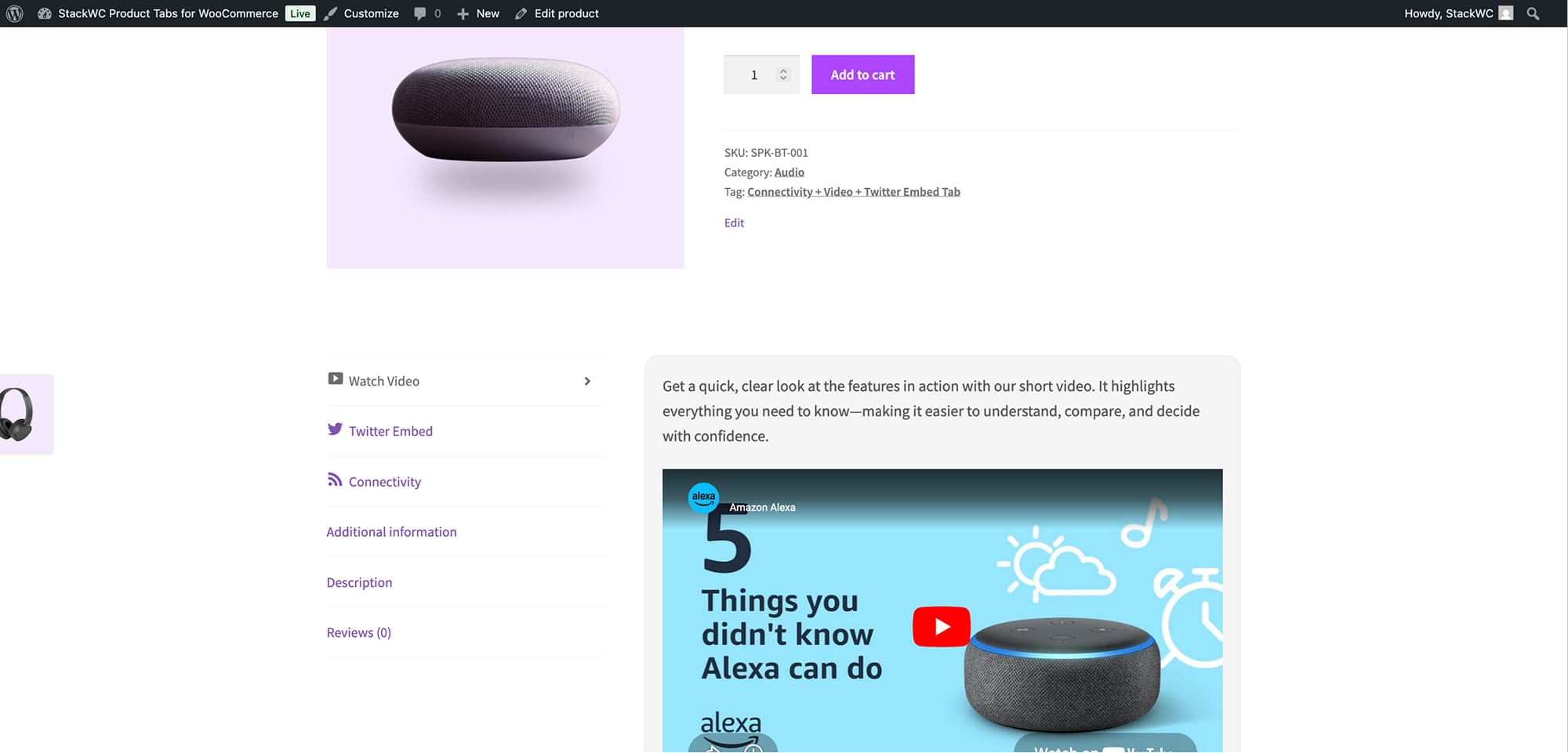
- Seamless tab creation to the WooCommerce product page. with a clean, intuitive interface
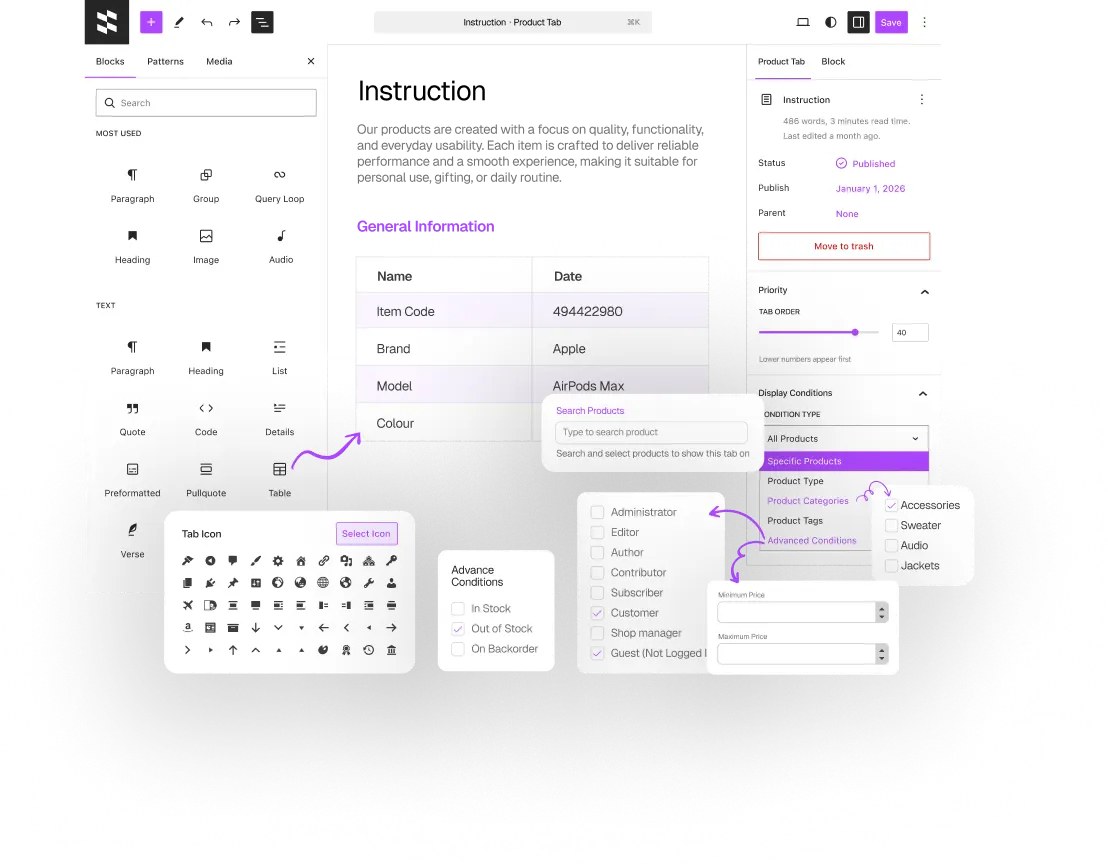
Show Tabs Based on Conditions
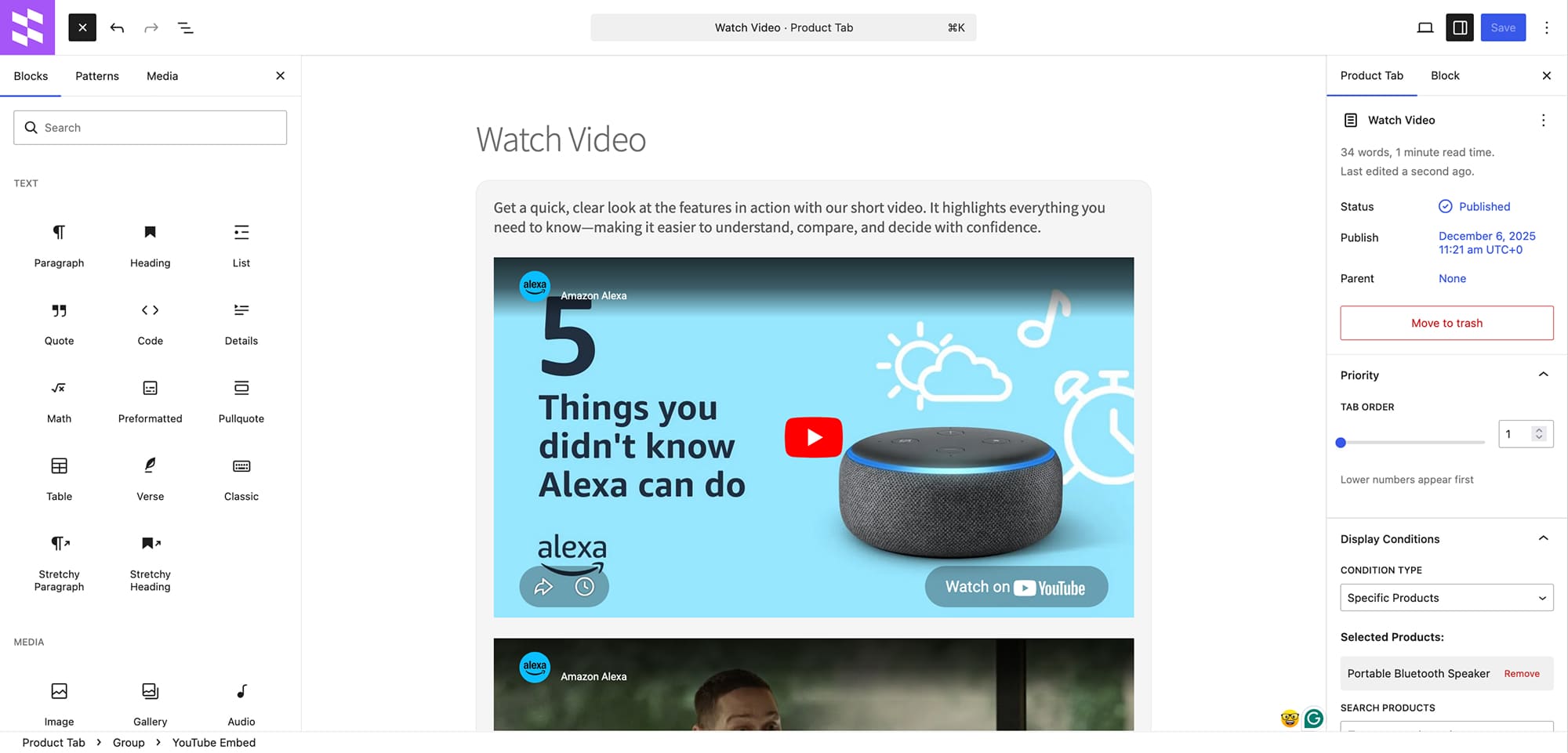
- Display tabs only for specific products, categories, or tags
- Control which tabs appear and when, for a tailored shopping experience
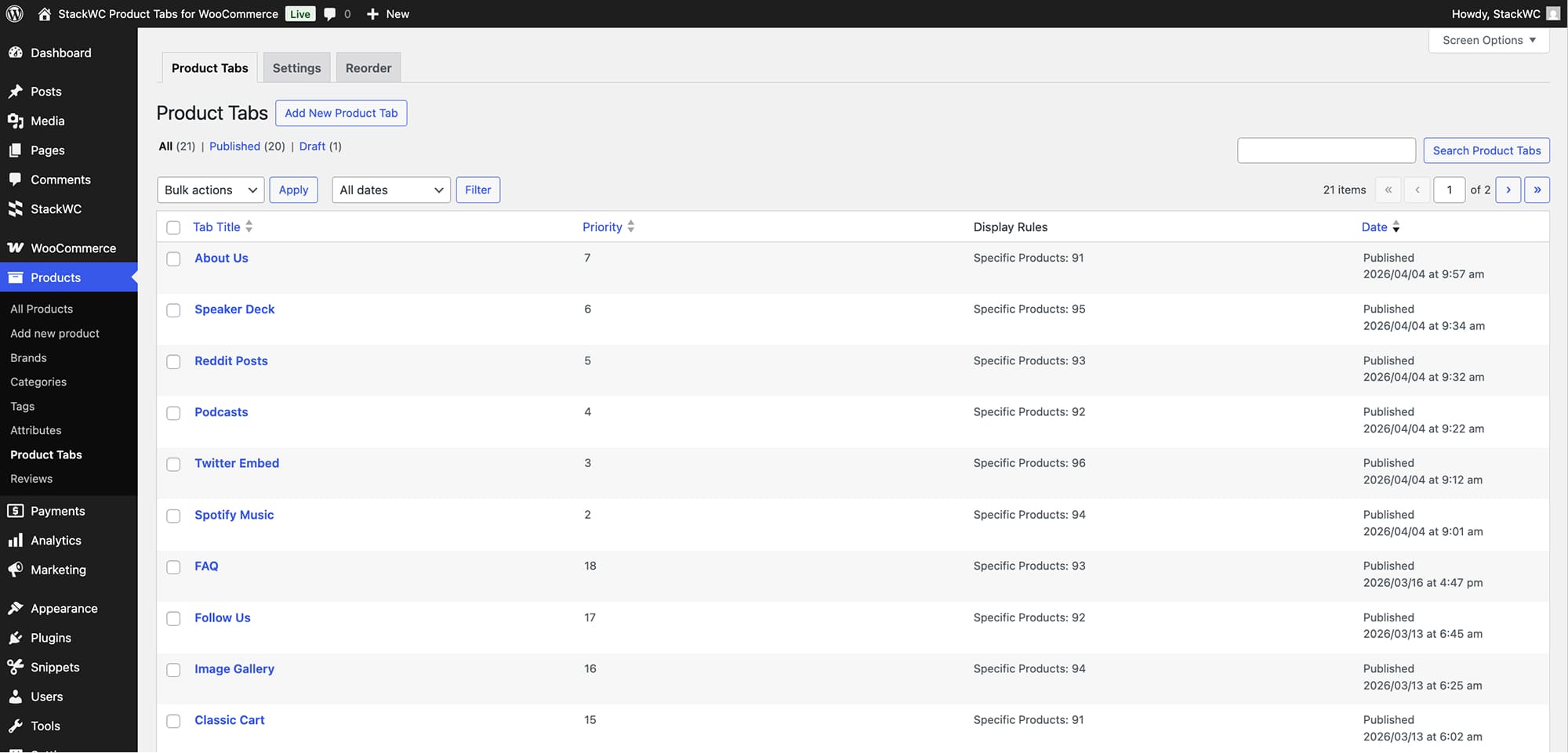
- Set tab priorities and reorder them effortlessly
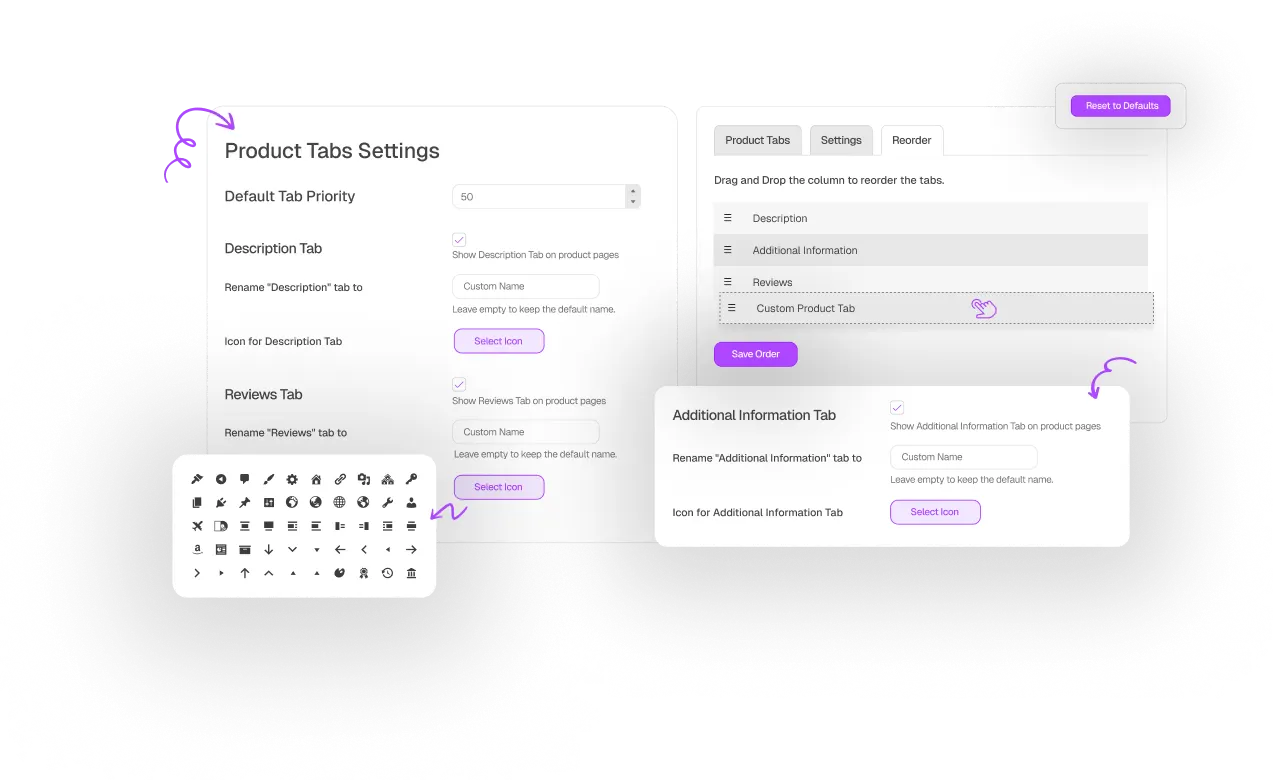
Control WooCommerce Default Tabs
- Show or hide core tabs like Description and Reviews
- No coding required—just click, edit, and publish.
- Compatible with any WooCommerce theme, fully responsive
The most feature-rich Product Tabs Plugin
that doesn’t slow down your website!..
Fully Customizable
Conditional Display Rules
Drag & Drop Tab Order
WooCommerce Tab Control
Fast & Lightweight
Tested & Updated Regularly
Choose Your Plan
One Access
Get with all-access
Yearly subscription, cancel anytime.
StackWC Product Tabs for
WooCommerce
Screenshots
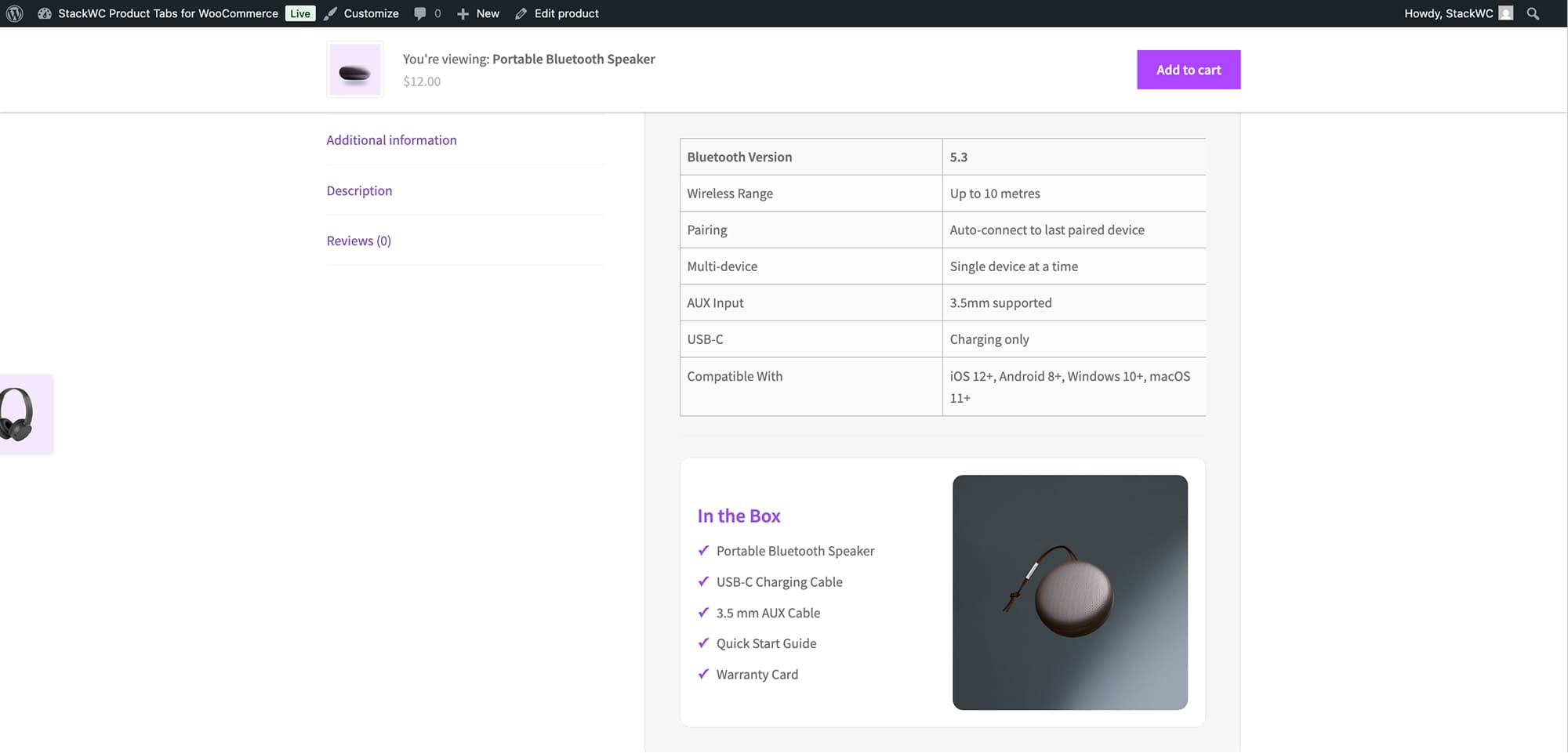
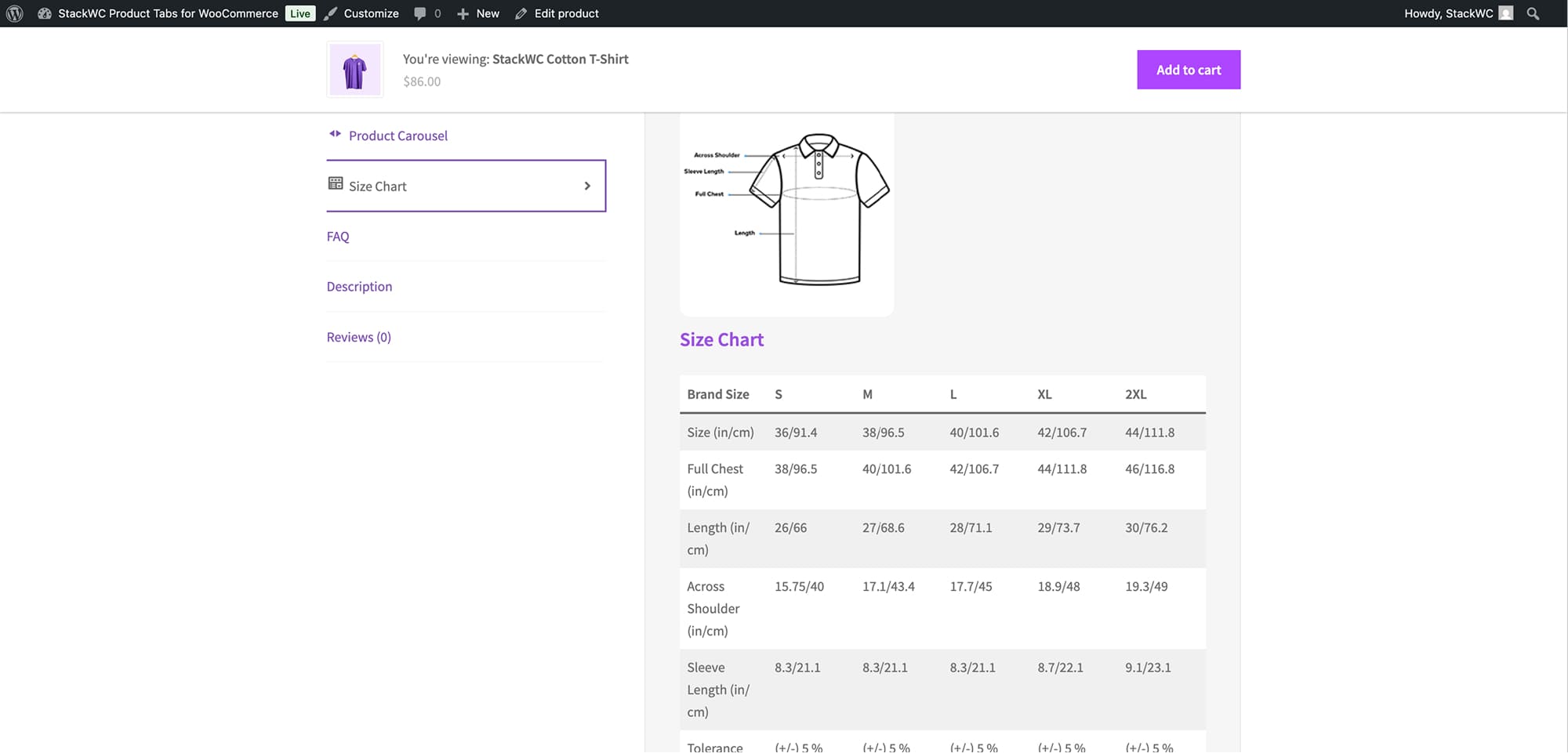
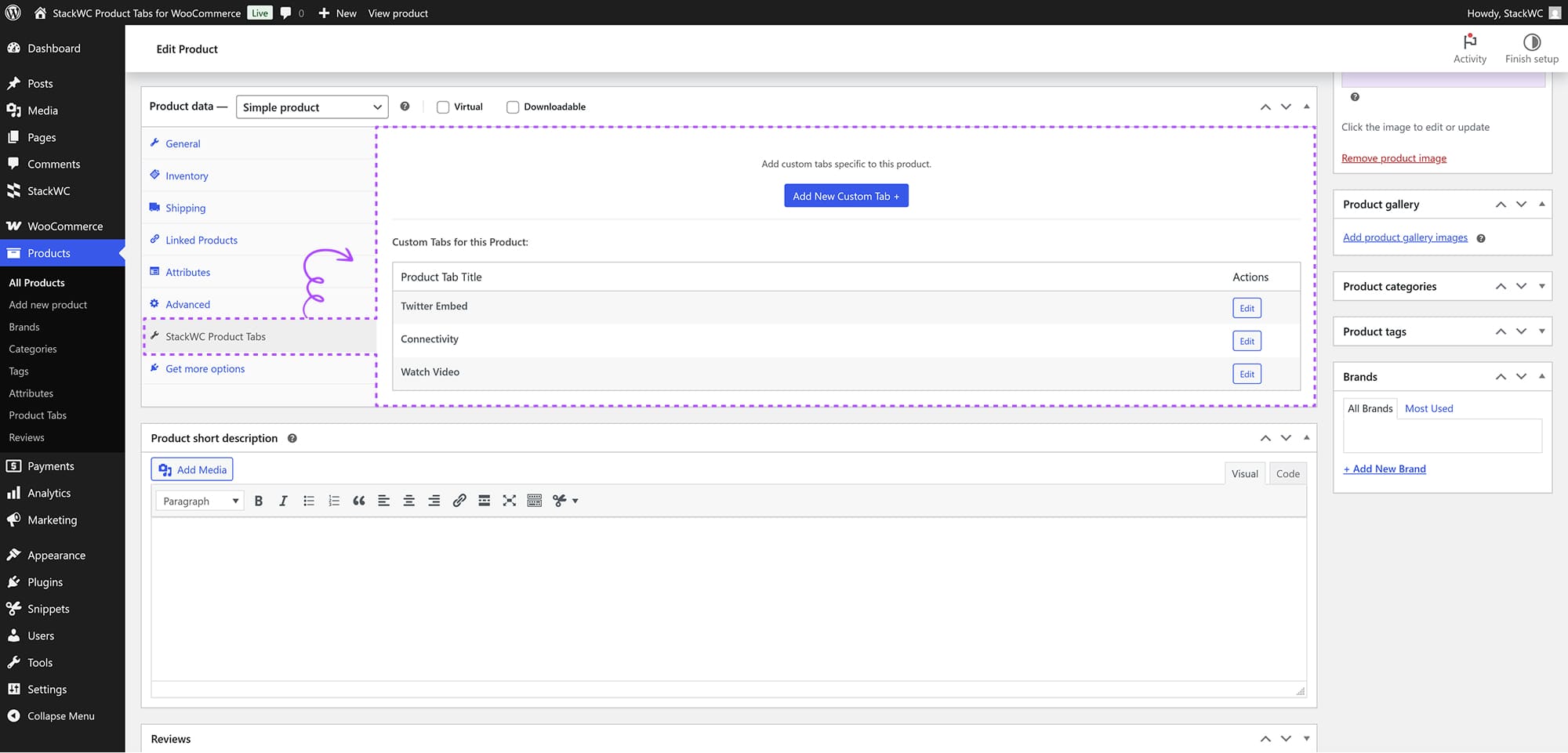
See how StackWC Product Tabs for WooCommerce adds custom tabs and enhances product pages with clear, organized content, and explore the demo.
FAQ
How do I add a new custom product tab to the WooCommerce page?
The easiest way is to use a custom product tabs plugin from your WordPress dashboard.
1. Install & activate a StackWC Product Tabs for WooCommerce plugin from WordPress Plugins > Add New
2.Create a new tab in the plugin settings and add your content (text, images, videos)
3.Choose visibility — all products or specific products/categories/tags — then publish it.
Does this plugin require WooCommerce?
Yes, this plugin requires WooCommerce to be installed and activated on your WordPress site.
Can I create multiple product tabs for different products?
Yes, you can create unlimited custom tabs and set specific display conditions for each tab based on products, categories, or tags.
Can I control the order of tabs?
Yes, you can set a priority number for each tab. Lower numbers appear first in the tab order.
Can I use HTML in tab content?
Yes, the tab content editor supports HTML and rich text formatting.
Is this plugin compatible with my theme?
This plugin is compatible with most WooCommerce themes. It uses standard WooCommerce hooks and filters for tab integration.
Does this plugin affect my site’s performance?
The plugin is optimized for performance and only loads tab content when needed. It uses WordPress caching mechanisms and efficient database queries.