
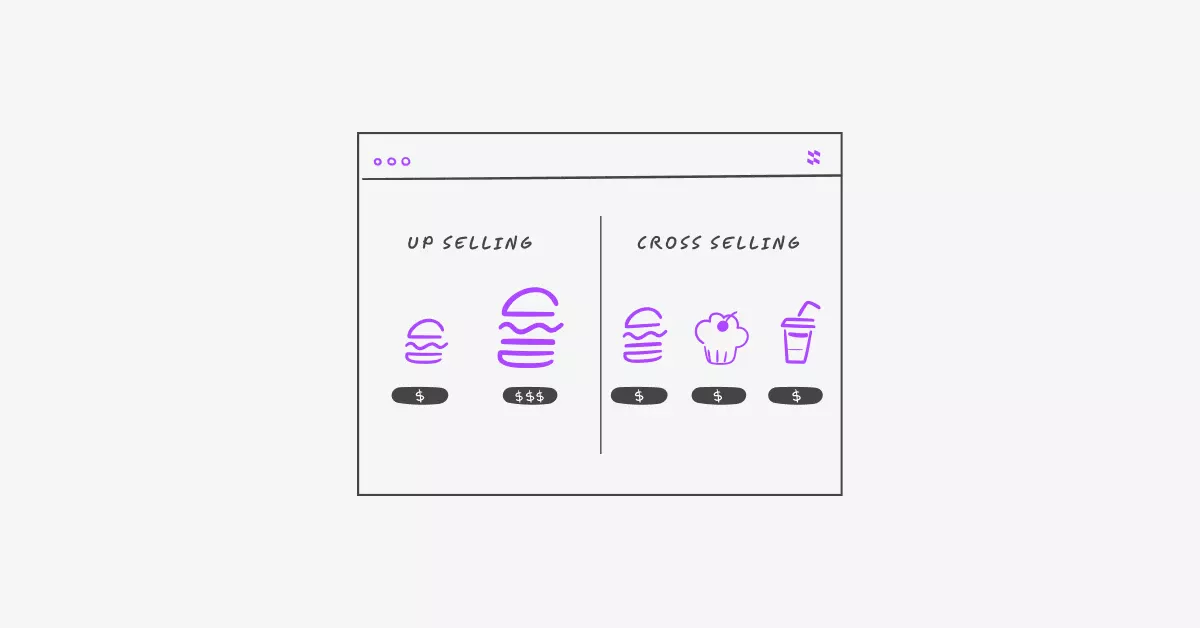
What if you could make more money from every single sale without spending a cent on ads or traffic?
That’s exactly what cross-sells and upsells let you do. And if you’re running a WooCommerce store, you already have the tools to make it happen.
Here’s the thing: most store owners focus almost entirely on getting new customers. But the truth is, the easiest person to sell to is someone who’s already buying from you. They trust you. They’re already in the buying mindset. They just need a little nudge.
Increasing average order value (AOV) is one of the smartest moves you can make. It means more revenue from the same number of orders.
In this post, you’ll learn exactly what cross-sells and upsells are, how to set them up in WooCommerce, and real-world examples of how they work. No fluff. Just practical, actionable steps you can use today.
Let’s dive in.
The Real Problem: You’re Leaving Money on the Table
Imagine a customer lands on your WooCommerce store, adds a product to their cart, and checks out. Transaction done. They’re gone.
But what if they would have bought more if only you’d asked?
That’s the problem. Most WooCommerce stores don’t ask. They let customers buy one item, check out, and leave without ever showing them something better or something complementary.
According to McKinsey & Company, product recommendations drive up to 35% of Amazon’s revenue. That’s not a coincidence. It’s a strategy.
The average eCommerce conversion rate sits around 2–3%. But your existing customers people already in your store convert at a much higher rate. They’re warm. They’re ready.
Without cross-sells and upsells, you’re:
- Missing out on easy revenue from already-committed buyers
- Leaving your product catalog underexposed
- Working harder than you need to for the same income
The good news? This is a fixable problem. And it doesn’t require coding, design skills, or a big marketing budget.
The Solution: Cross-Sells and Upsells Done Right
Let’s clear up the terminology first, because these two terms get mixed up all the time.
What’s an Upsell?
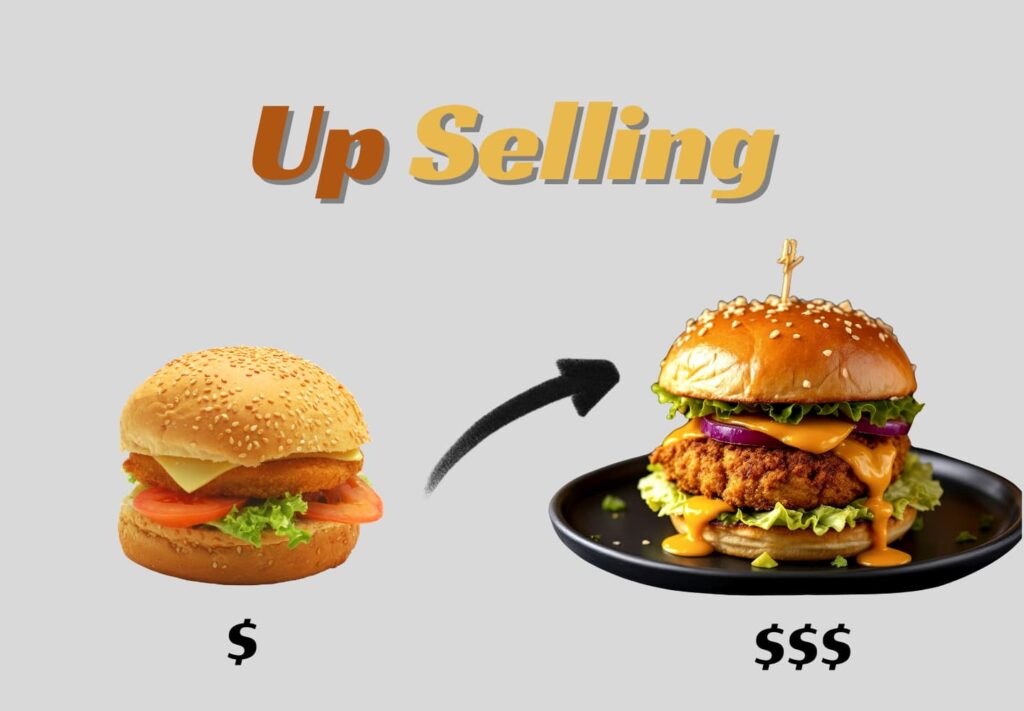
An upsell is when you suggest a better, upgraded, or larger version of a product the customer is already looking at.
Here’s a simple way to think about it: a customer adds a small burger to their cart for $5. You show them a large burger with extra toppings for $8. Same item, bigger and better. That’s an upsell.
What’s a Cross-Sell?
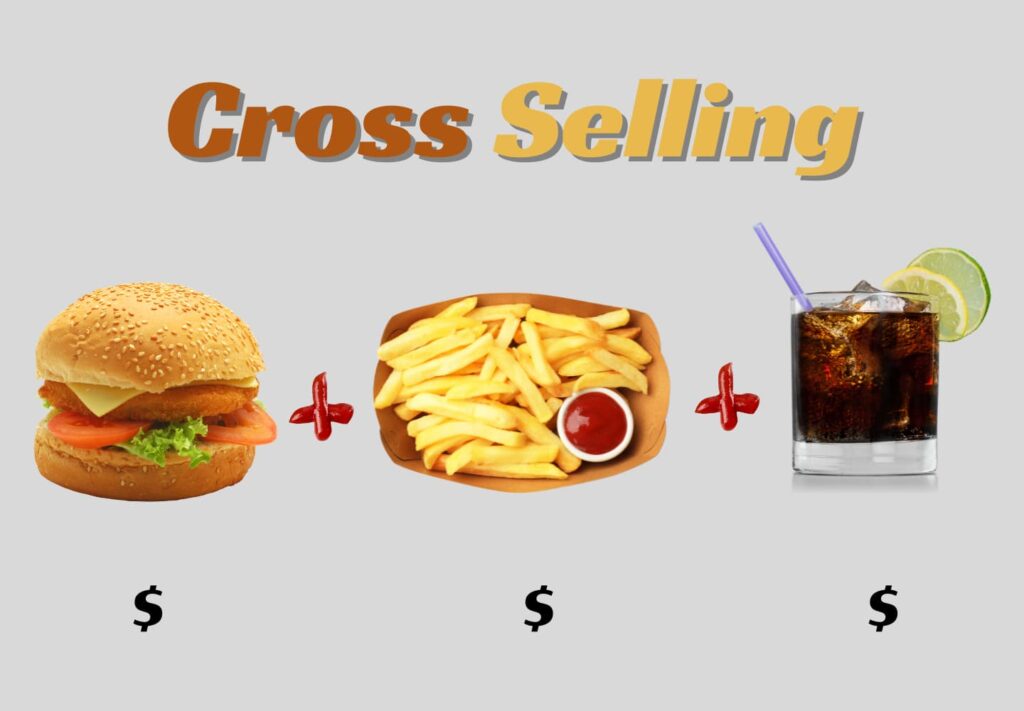
A cross-sell is when you recommend a related product that goes well with what they’re already buying.
Same burger customer on the cart page, you suggest fries, a drink, or a dessert to go with their order. Those are cross-sells.
It’s the classic “Would you like fries with that?” moment. Simple, natural, and it works.
Why Both Matter for AOV
Together, these two tactics can meaningfully raise your average order value. Here’s why they work so well:
- Customers are already in “buy mode” the psychological barrier is already lowered
- You’re solving more of their problem a good recommendation feels helpful, not pushy
- It’s automated set it up once and it runs every time without any extra effort
How WooCommerce Handles This Natively
WooCommerce has built-in support for both upsells and cross-sells. Here’s how each one works:
- Upsells appear on the product page below the product description
- Cross-sells appear on the cart page after the customer adds a product
You can set these up directly from each product’s edit page in WooCommerce. No plugin needed for the basics.
But here’s the catch: WooCommerce’s default presentation is pretty plain. The product pages can feel cluttered, and the recommendations don’t always stand out. That’s where smart tools and better product page organization can make a real difference.
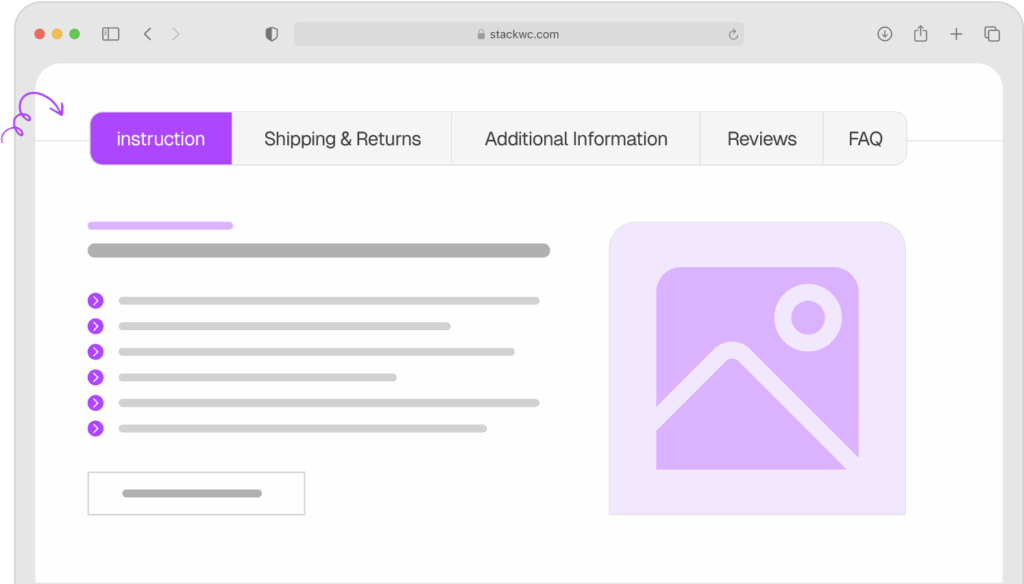
If your product pages feel overwhelming or disorganized, a plugin like Product Tabs for WooCommerce can help you structure information cleanly making your upsell recommendations easier to see and act on.
Product Tabs for WooCommerce
How to Set Up Cross-Sells and Upsells in WooCommerce
Good news: this takes less than 10 minutes per product. No coding required.
Step 1: Go to your WooCommerce product
In your WordPress dashboard, navigate to Products → All Products. Click on the product you want to edit.
Step 2: Scroll to the “Linked Products” tab
Inside the product edit page, scroll down to the Product Data section. Click on the Linked Products tab on the left sidebar.
Step 3: Add your upsells
In the Upsells field, start typing a product name. WooCommerce will search your catalog. Select the products you want to show as upgrades on the product page.
Step 4: Add your cross-sells
In the Cross-sells field, do the same thing. These will appear on the cart page when this product is added. Aim for 2-4 relevant suggestions.
Step 5: Think strategically
Don’t just link random products. Ask yourself:
- What would make this product more useful?
- What do customers often buy together?
- What’s a natural upgrade from this item?
Step 6: Organize your product pages for better visibility
If your product pages feel cluttered, upsell recommendations can get buried. Use Product Tabs for WooCommerce to organize your product content into clear, clean tabs making sure key info and recommendations don’t compete for attention.
Step 7: Save and preview
Hit Update, then visit your product page and cart page to see your recommendations in action. Tweak the products you’ve linked until the suggestions feel natural and relevant.
Ready to make your product pages work harder? Product Tabs for WooCommerce makes it easy to create a clean, organized layout that keeps customers engaged and drives more add-on purchases.
What This Looks Like in Practice?
Let’s get specific. Here are three types of WooCommerce stores and how cross-sells and upsells work for each one.
Example 1: A Home Goods Store
Say you sell kitchen equipment. A customer is viewing a $45 cutting board.
Upsell idea: Show them a premium bamboo board at $75 with better durability and a built-in juice groove. Just a small price bump, but a much better product.
Cross-sell idea: When they add the cutting board to their cart, suggest a knife sharpener, a set of silicone trivets, or a cutting board oil.
Result: Instead of a $45 order, you might see a $90–$120 order. Same customer, more value for both of you.
Example 2: A Clothing Boutique
A customer is buying a summer dress for $60.
Upsell idea: Suggest a premium version of the same dress in a higher-quality fabric for $85.
Cross-sell idea: On the cart page, recommend matching accessories a belt, a sun hat, or a tote bag.
When your product pages are clean and easy to navigate, shoppers are more likely to explore these suggestions. Organized product pages with sections for size guides, styling tips, and care instructions keep customers engaged longer. Tools like Product Tabs for WooCommerce make this easy to set up without a developer.
Example 3: A Digital Products Store
You sell online courses. Someone’s buying a beginner photography course for $49.
Upsell idea: Offer a bundle that includes an advanced editing course for $79.
Cross-sell idea: In the cart, recommend a PDF presets pack or a lighting guide for $15–$20.
Even small cross-sells on lower-ticket digital products can add up fast across hundreds of orders.
Common Questions and Answers
Less is more. Showing 2–4 options is ideal. Too many choices cause decision fatigue, and customers may end up buying nothing extra. Keep it focused and relevant.
Not if you do it right. The key is relevance. If your suggestions genuinely help the customer get more value, they’ll appreciate it. Think of it as a helpful recommendation from a knowledgeable shop assistant, not a hard sell.
No, WooCommerce has this built in. You don’t need a plugin just to add linked products. However, improving how your product pages look and feel can make a big difference in how well those recommendations perform. Tools like Product Tabs for WooCommerce help with presentation and user experience.
Monitor your average order value in WooCommerce Analytics (Reports → Orders). If AOV goes up after adding recommendations, your cross-sells and upsells are doing their job. Give it at least 2-4 weeks of data before drawing conclusions.
Conclusion: Small Changes, Big Revenue
Cross-sells and upsells are one of the most underused strategies in WooCommerce stores. They’re low effort, zero ad spend, and they work with customers who are already buying.
You don’t need to overhaul your store. Just start with your best-selling products, link a few smart upsells and cross-sells, and watch your average order value climb.
One final tip: the better your product pages look, the better your recommendations will perform. A clean, well-organized product page keeps customers engaged and makes it easy to say yes to one more item.
Ready to create product pages that convert? Try Product Tabs for WooCommerce with a 14-day money-back guarantee. No risk, fully supported, no coding needed.
Want more WooCommerce tips? Check out free tutorials and guides over at Tutsflow.