
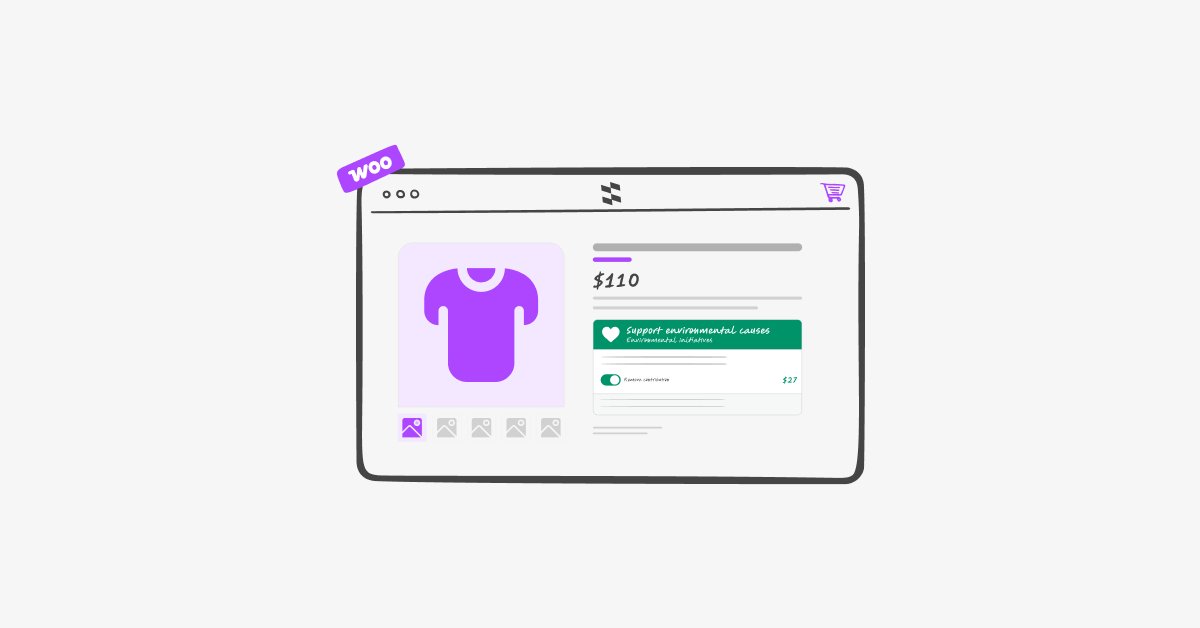
We’re excited to announce the launch of Checkout Contributions for WooCommerce, a new plugin from StackWC built to help store owners turn every order into an opportunity for impact.
Today marks the official launch, now available on the WooCommerce Marketplace. It gives merchants a simple, native way to invite customers to add an optional contribution at checkout — for a charity, a community cause, or anything else the store wants to support — without bolting on a separate donation system.
Why We Built It
A lot of stores want to give customers the option to give back, but the tools to do it well are surprisingly limited. Most donation plugins force you into a separate “donation product,” which breaks the natural checkout flow, complicates reporting, and doesn’t integrate cleanly with refunds, emails, or analytics. Others rely on external services that pull customers off your site entirely.
We wanted something simpler: a contribution that behaves like a normal part of the order, not a workaround bolted on top of it. Checkout Contributions adds the contribution as a native WooCommerce fee, so it flows through cart totals, checkout, order details, refunds, and reporting exactly like any other line item — because that’s exactly what it is.
What’s Inside Checkout Contributions
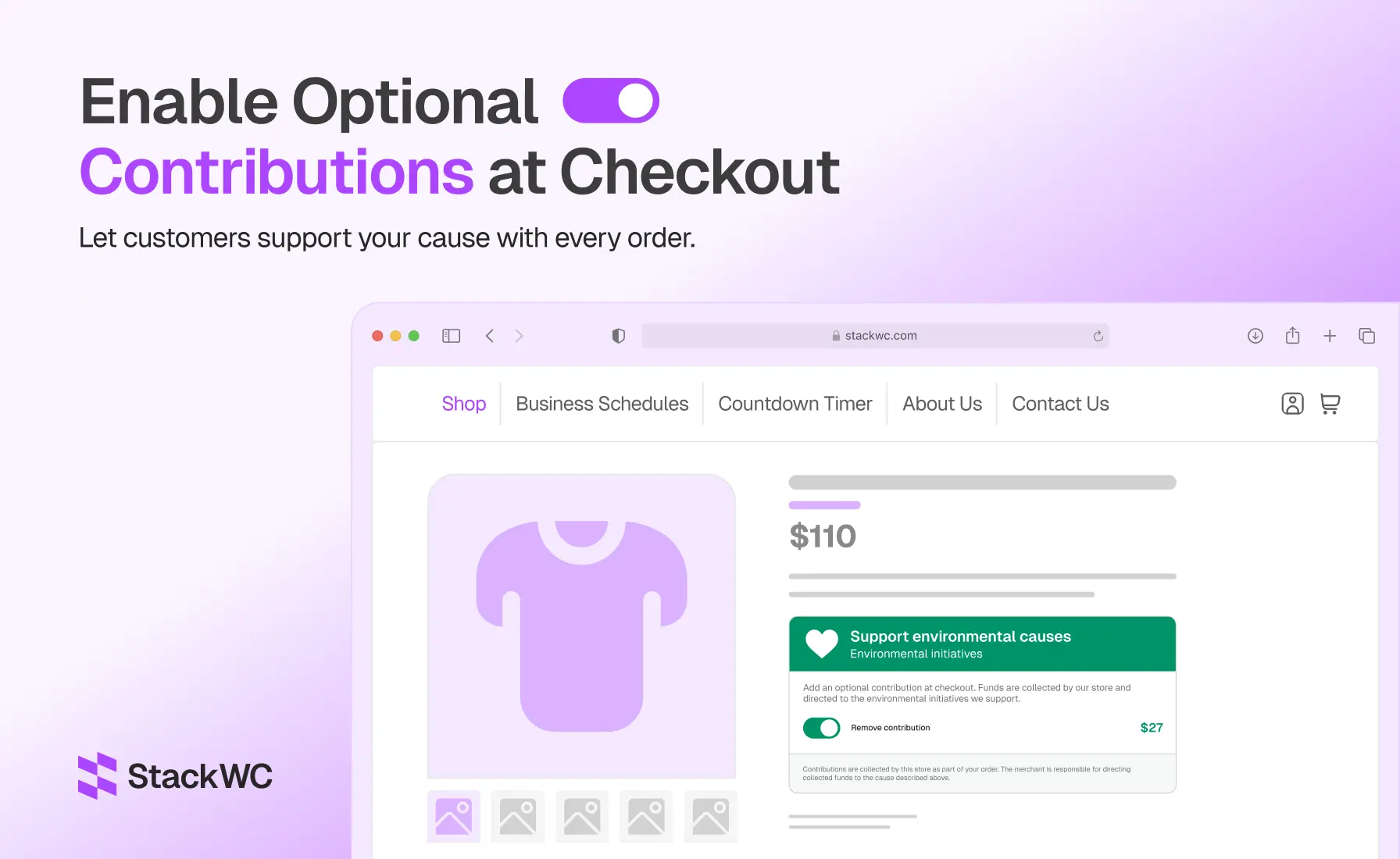
Contribution widgets, wherever you want them Add an optional contribution prompt to the product page, cart, or checkout — customers choose whether to add it, and how much.
Full Classic and Block Checkout support Works with both WooCommerce’s classic checkout and the newer Cart & Checkout Blocks, so it fits stores on either setup.
Flexible calculation methods Set contributions as a fixed amount, a percentage of the order, or a weight-based calculation — with optional minimum and maximum limits.
Fully customizable presentation Adjust the widget’s colors, icons, labels, and messaging, and describe the cause in your own words, so it matches your store’s branding rather than looking like a bolted-on plugin.
Native WooCommerce fee integration No separate donation product required. Contributions are added as a standard order fee, which means they show up correctly in order totals, customer emails, refunds, and reports without any extra setup.
Analytics and reporting A built-in dashboard tracks contribution activity over time, with CSV export so you can report on totals and hand off clean numbers to whichever cause you’re supporting.
HPOS compatible Fully compatible with WooCommerce’s High-Performance Order Storage, so it works whether your store is on legacy order storage or the newer custom order tables.
Built for Any Cause, Not Just Charity
Checkout Contributions isn’t limited to traditional donations. Merchants are using it — or planning to — for things like:
- Charitable fundraising for a chosen nonprofit or relief fund
- Environmental initiatives like tree planting or conservation efforts
- Local community projects and youth programs
- Nonprofit and mission-driven campaign support
- Disaster relief and customer support funds
- School fundraising, scholarships, and educational resources
- Animal welfare and rescue organizations
- Faith-based and religious community initiatives
- Corporate social responsibility (CSR) campaigns
- Any custom cause the merchant wants to support
One important note: the plugin collects contributions as part of the normal order — it doesn’t automatically forward funds to a charity or third party. Merchants receive the contribution through their existing WooCommerce payment flow and are responsible for directing it to whichever cause they’ve chosen.
How It Works
- Install and activate Checkout Contributions (WooCommerce required).
- Choose where the widget appears — product page, cart, checkout, or all three.
- Set your calculation method (fixed, percentage, or weight-based) and any min/max limits.
- Customize the messaging, branding, and cause description to match your store.
- Track results anytime from the analytics dashboard, with CSV export for reporting.
Who It’s For
- Stores that want to support a cause without disrupting checkout
- Nonprofits and mission-driven brands selling through WooCommerce
- Merchants running seasonal or campaign-based giving initiatives
- Schools, community organizations, and membership sites collecting extra support
- Any store that wants contribution data cleanly reflected in its existing reporting, not siloed off in a separate system
Pricing and Availability
Checkout Contributions for WooCommerce is available now on the WooCommerce Marketplace, starting at $49/year, with a 2-year plan available at a 20% discount. Every plan includes product updates, customer support, and a 30-day money-back guarantee.
Frequently Asked Questions
Can I use Checkout Contributions for different types of causes? Yes. It’s built to be flexible — charitable donations, environmental initiatives, community projects, nonprofit campaigns, or any merchant-defined cause. All messaging and cause information are fully customizable.
How are contributions added to an order? As a native WooCommerce fee, not a separate product. That means they appear naturally in cart totals, checkout, order details, refunds, emails, and reporting.
Can I customize the contribution amount and widget appearance? Yes. You can configure fixed, percentage-based, or weight-based calculations, set minimum and maximum limits, and adjust labels, colors, icons, and cause messaging to match your branding.
Is the plugin compatible with WooCommerce Blocks and HPOS? Yes. Checkout Contributions supports both WooCommerce Cart & Checkout Blocks and High-Performance Order Storage, so it works with modern WooCommerce setups.
Does Checkout Contributions send funds to charities automatically? No. The plugin collects the contribution as part of the customer’s order. Funds are received by the merchant through their normal payment process, and the merchant is responsible for directing them to the chosen cause.
Get Started
Checkout Contributions for WooCommerce is live now on the WooCommerce Marketplace. If you’ve been looking for a clean, native way to let customers give back at checkout, this is a good place to start.
Get Checkout Contributions for WooCommerce →
You can also browse the rest of our WooCommerce plugins on the StackWC plugins page.