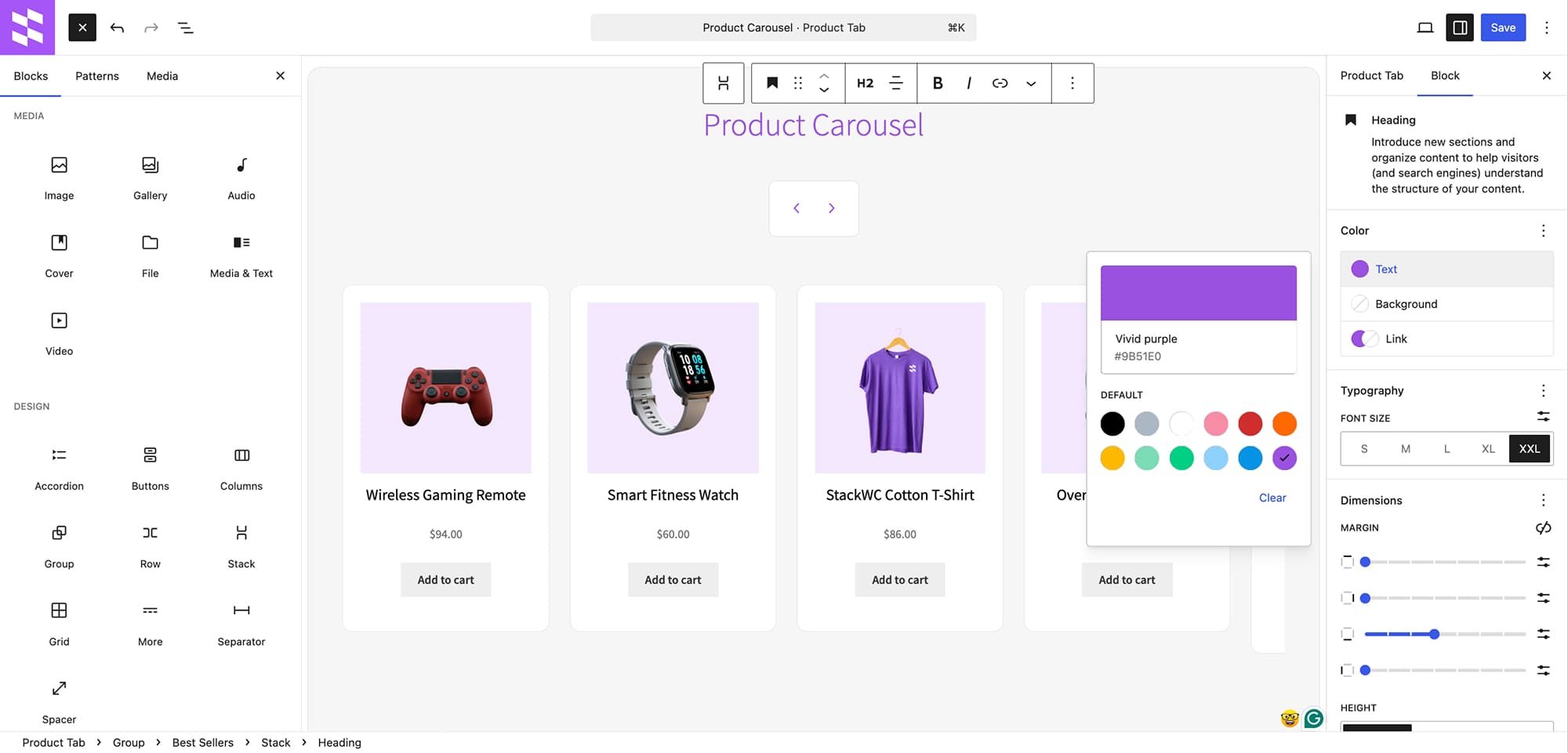
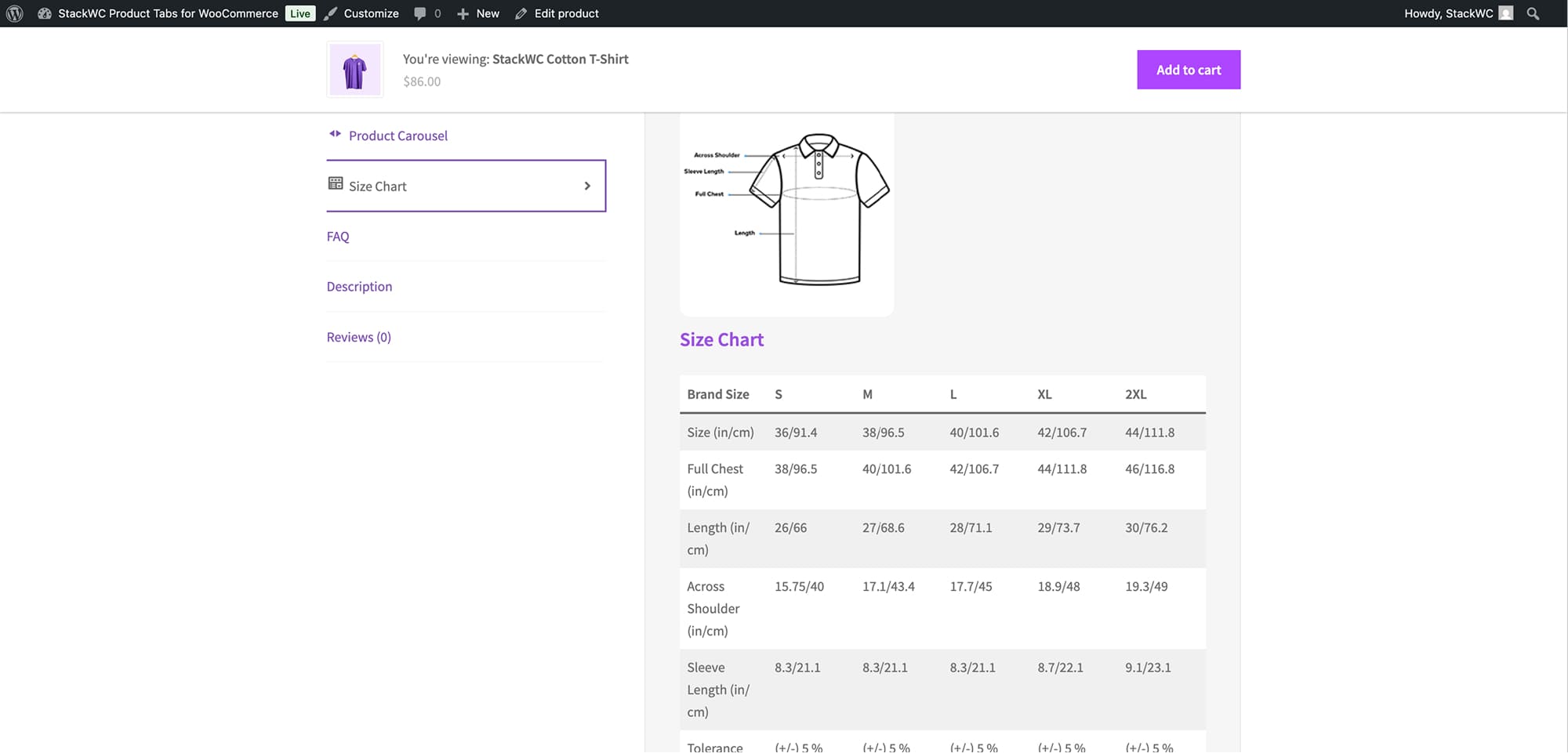
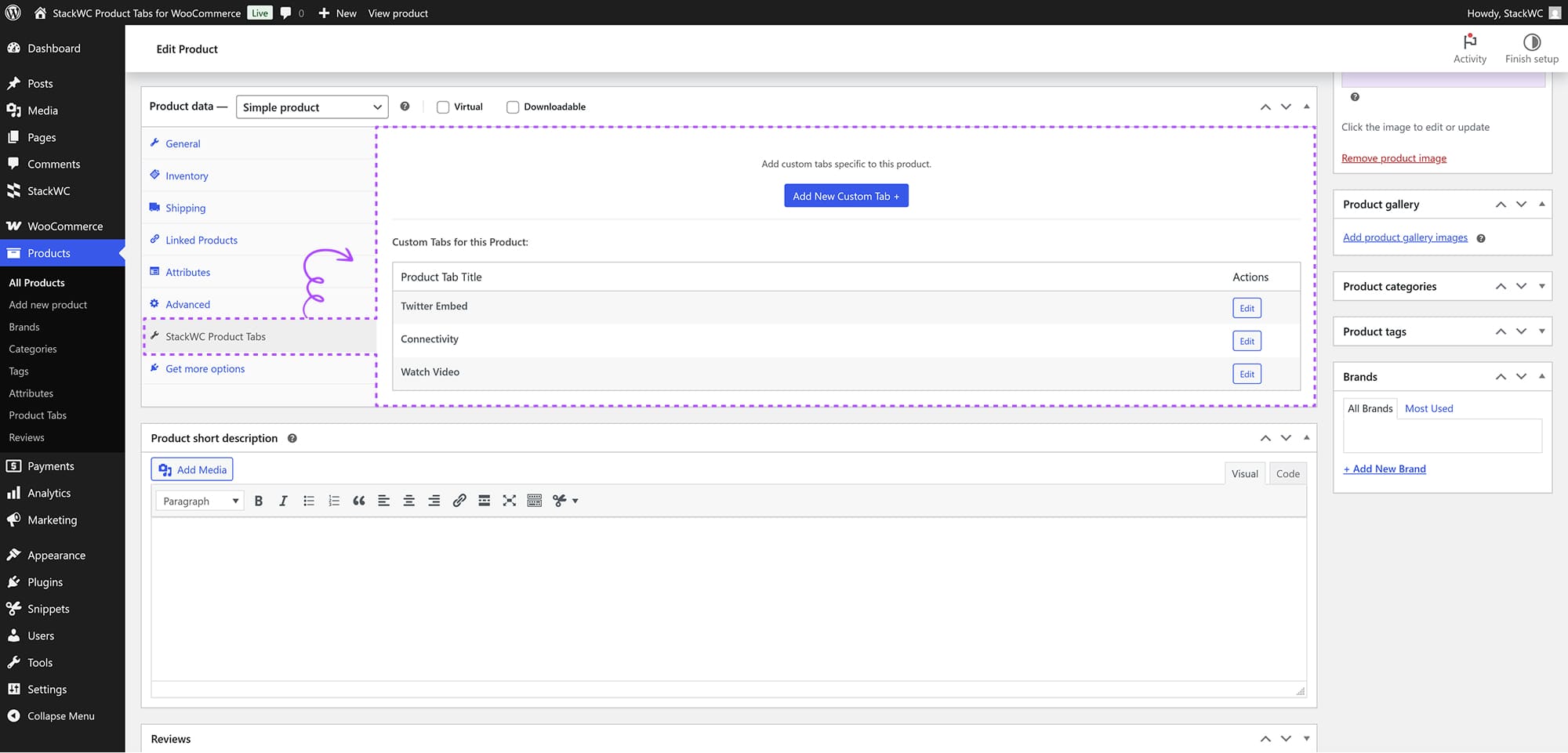
Add custom, unlimited product tabs

Product Tabs for WooCommerce

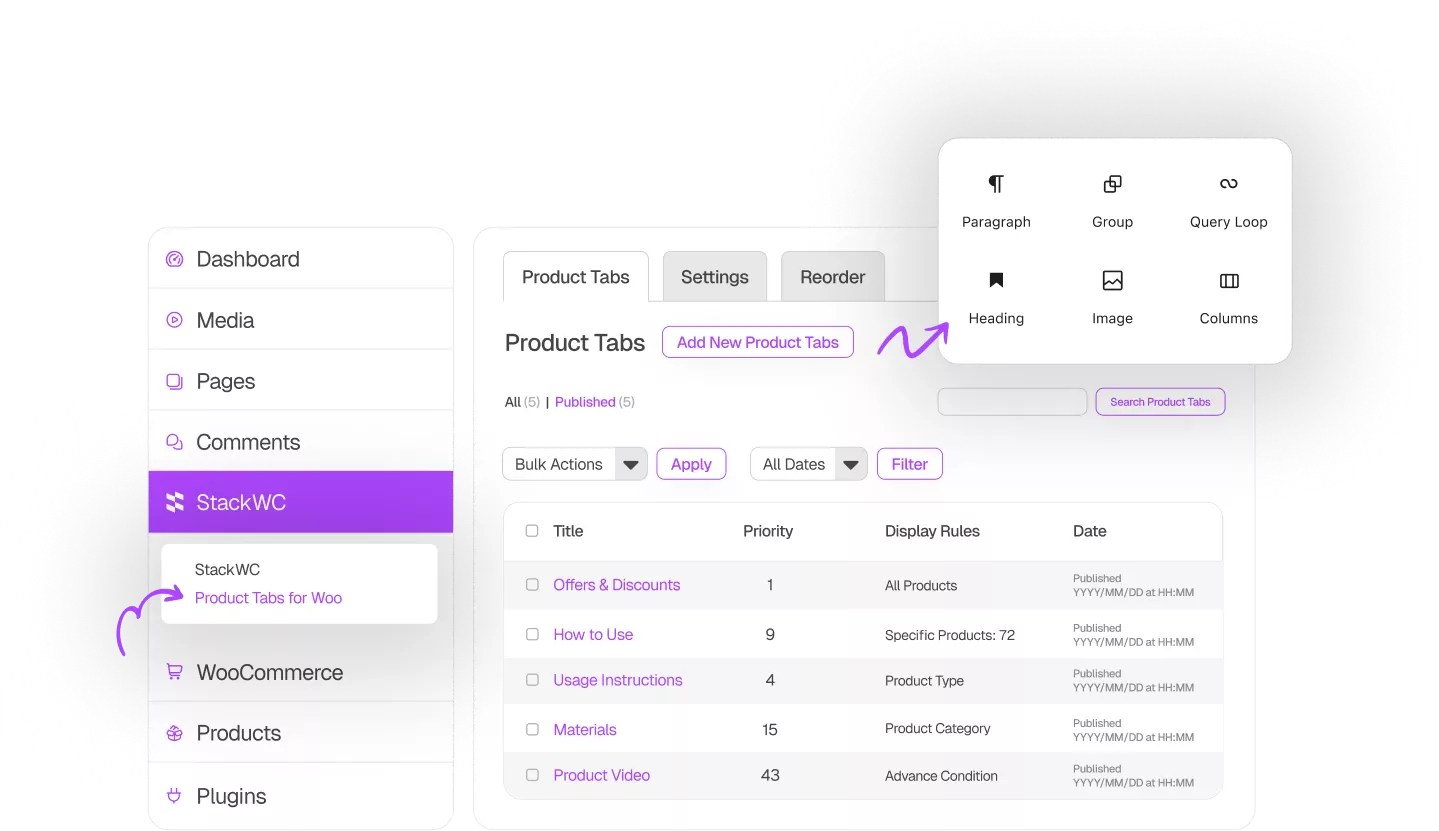
Create unlimited custom product tabs in WooCommerce with an easy-to-use block editor. Add shipping info, size guides, videos, and more to boost product pages and improve the shopping experience.

5 Stars

Rated Excellent

100%

Money Back Guarantee

500+

All time downloads

#1 WooCommerce Tab Manager Plugin Powered by Block Editor

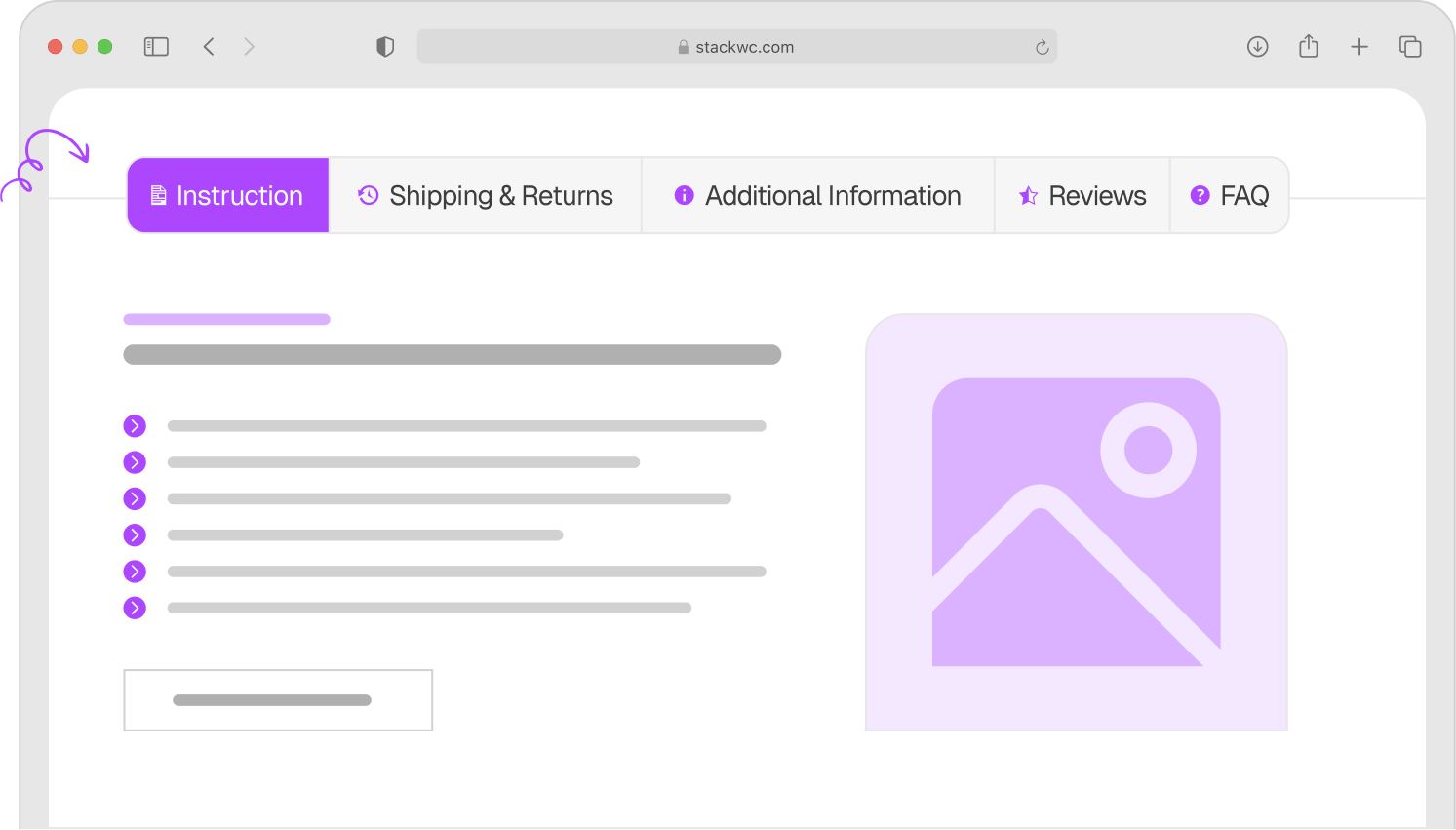
Easily Add Unlimited Extra Product Page Tabs

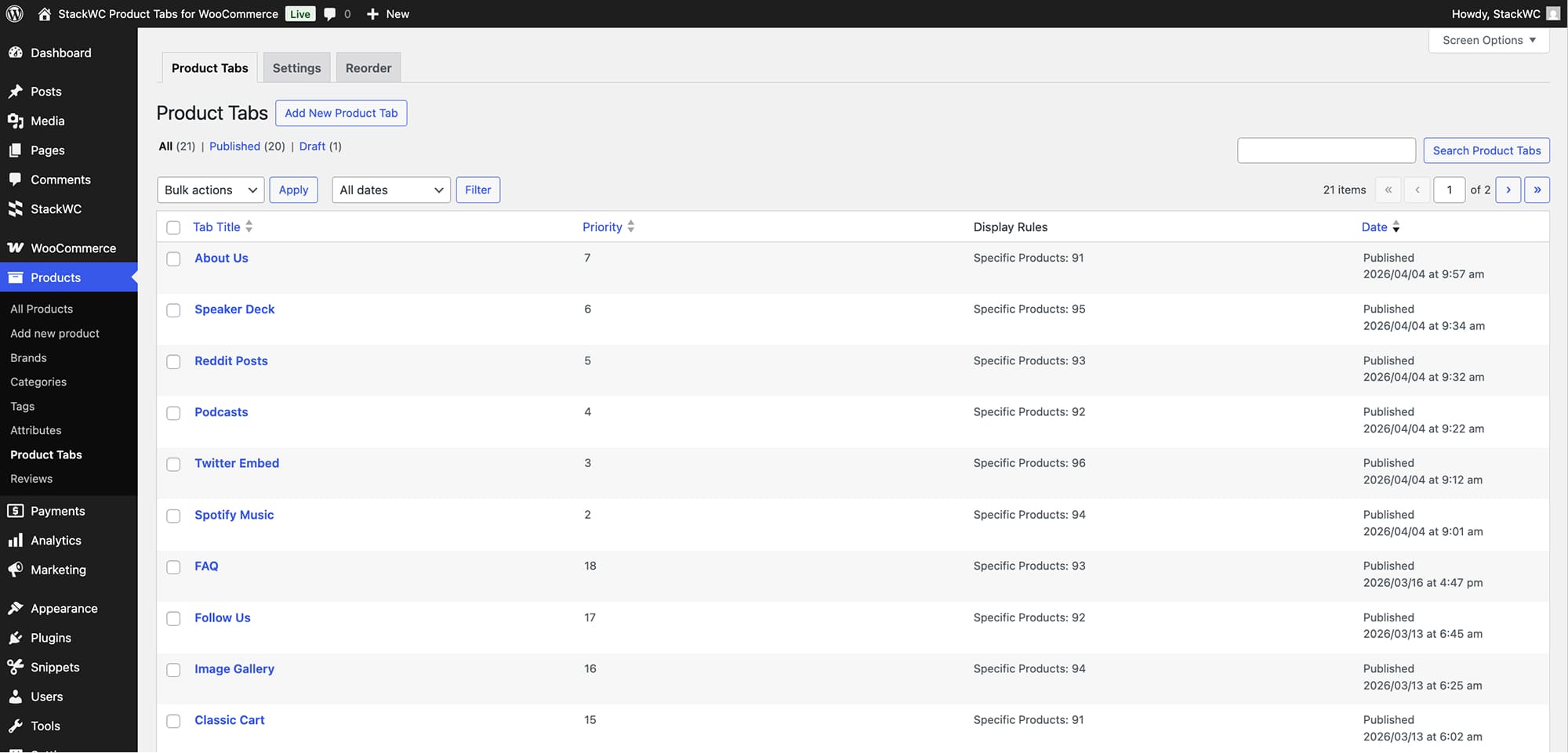
Create Unlimited Custom Tabs

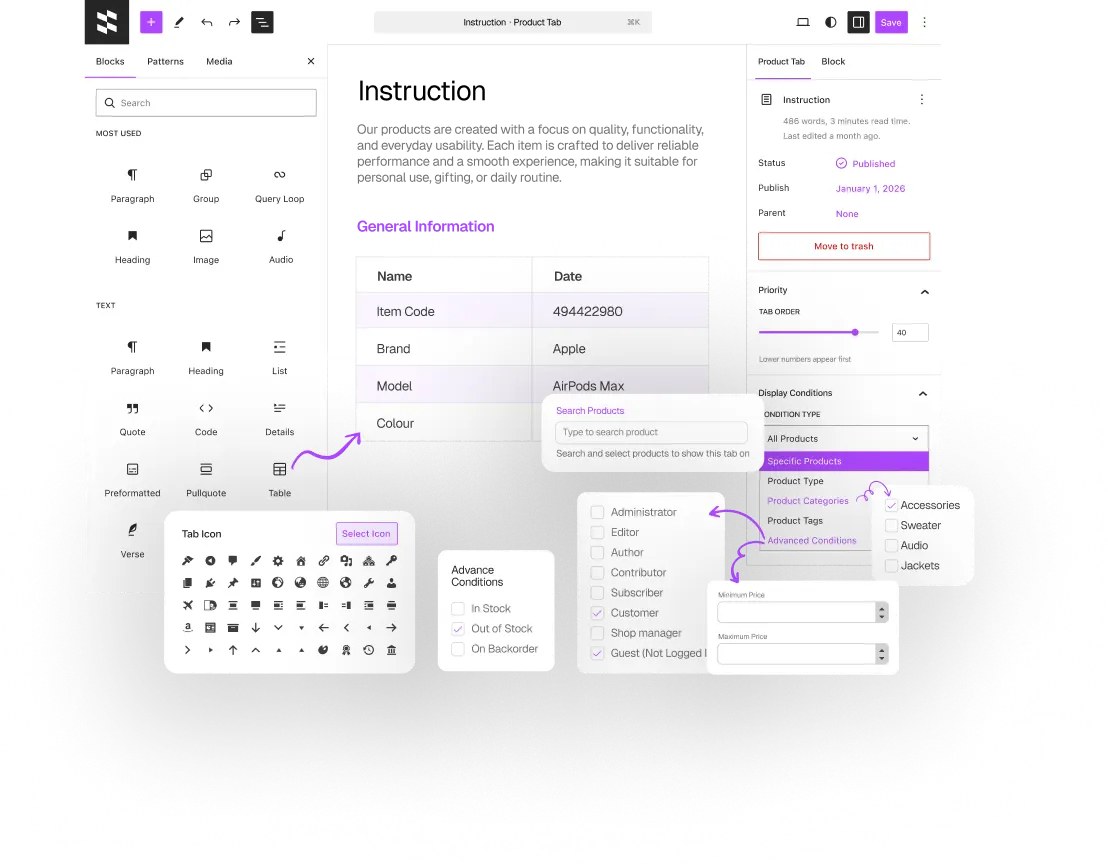
Show Tabs Based on Conditions

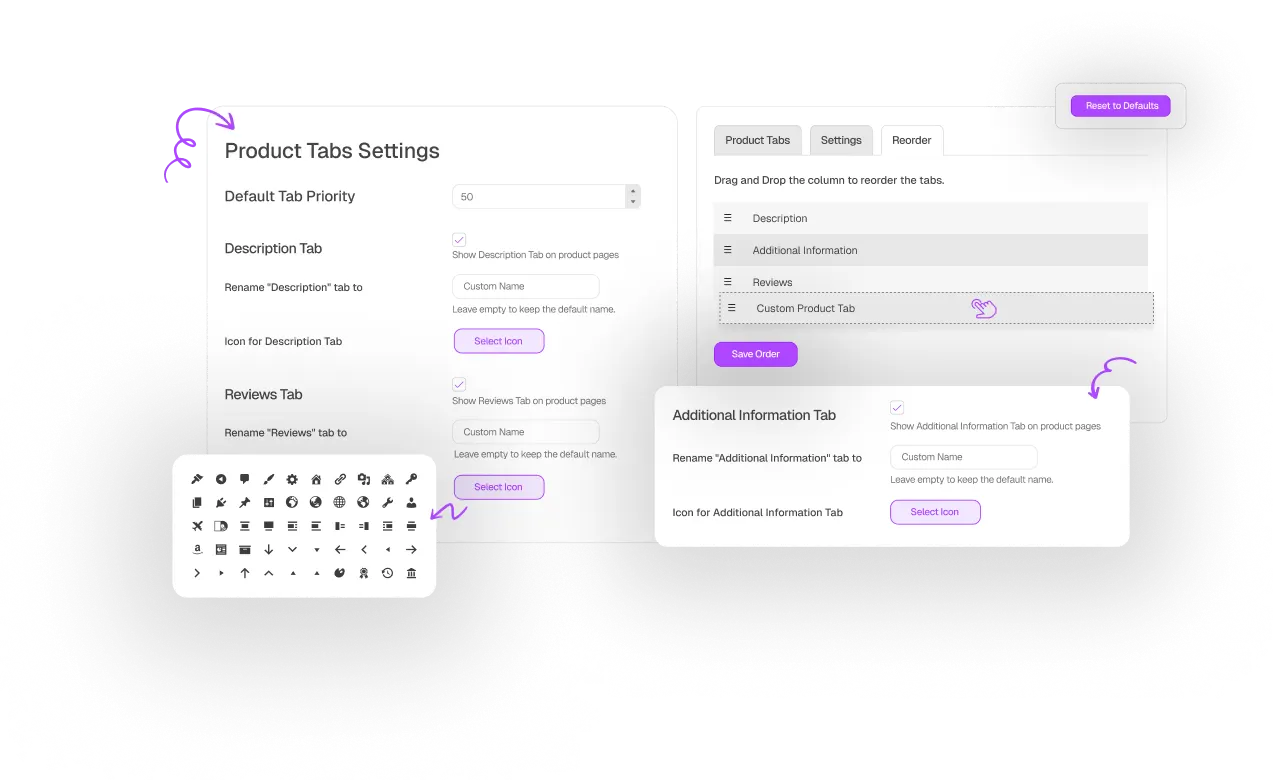
Control WooCommerce Default Tabs

Real Stores. Real Results.

Trusted by Store Owners Worldwide

The most feature-rich Product Tabs Plugin

that doesn’t slow down your website!..

Fully Customizable
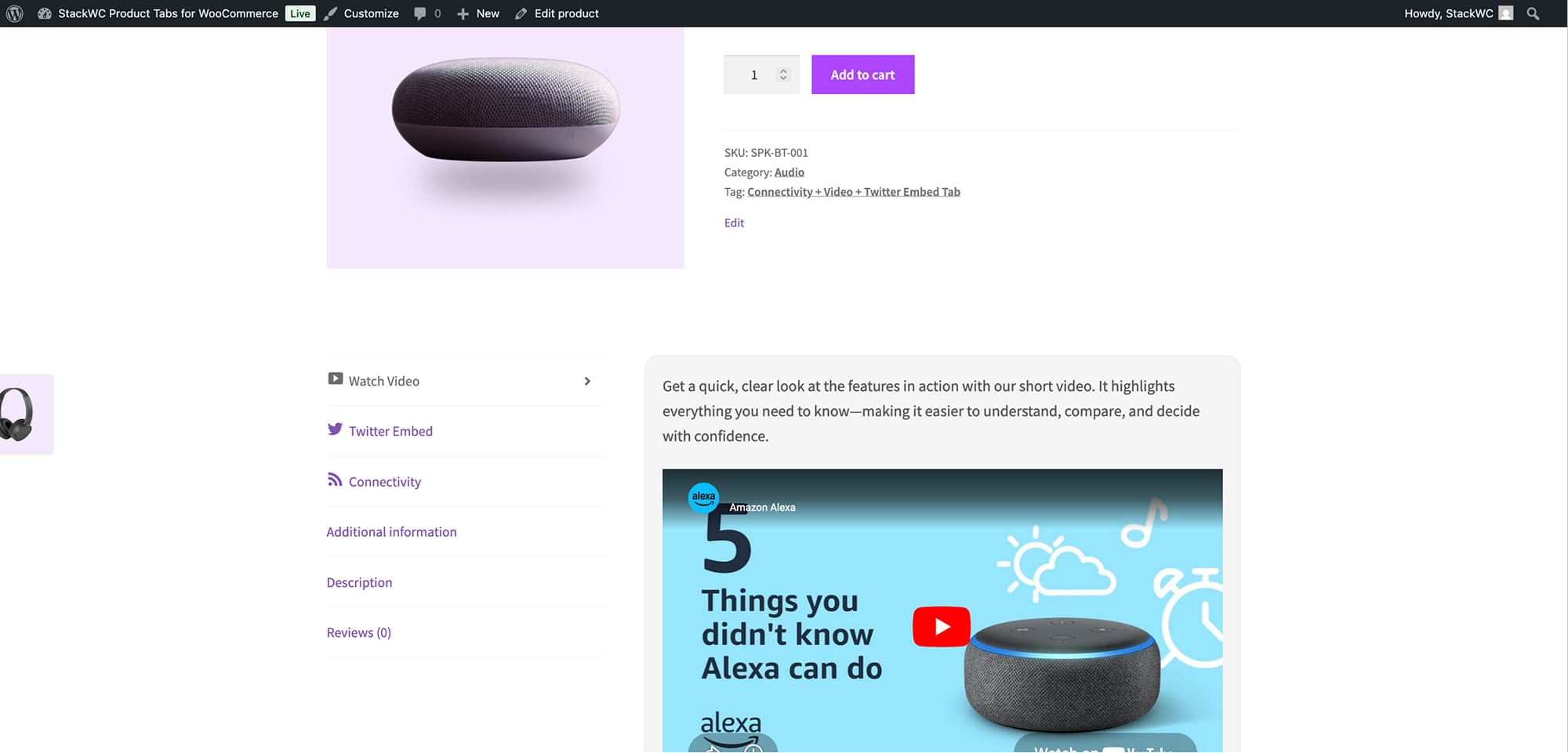
Customize tab titles and icons, set the default active tab, and design content visually with the block editor.
Conditional Display Rules
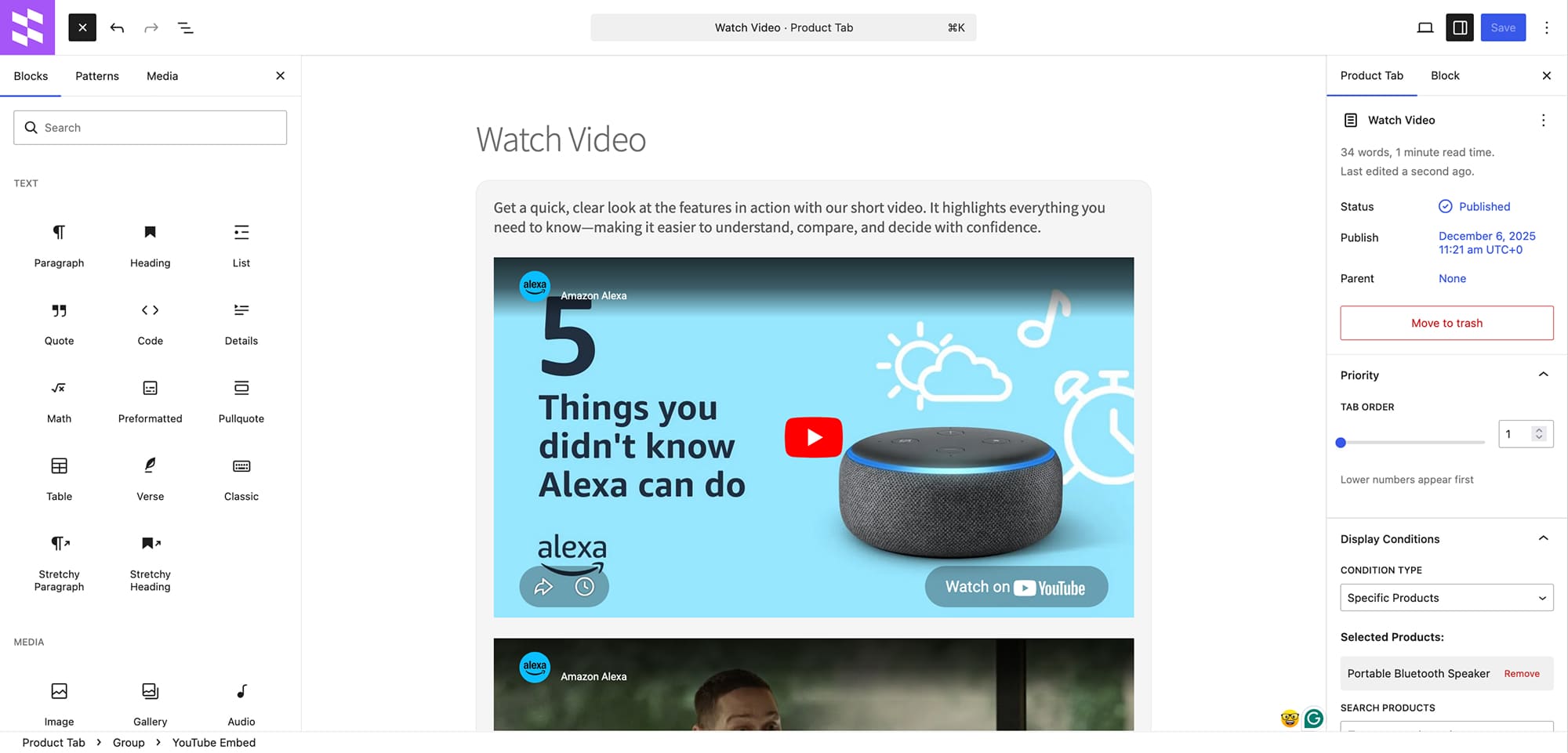
Show tabs only for specific products, categories, or tags. Deliver the right info to the right audience.
Drag & Drop Tab Order
Set tab priorities to control the order they appear on product pages. Easily rearrange tabs with just a few clicks.
WooCommerce Tab Control
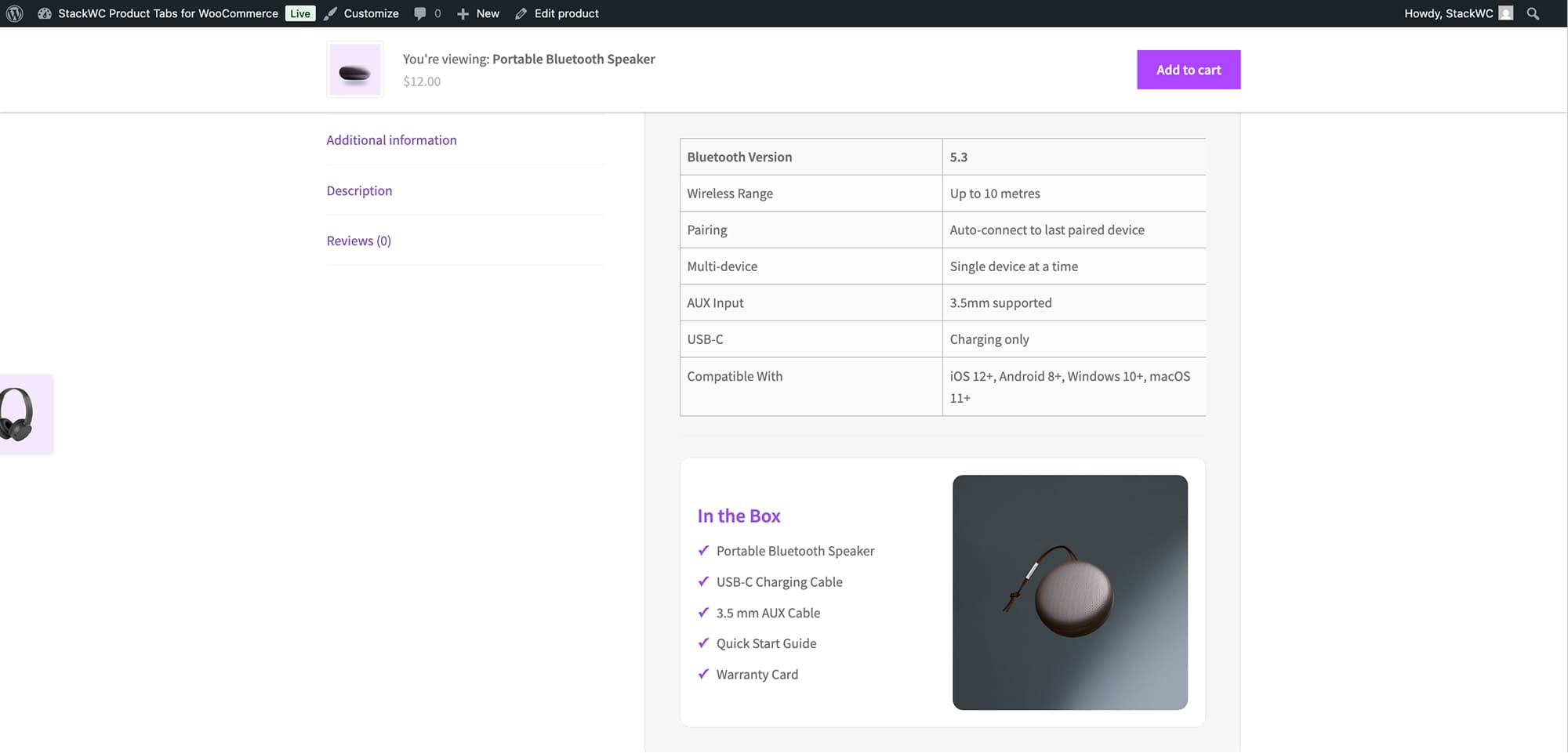
Show or hide default WooCommerce tabs like Description, Reviews, or Additional Info with one click.
Fast & Lightweight
Designed for performance—loads only what’s needed, when needed. Your store stays fast and efficient.
Tested & Updated Regularly
Always compatible with the latest WordPress and WooCommerce for smooth performance.

Choose Your Plan

Covered by the StackWC Promise with a 14-day money-back guarantee.
One Access
Single Plugin
$49
Get with all-access
All 5 Plugins
$249

Yearly subscription, cancel anytime.

FAQ

Find quick answers to common questions about plugin!

The easiest way is to use a custom product tabs plugin from your WordPress dashboard.

1. Install & activate a StackWC Product Tabs for WooCommerce plugin from WordPress Plugins > Add New
2.Create a new tab in the plugin settings and add your content (text, images, videos)
3.Choose visibility — all products or specific products/categories/tags — then publish it.

Yes, this plugin requires WooCommerce to be installed and activated on your WordPress site.

Yes, you can create unlimited custom tabs and set specific display conditions for each tab based on products, categories, or tags.

Yes, you can set a priority number for each tab. Lower numbers appear first in the tab order.

Yes, the tab content editor supports HTML and rich text formatting.

This plugin is compatible with most WooCommerce themes. It uses standard WooCommerce hooks and filters for tab integration.

The plugin is optimized for performance and only loads tab content when needed. It uses WordPress caching mechanisms and efficient database queries.

You’re almost there! Install the plugin today and turn your ideas into results...

Changelog

1.0.4 – 04 Apr, 2026

  • Updated: WooCommerce compatibility tested up to 10.6
  • Fixed: First tab load issue

1.0.3 – 04 Mar, 2026

  • New: Add custom product tabs directly from single product edit page
  • New: Modal interface with full Gutenberg block editor integration
  • Updated: WooCommerce compatibility tested up to 10.5

1.0.2 – 29 Nov, 2025

  • New: Added support for product categories and tags in display conditions
  • New: Implemented user role-based tab visibility (including guest users)
  • New: Added price range condition for showing tabs on specific price ranges
  • New: Stock status condition for in-stock/out-of-stock products
  • New: Sale status condition to show tabs for products on sale
  • New: Date range conditions for seasonal content
  • New: Shipping class based display conditions
  • New: Drag & drop tab reordering interface
  • New: Support for adding icons to tab titles
  • New: Option to rename default WooCommerce tabs
  • New: Added icon picker with preview for tab titles
  • Updated: Tested up to WordPress 6.9
  • Updated: WooCommerce compatibility tested up to 10.3.5
  • Improved: Code organization and structure
  • Fixed: Product type and advanced condition display logic
  • Enhanced: Display condition validation and error handling
  • Improved: Performance optimizations

1.0.1 – 16 May, 2025

  • Updated: Tested up to WordPress 6.8
  • Improved: WooCommerce compatibility declarations

1.0.0

  • Initial release