
Bulk Delete, Without the Manual Cleanup
Bulk Cleanup for WooCommerce
5 Stars
Rated Excellent
100%
Money Back Guarantee
- Version 1.0.1
- Last updated: 02 Jul 2026
- Changelog : View here
See Everything That Needs a Bulk Delete Before You Touch It
Bulk Delete Orders, Users, Products, Coupons & Reviews From One Screen
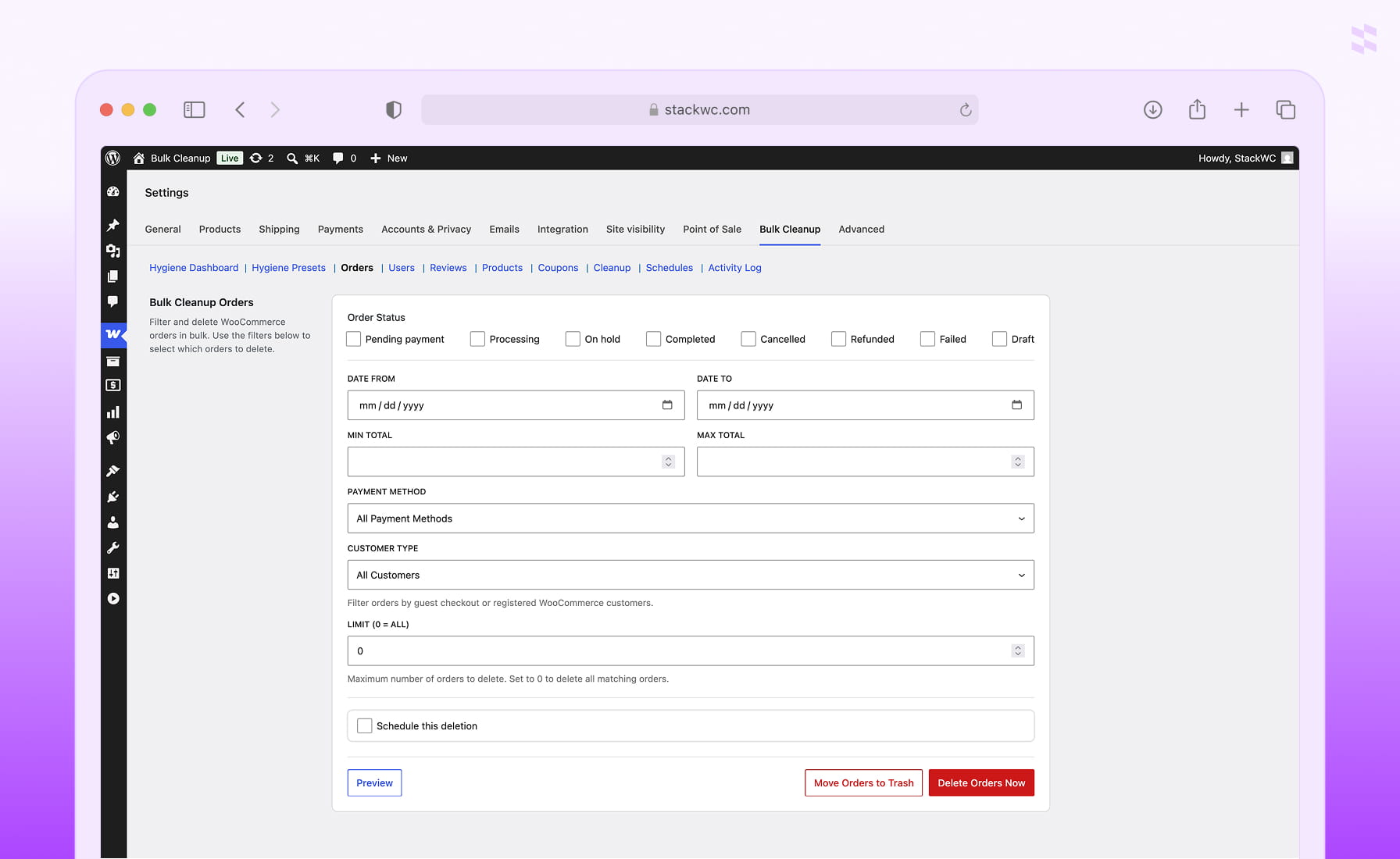
- Filter orders by status, date range, total, payment method, or customer type — then bulk delete or move them to trash in one action.
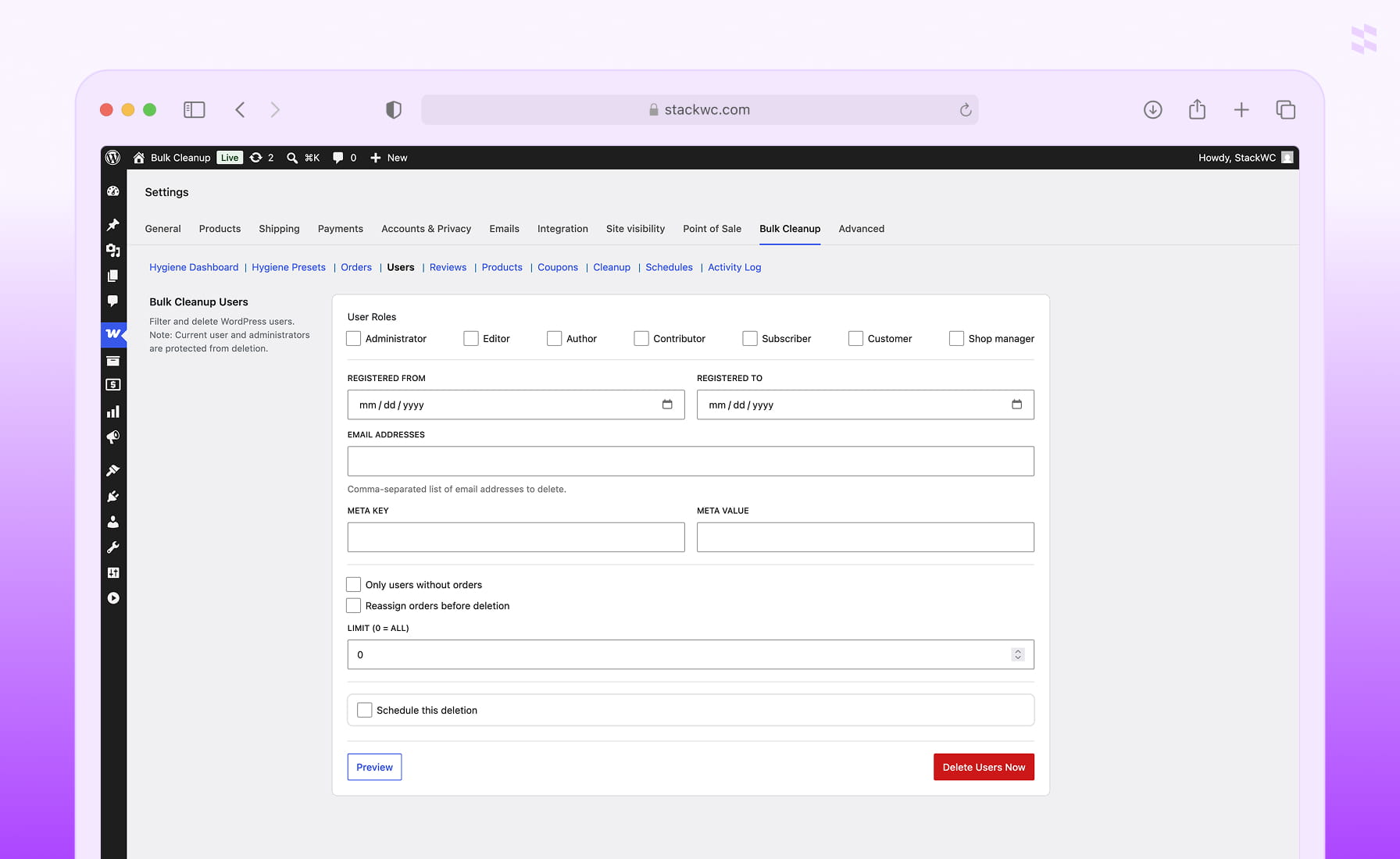
- Bulk delete users without orders, inactive accounts, or accounts matching a specific role or registration date, with admins always protected.
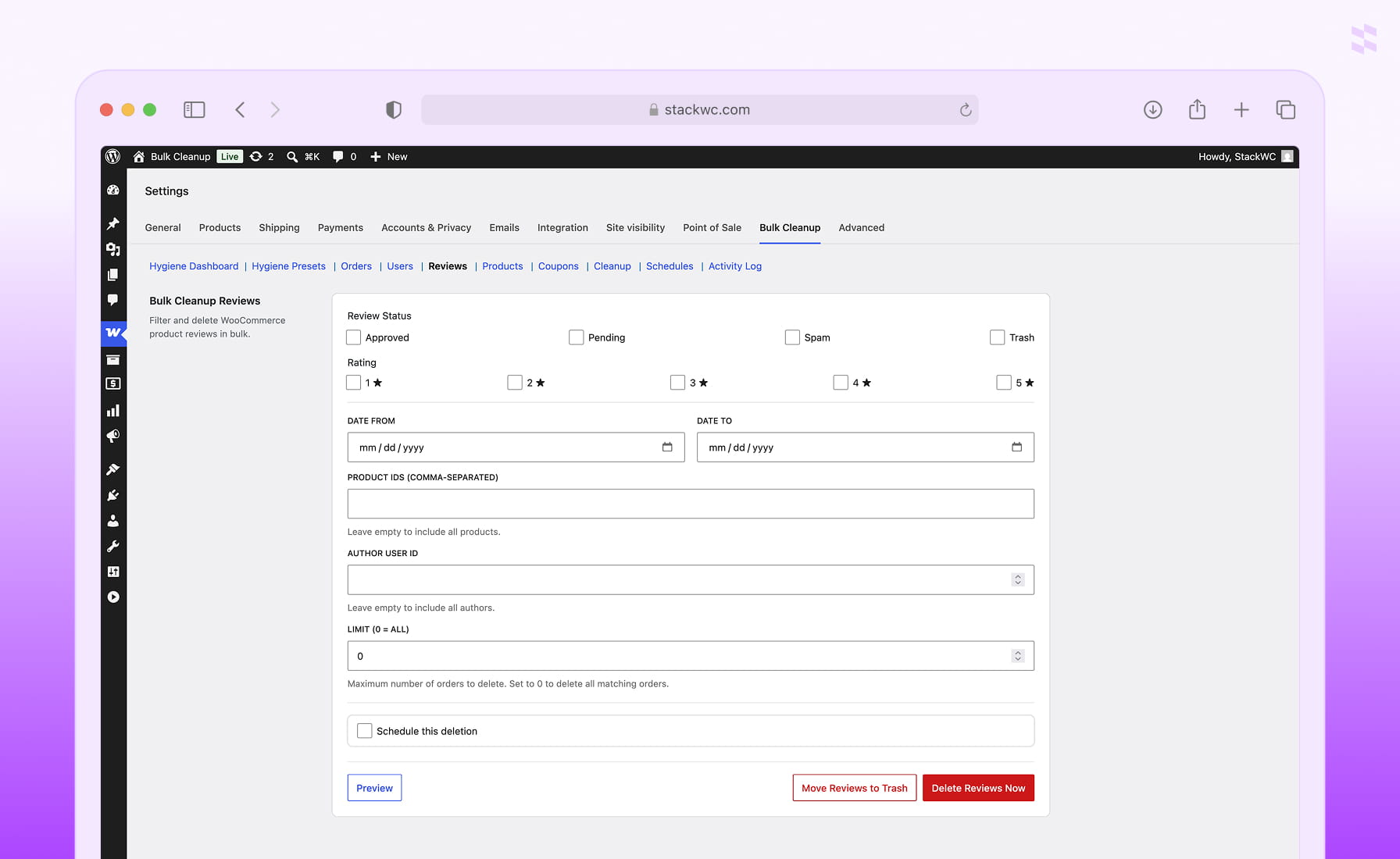
- Apply the same filter-preview-delete flow to products, coupons, and reviews — no plugin-hopping between separate cleanup tools.
Preview First, Then Bulk Delete With Confidence
- Preview every record that matches your filters before you bulk delete anything, so nothing gets removed by accident.
- Export a CSV backup of up to 5,000 matching rows before a permanent delete — a safety net for orders, users, products, or coupons.
- Choose Move to Trash for a reversible cleanup or Delete Now for a permanent bulk delete, depending on how confident you are in the filter.
The Most Practical Way to Bulk Delete WooCommerce Data
without slowing down your store
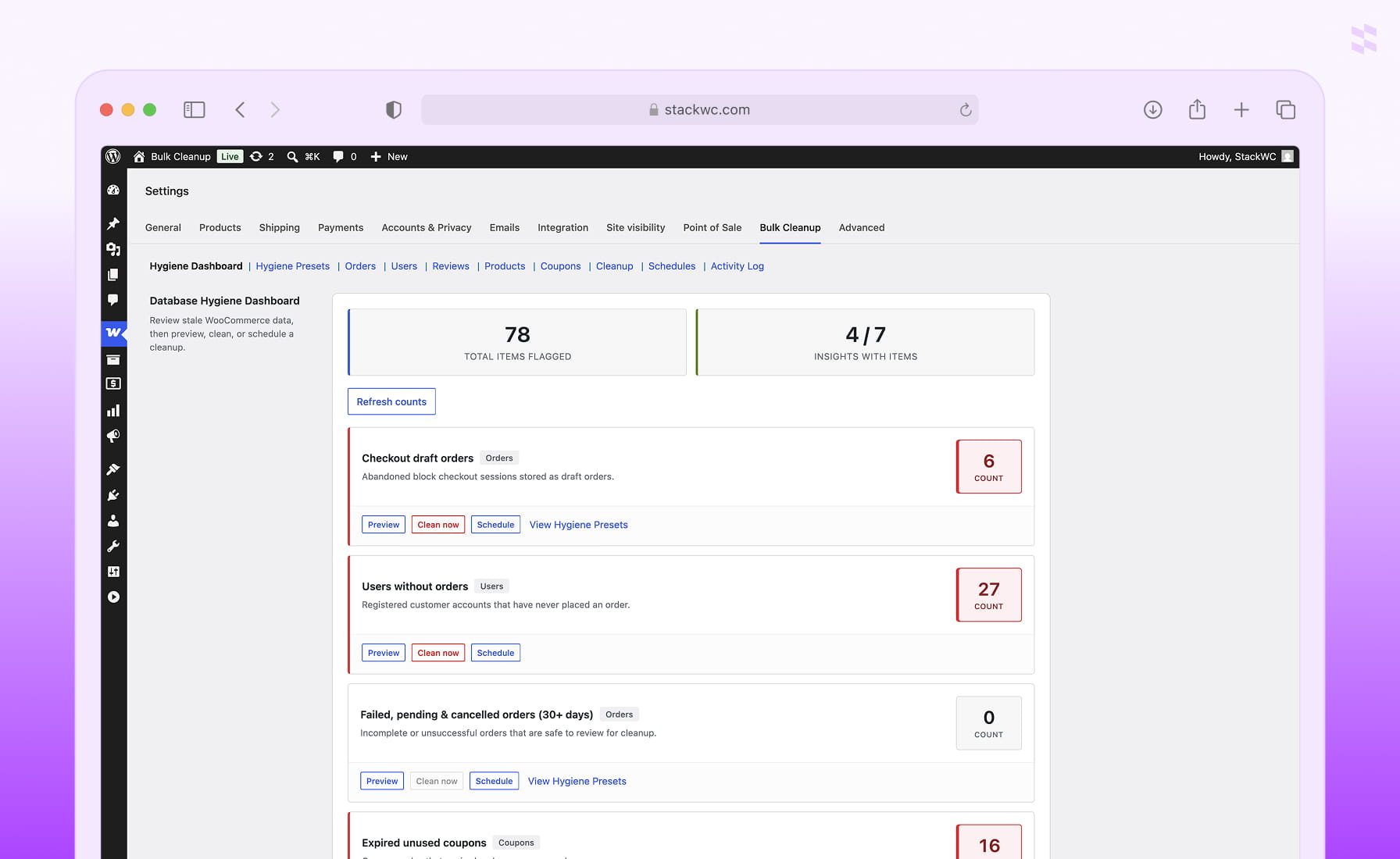
Live Hygiene Dashboard
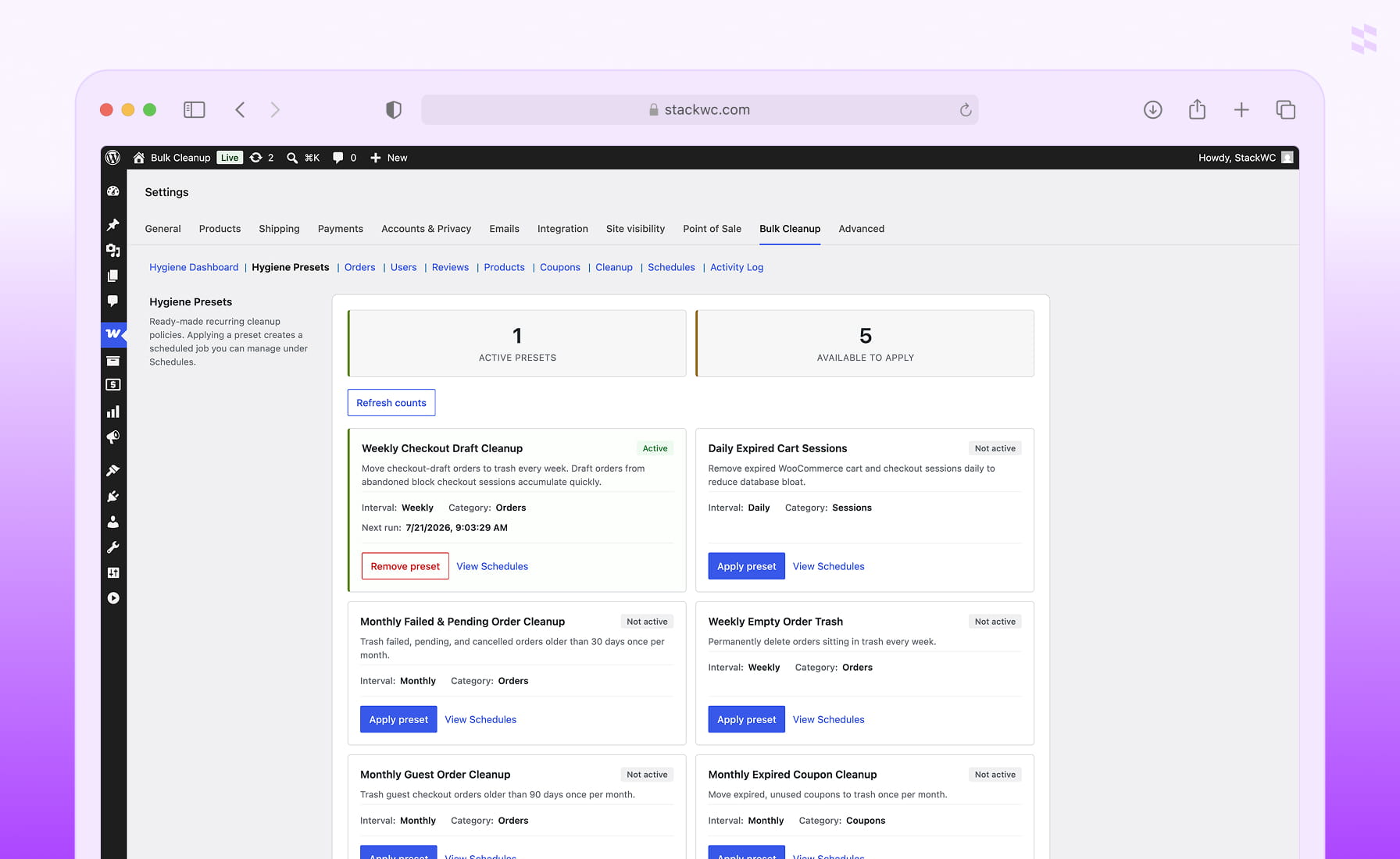
One-Click Hygiene Presets
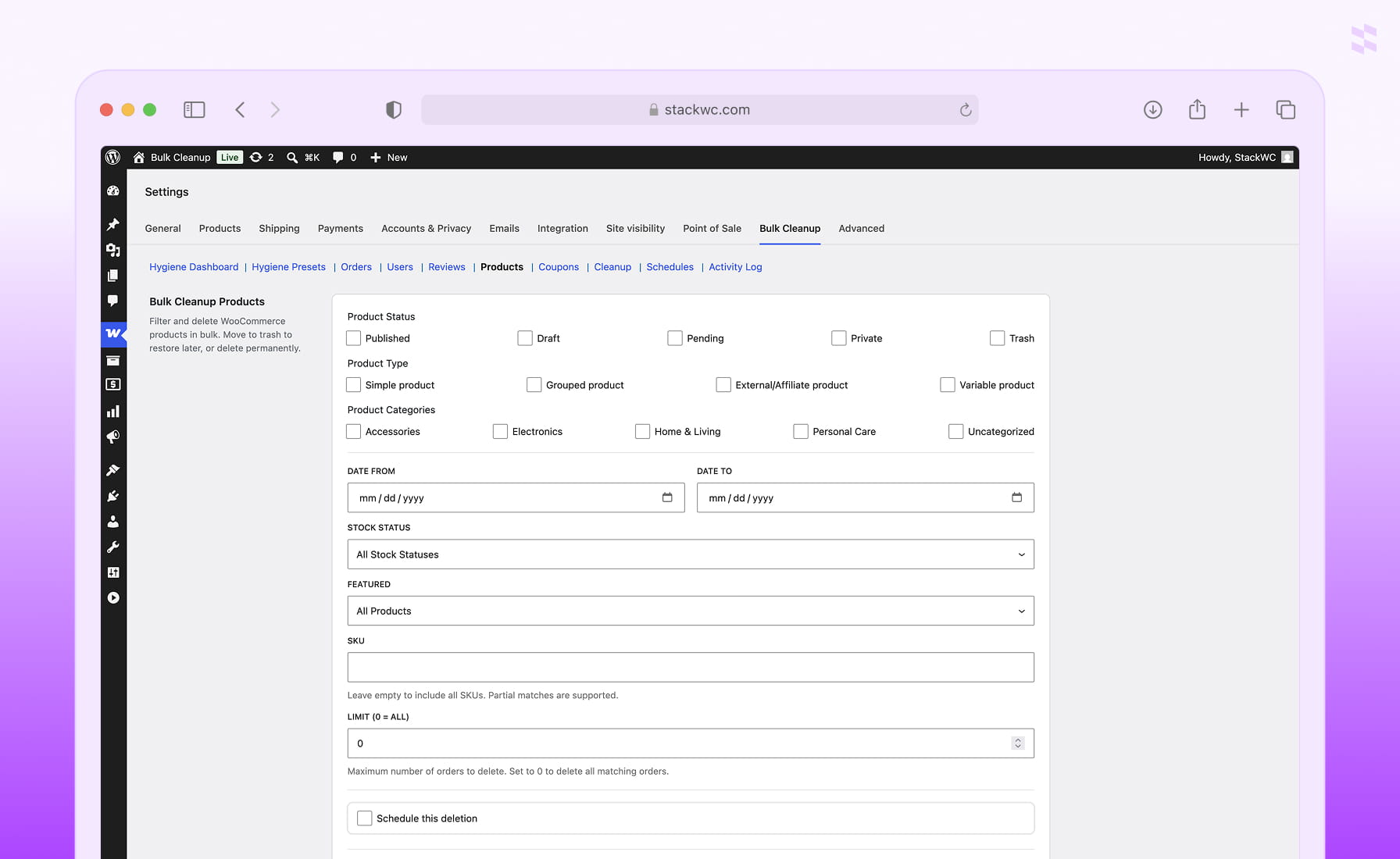
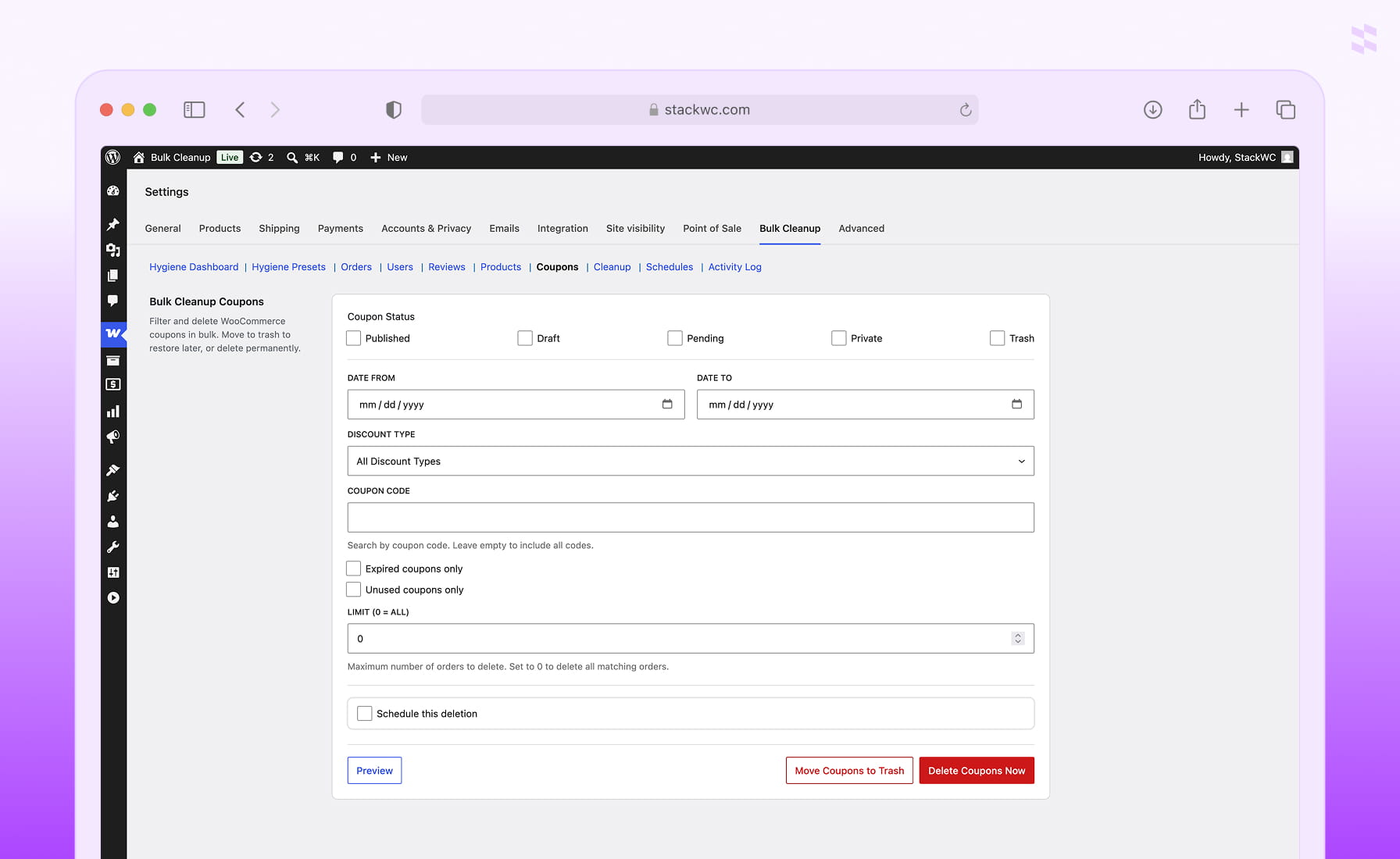
Advanced Filtering Per Entity
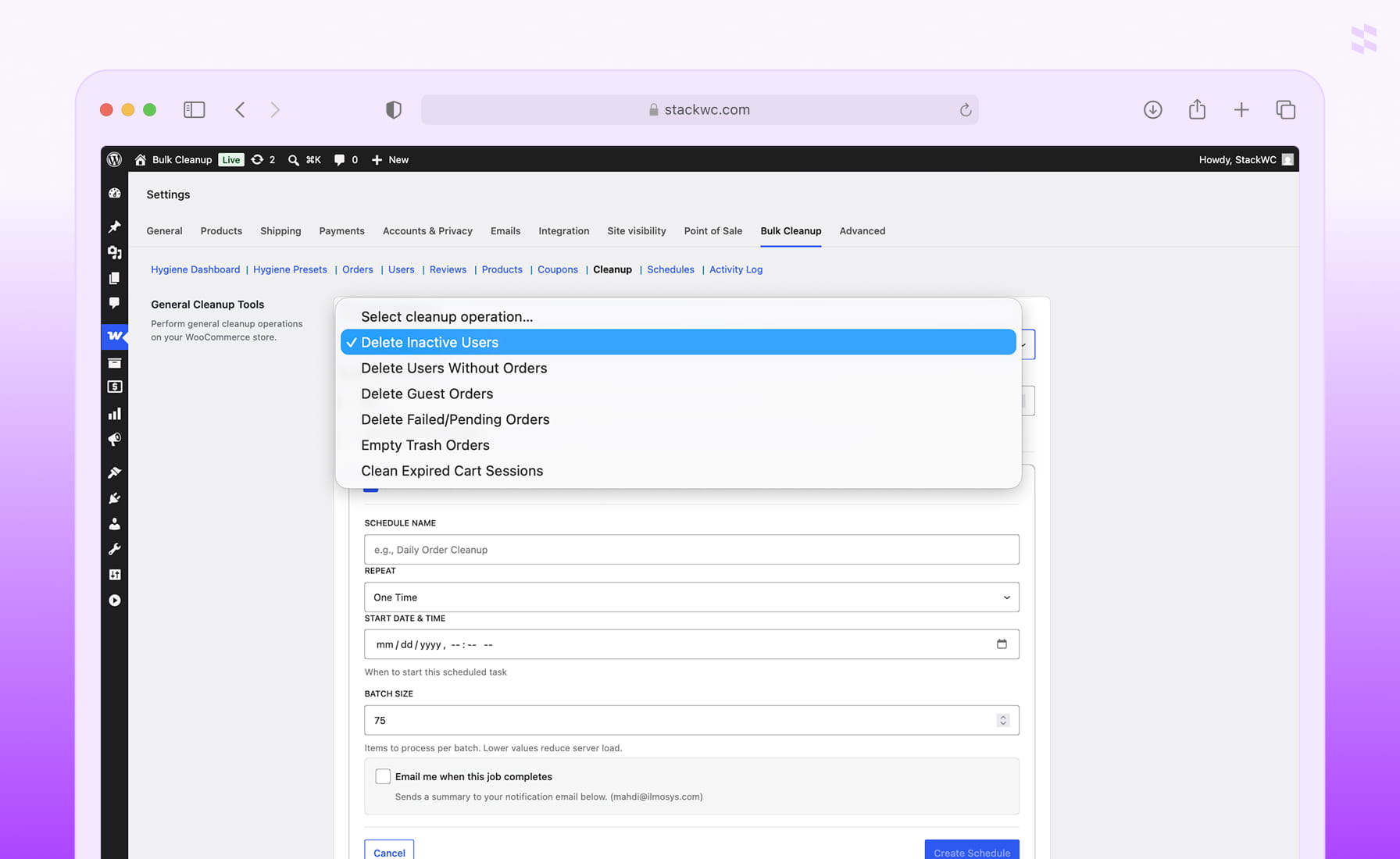
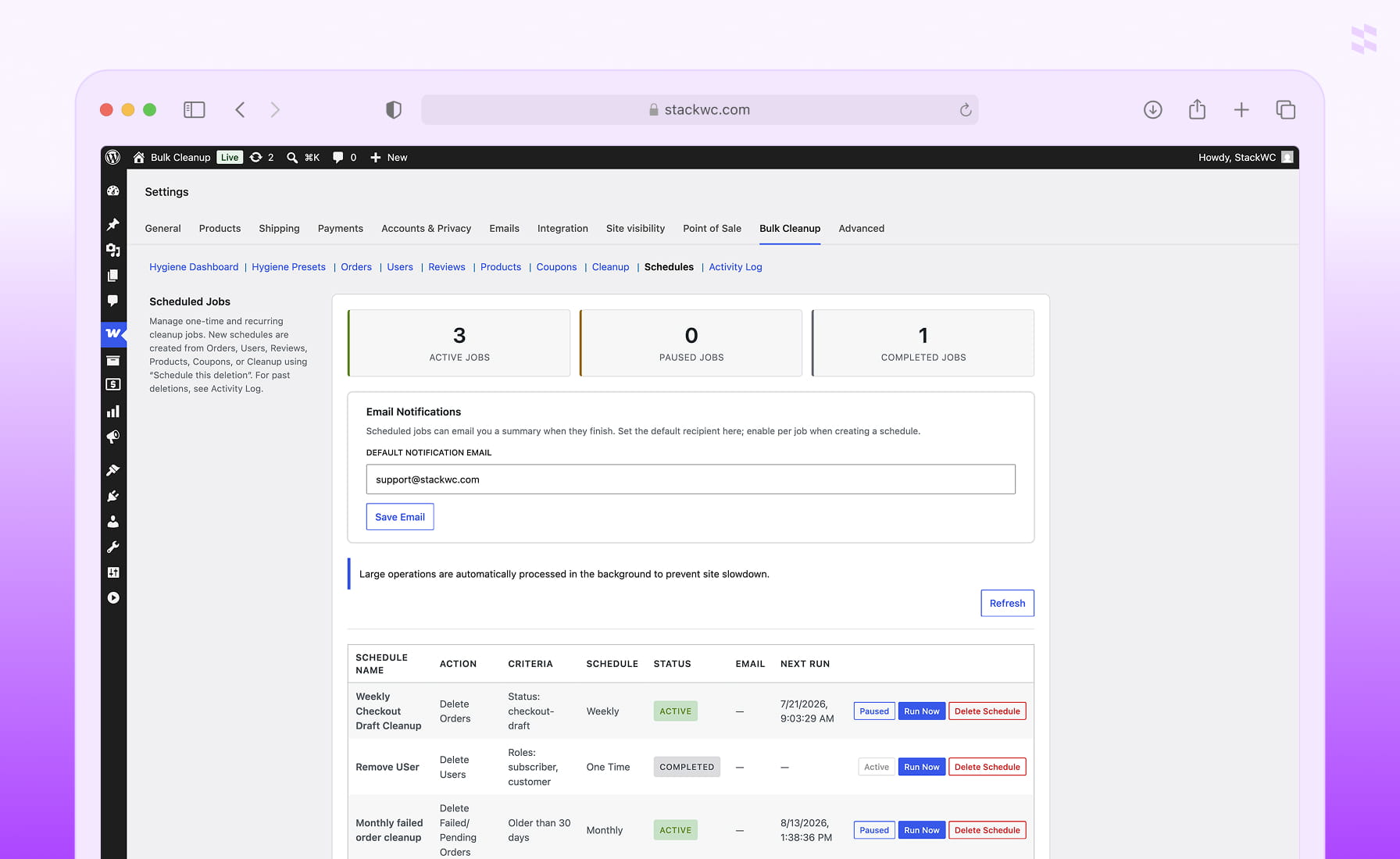
Scheduled & Recurring Cleanup
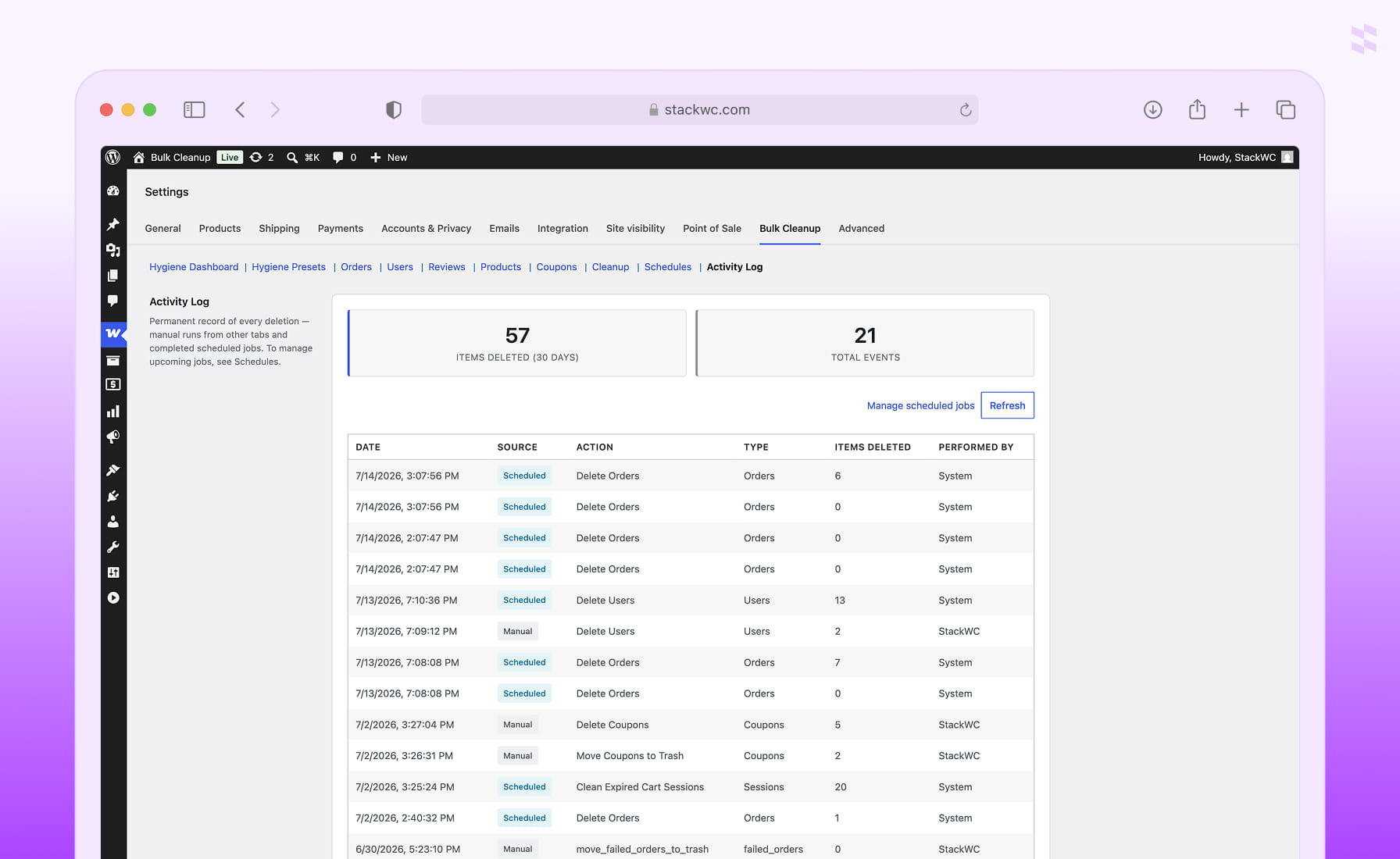
CSV Export & Activity Log
HPOS-Compatible & Safe by Default
Plugin Screenshot
FAQ
Can I bulk delete WooCommerce orders safely?
Yes. Bulk Cleanup includes preview before delete, confirmation prompts, optional move-to-trash (reversible), CSV export up to 5,000 rows, batch processing for large stores, and a full Activity Log. Always preview and export a CSV before a permanent bulk delete — that cannot be undone.
Does Bulk Cleanup support scheduled WooCommerce deletions?
Yes. Create one-time or recurring jobs from any tab to bulk delete automatically. Intervals include hourly, daily, weekly, and monthly. Hygiene Presets also create recurring schedules automatically, and jobs can be paused, resumed, or run on demand.
Can I bulk delete WooCommerce customers without orders?
Yes. Use the Users tab with "Only users without orders" enabled, or the dedicated cleanup tool, to bulk delete inactive accounts. This can also be scheduled to run automatically. Administrators and your logged-in account are always protected.
Can I bulk delete WooCommerce products?
Yes. Filter by status, type, category, stock status, featured flag, SKU, or date range, then preview matches, export a CSV, and bulk delete or trash the products that match.
How do I bulk delete unused or expired WooCommerce coupons?
Open the Coupons tab and enable "Expired coupons only" and/or "Unused coupons only." Filter further by discount type or date, preview the matches, then bulk delete or trash them — or automate it with the Monthly Expired Coupon Cleanup preset.