
Search & Replace, Without Touching Every Record by Hand
Bulk Search & Replace for WooCommerce
Search and replace text across your entire store’s products, variations, images, categories, coupons, orders, and customers with a dry-run preview, before/after diffs, and one-click undo. Update hundreds of records in minutes, not days.
5 Stars
Rated Excellent
100%
Money Back Guarantee
- Version 1.0.1
- Last updated: 01 Sep 2026
- Changelog : View here
Preview Every Match Before a Single Record Changes
One Search & Replace Tool for Your Whole Catalog
- Run a search and replace across products, variations, media, categories, attribute terms, coupons, orders, and customers — all from one screen under WooCommerce → Settings.
- Choose from four replace modes — replace, prepend, append, or clear matching text — so the tool fits more than simple find-and-swap jobs.
- Narrow any search with scope filters like status, category, stock, SKU, product IDs, order dates, or user roles, so you only touch the records that matter.
Dry-Run First, Undo Any Job After
- Every search and replace starts as a dry run — see field-by-field before/after values and total match counts before anything is saved.
- Export up to 5,000 matching rows to CSV for review or sign-off, then apply the change only when you're ready.
- Undo snapshots are saved automatically, so a completed replace job can be rolled back from the Undo tab in one click.
The Most Practical Way to Search & Replace WooCommerce Data
without writing a single database query
8 WooCommerce Entities, One Tool
Dry-Run Preview With Diffs
One-Click Undo
13 Built-In Recipes
Advanced Matching Options
HPOS & Custom Product Types
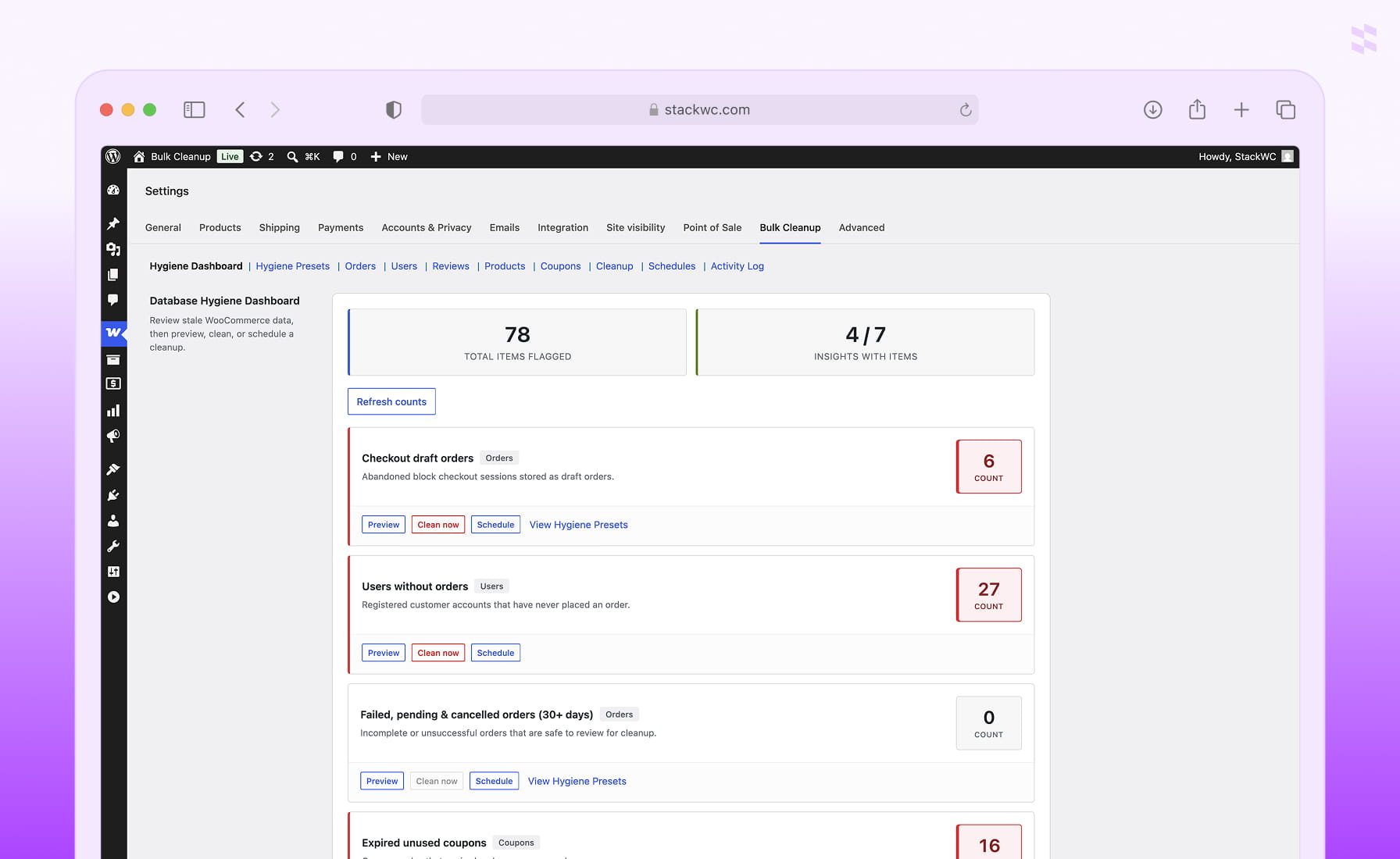
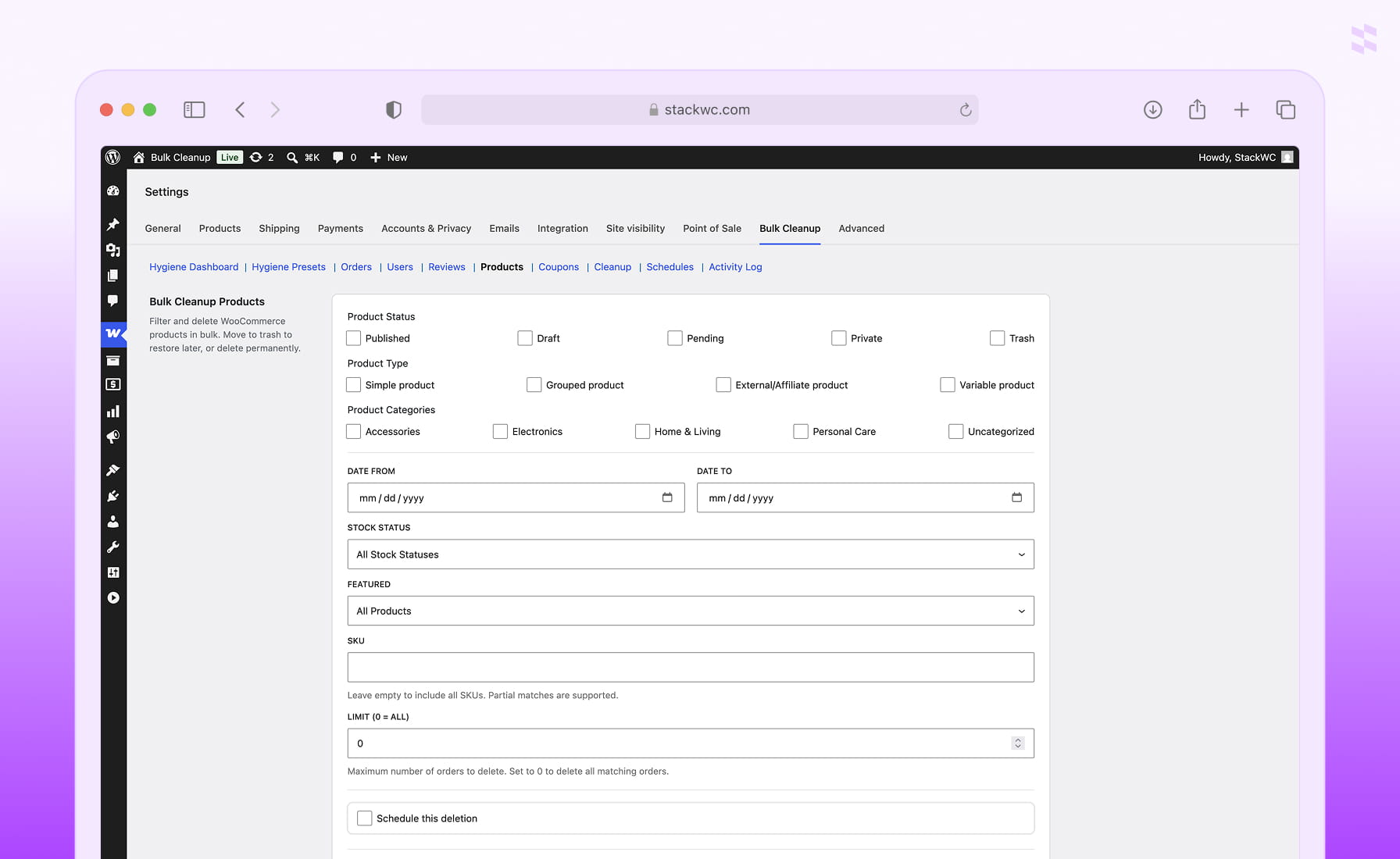
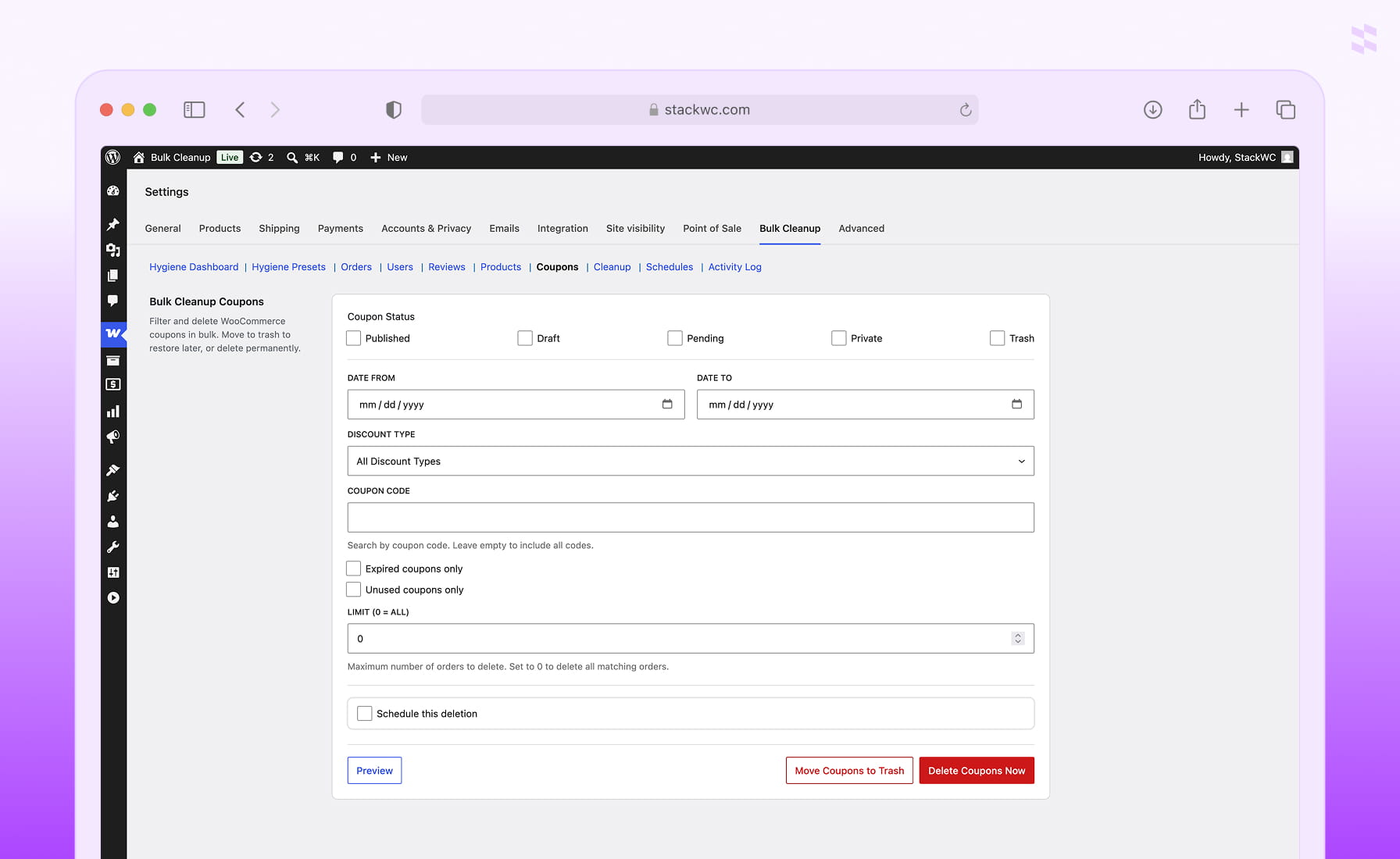
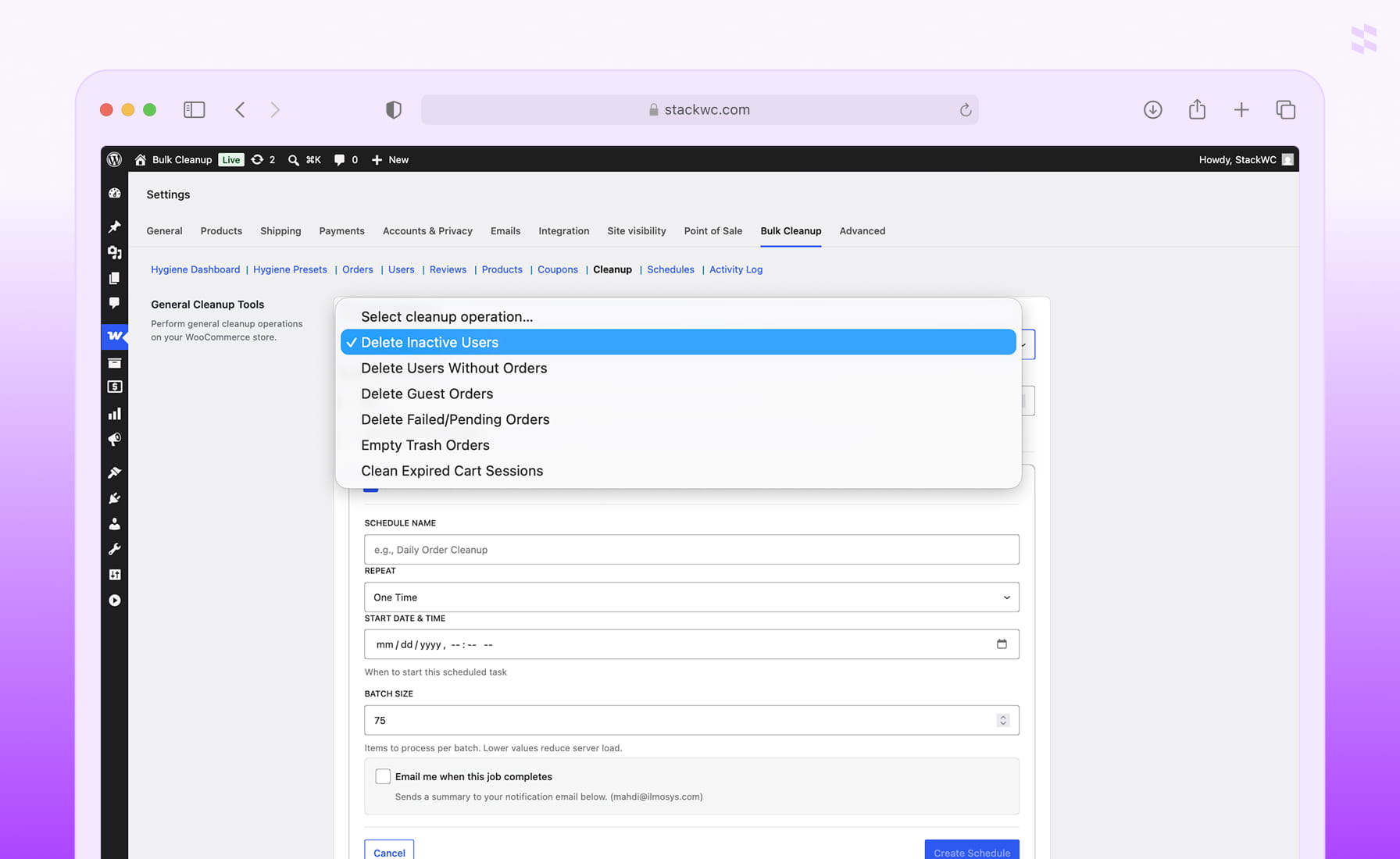
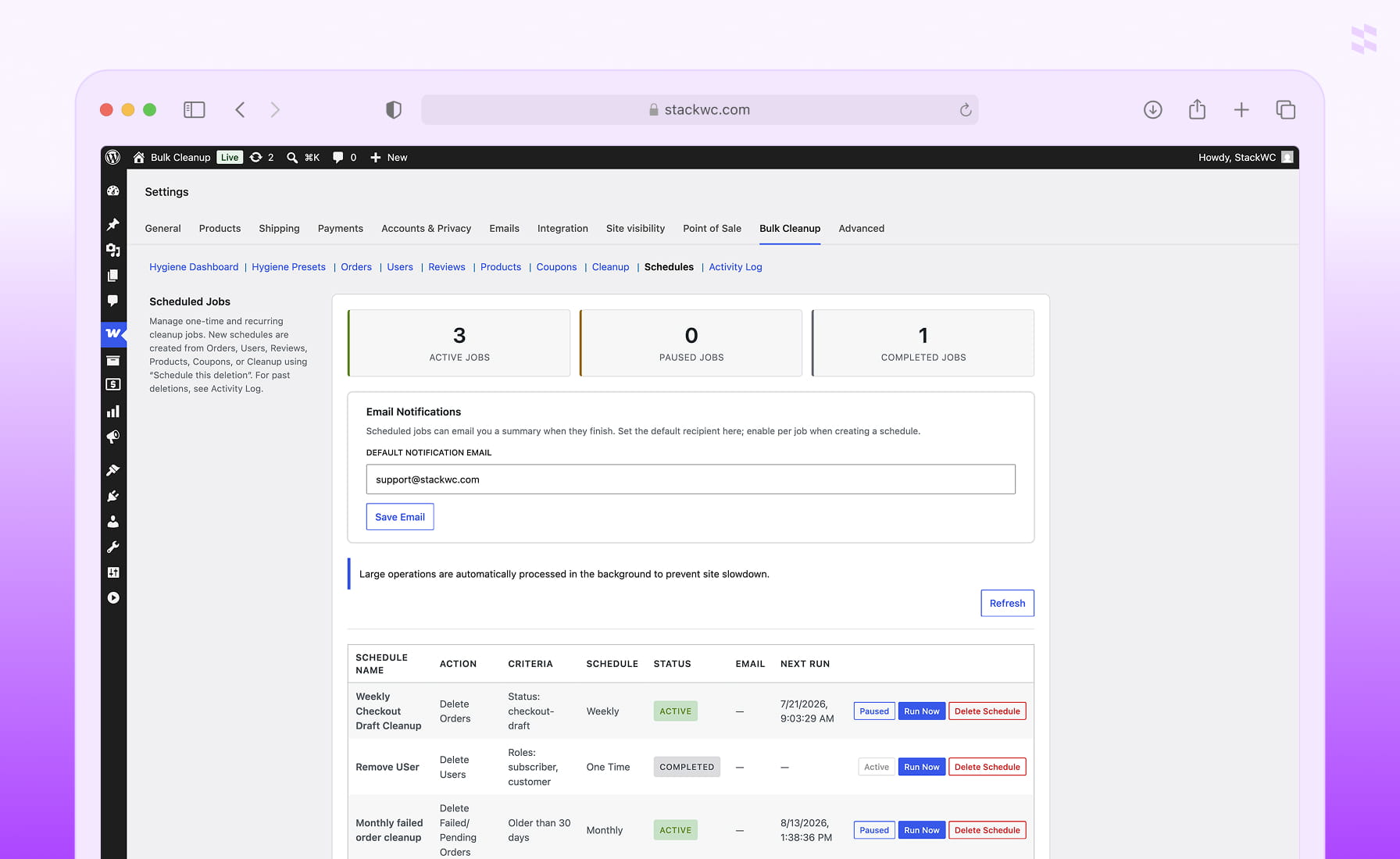
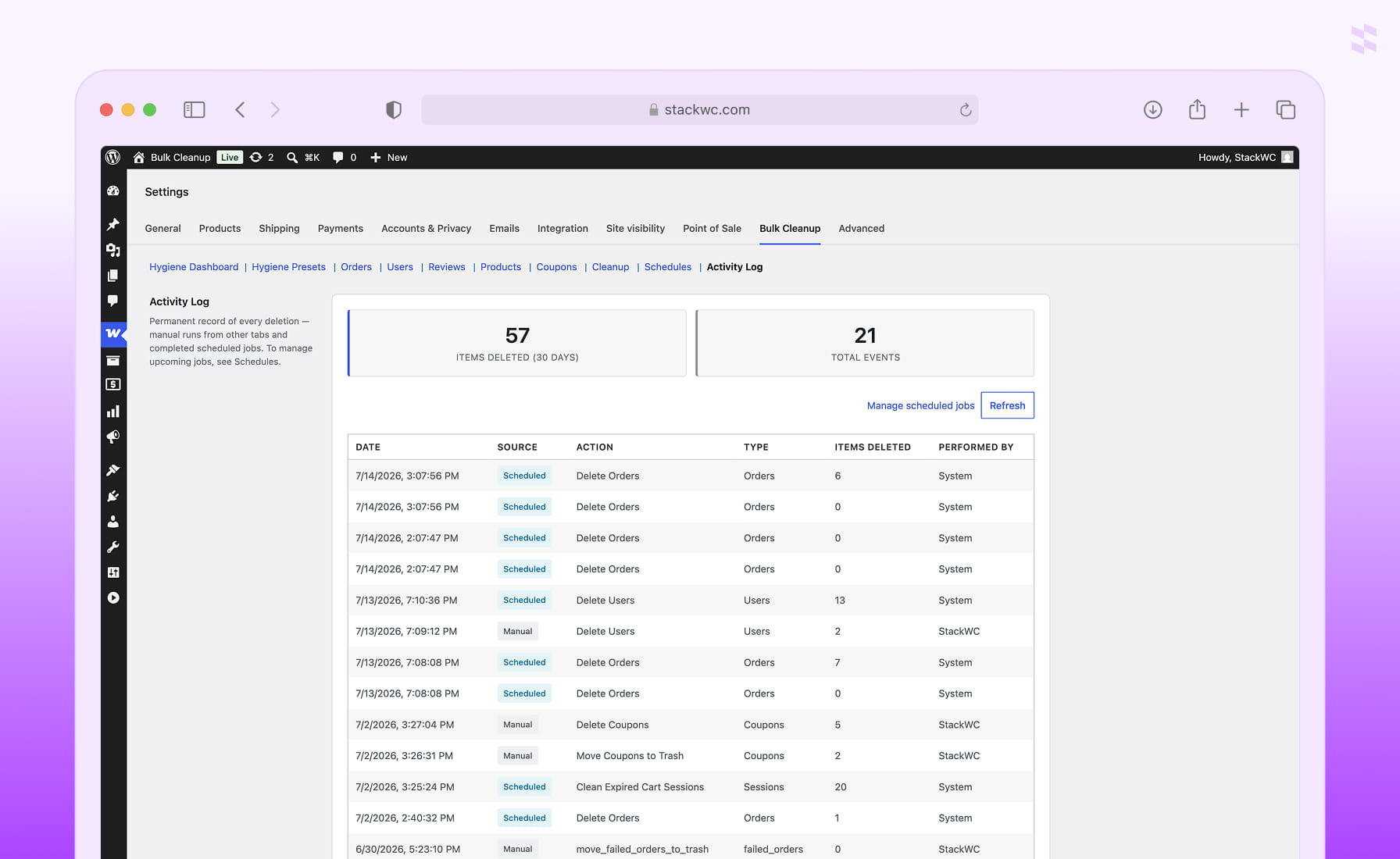
Plugin Screenshot
FAQ
What does Bulk Search & Replace for WooCommerce do?
It lets store owners find and replace text across WooCommerce products, variations, images, categories, attributes, coupons, orders, and customers in bulk — with dry-run preview, CSV export, and undo.
Can you preview changes before applying a search and replace?
Yes. Dry-run preview shows matching items with before/after values, and you can export the results to CSV. Nothing is written to your store until you confirm the run.
Can you undo a bulk search and replace job?
Yes. Undo snapshots are saved by default for every completed job, and any job can be rolled back from the Undo tab.
Does it work with HPOS (High-Performance Order Storage)?
Yes. Order updates use the WooCommerce order CRUD layer, and the plugin declares full HPOS compatibility.
What WooCommerce data types can I search and replace?
Products, variations, media and images, categories and tags, attribute terms, coupons, orders, and customers — eight entities from a single tool.