Let customers support your cause with every order.
Checkout Contributions for WooCommerce
Turn every order into an opportunity for impact. Let customers add optional contributions at checkout with customizable widgets, flexible calculation methods, and detailed contribution analytics.
Enable Optional Contributions at WooCommerce Checkout
Give Customers a Reason to Give Back, Right at Checkout
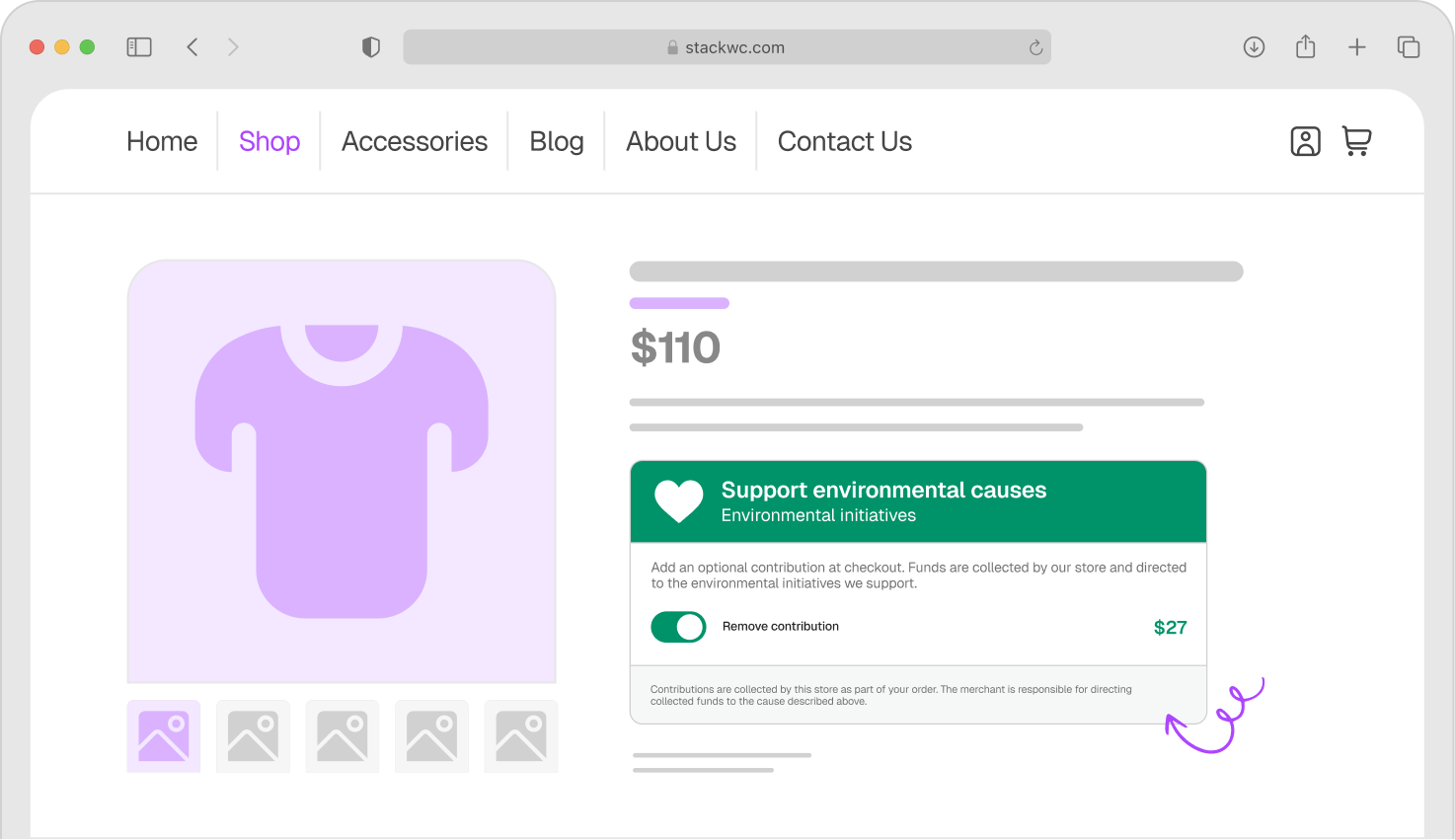
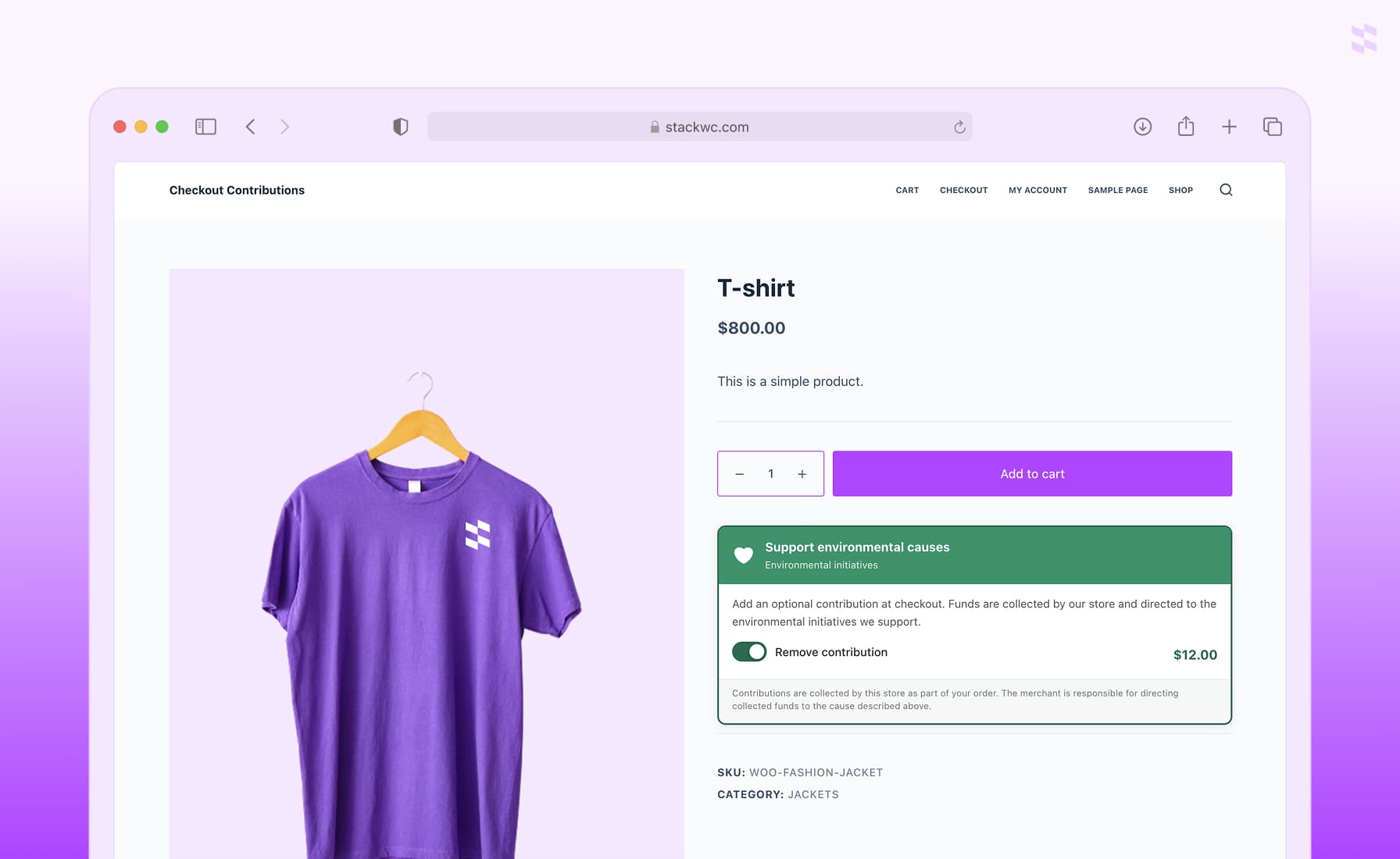
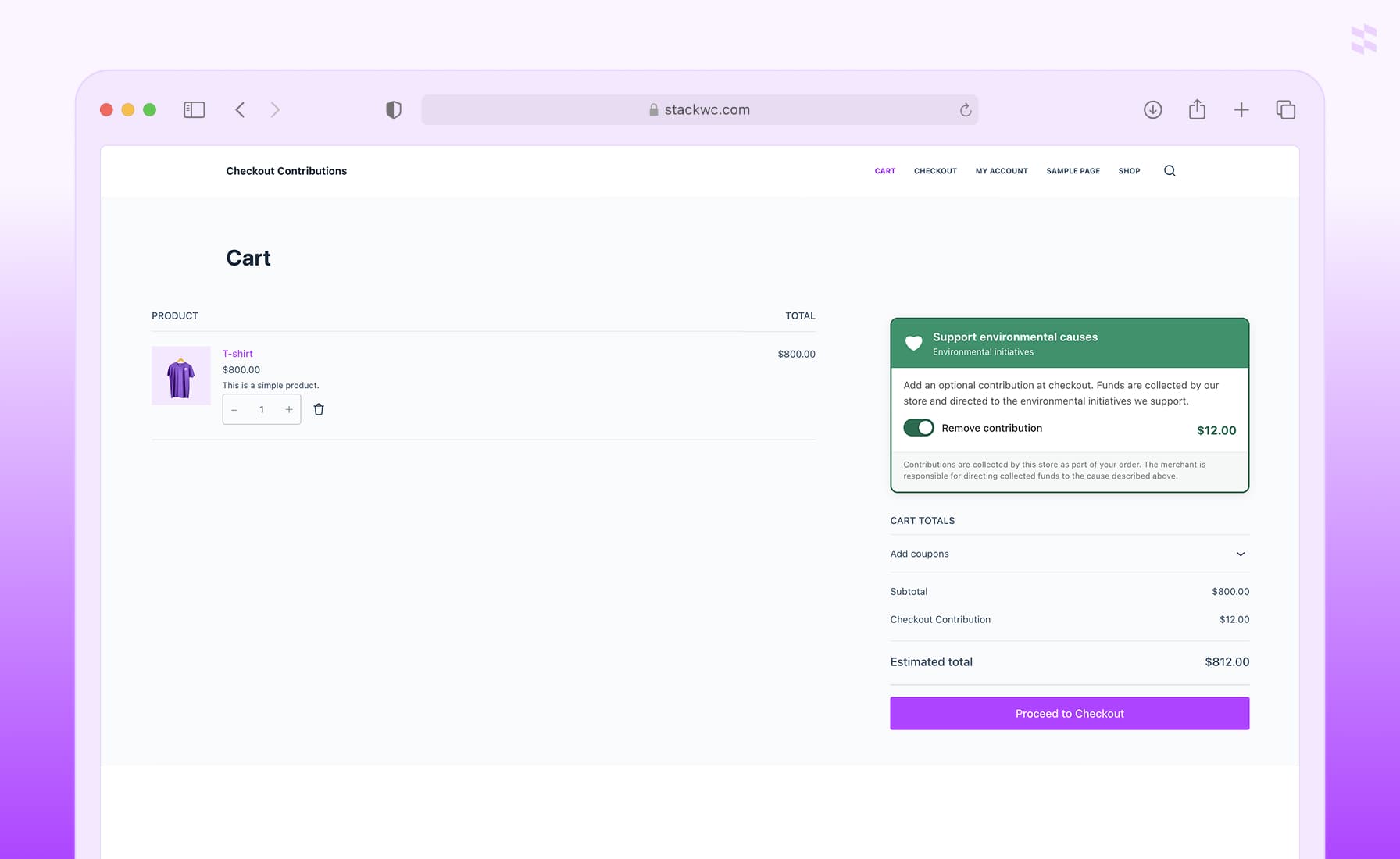
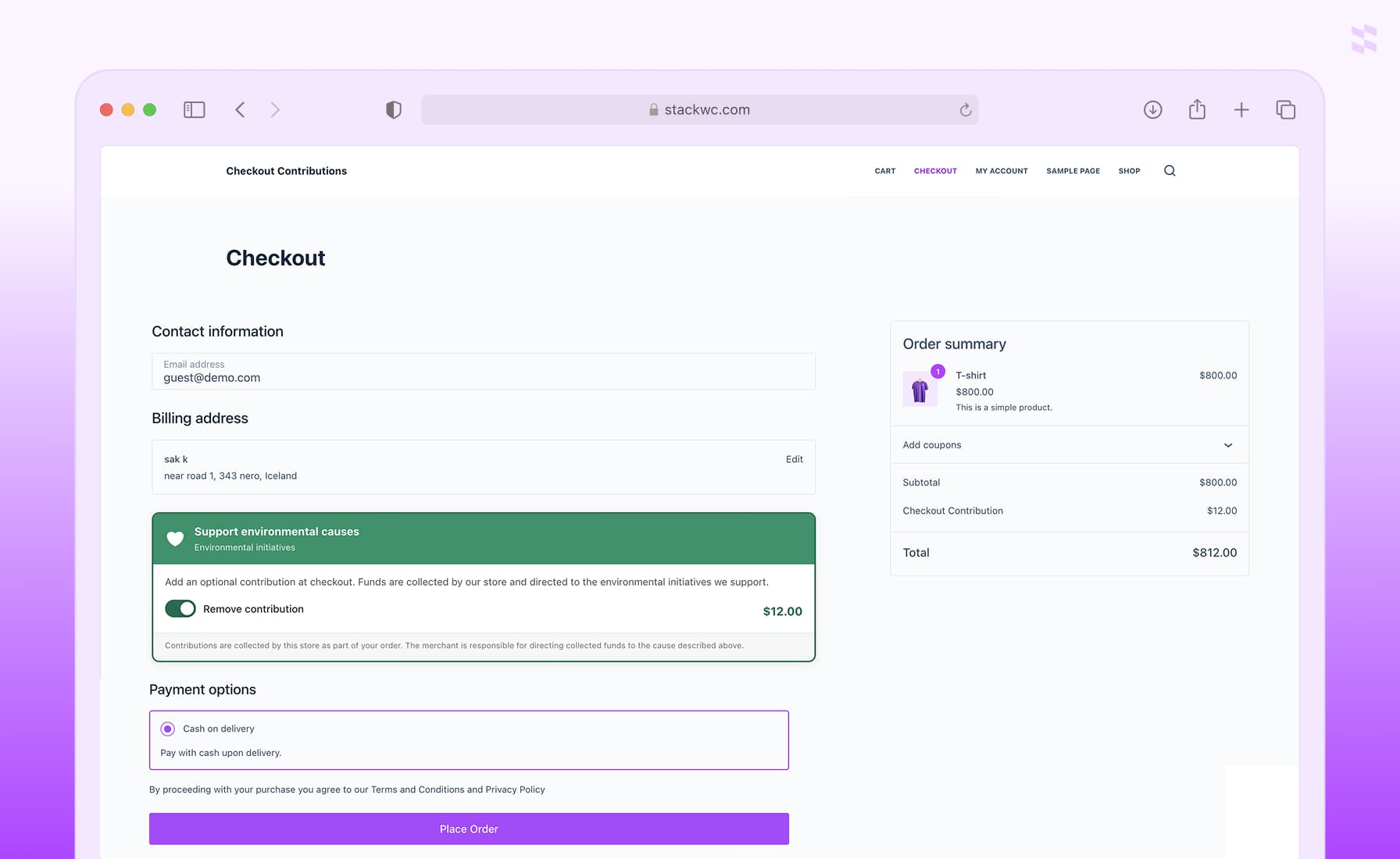
Add an optional contribution widget to the cart, checkout, or product page — pick the placement that fits your store's flow, no page builder required.
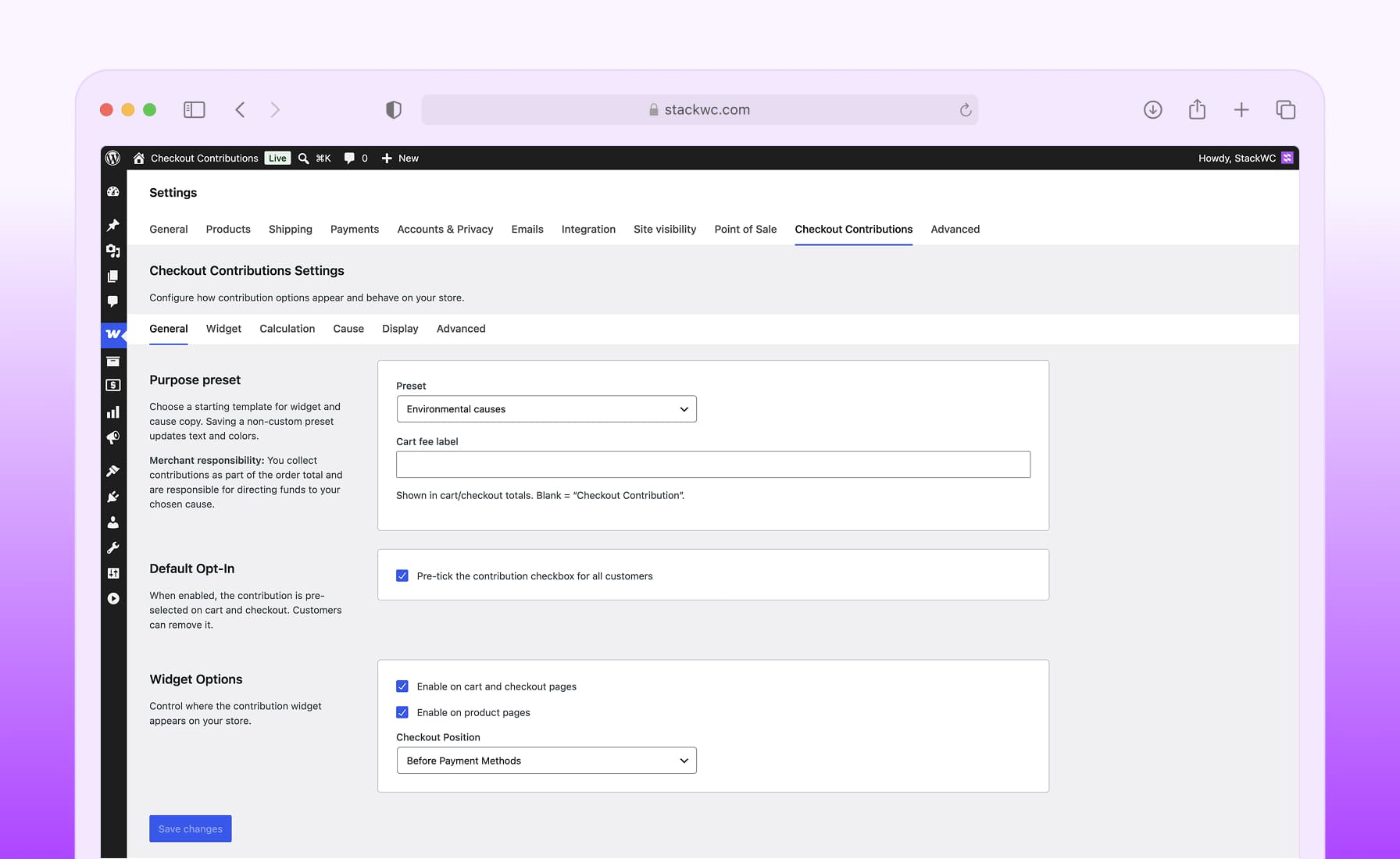
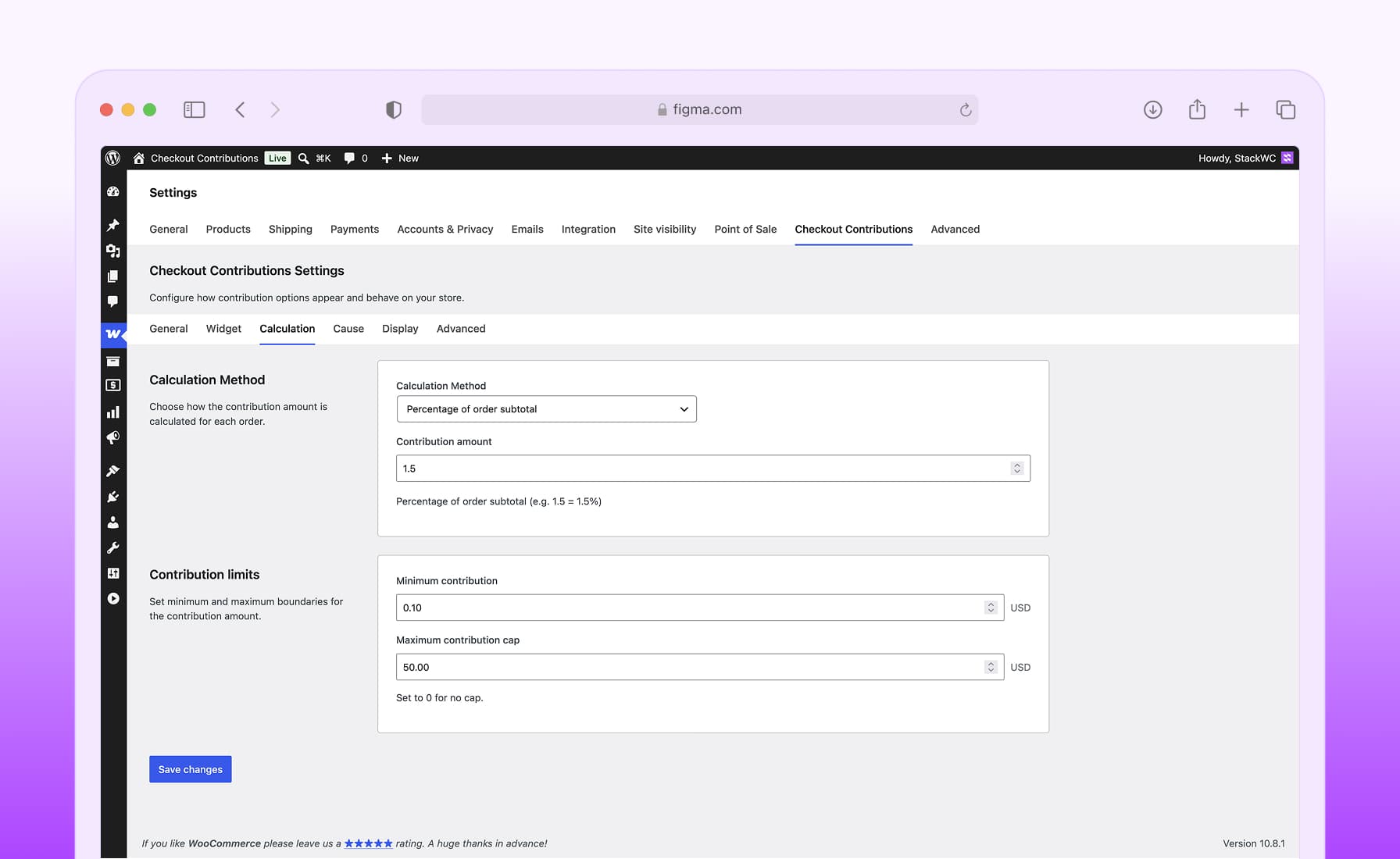
Choose fixed, percentage-based, or weight-based calculation methods so the contribution amount always makes sense for the order.
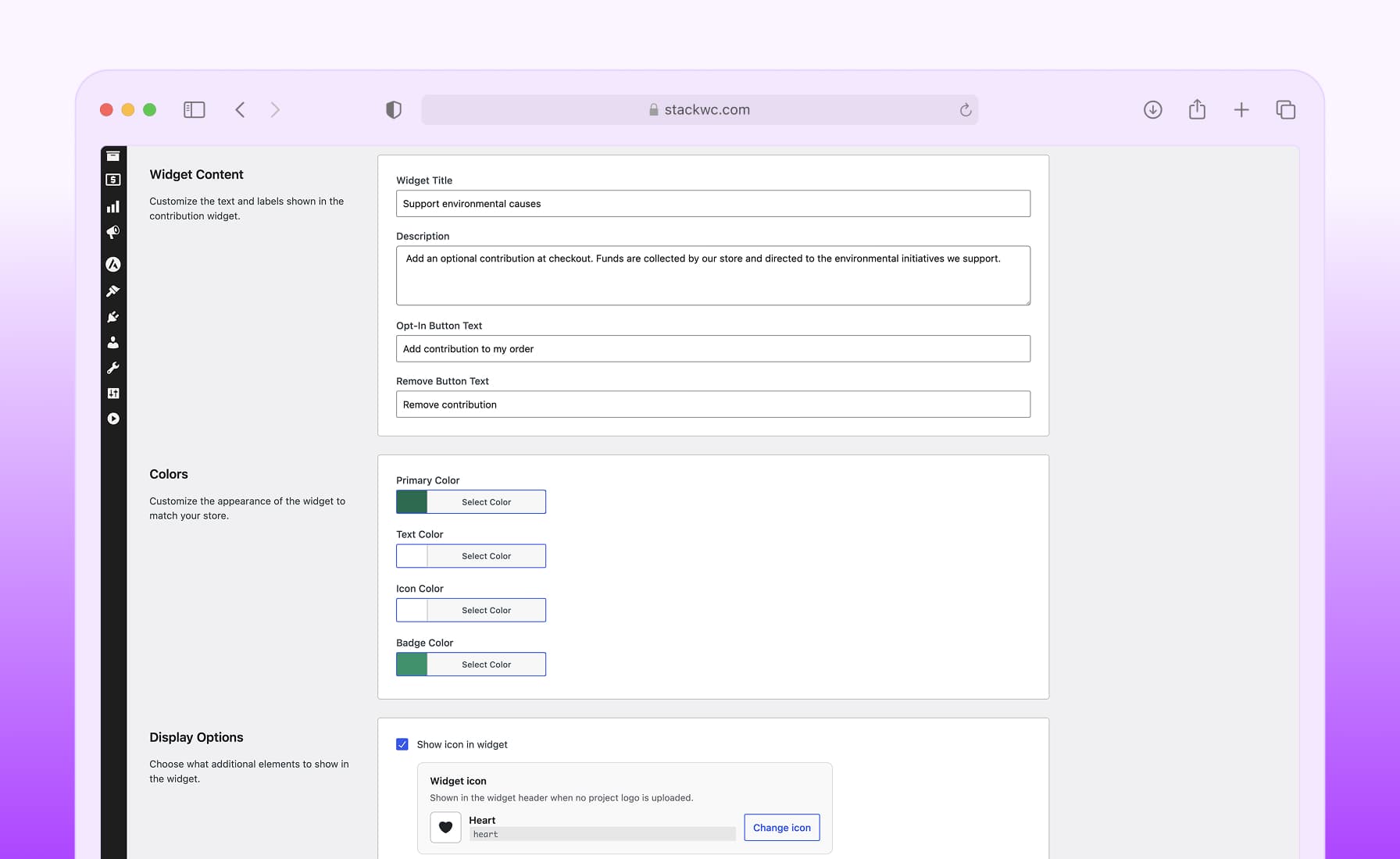
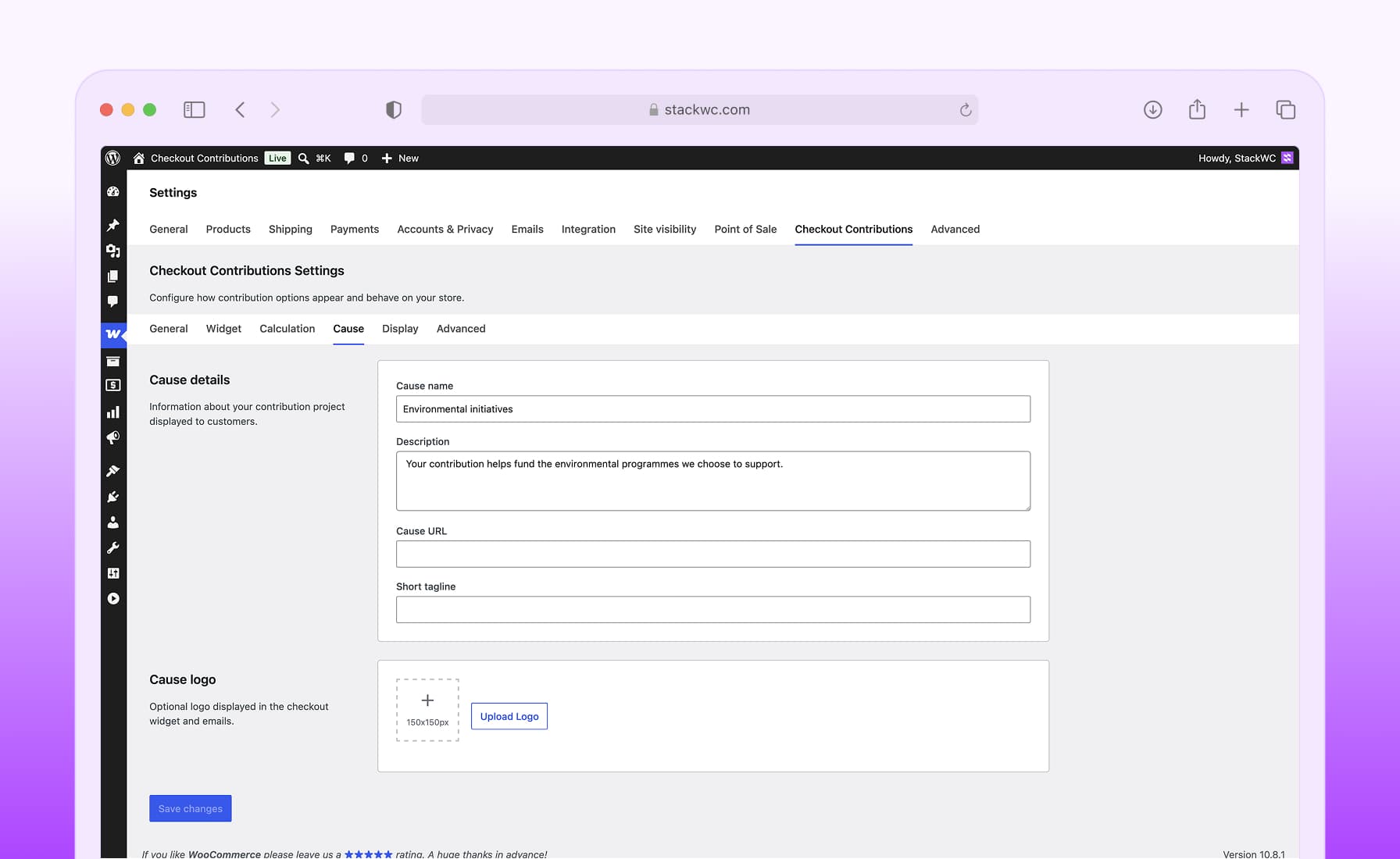
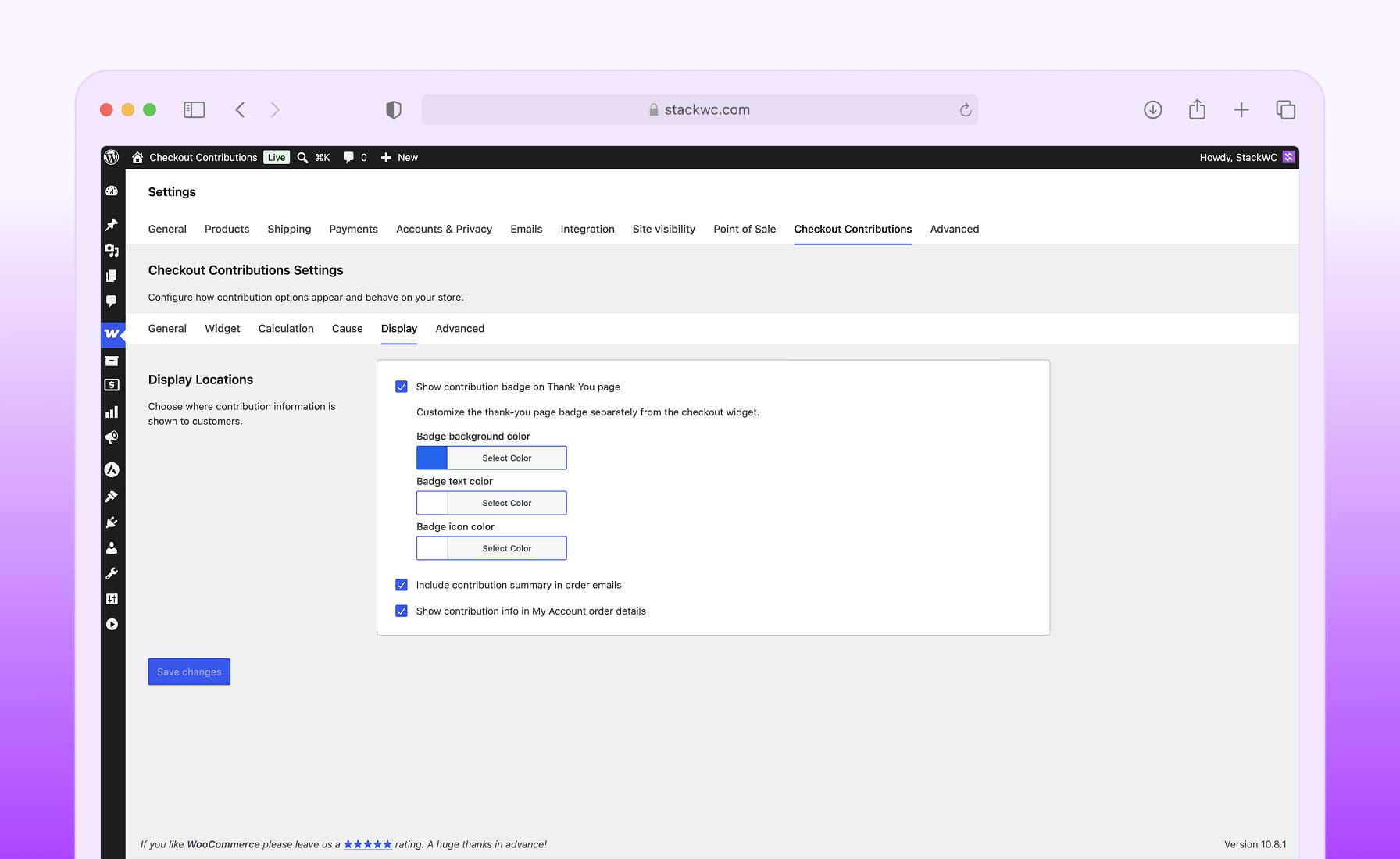
Customize the widget's colors, icon, labels, and cause messaging to match your store branding and tell customers exactly where their contribution goes.
Contributions That Behave Like Real Order Data
Contributions are added as a native WooCommerce fee, not a separate product — they flow through cart totals, checkout, and order details automatically.
Refunds, emails, and reporting all reflect contributions correctly, since nothing sits outside WooCommerce's normal order flow.
Set minimum and maximum contribution limits so amounts stay sensible across every type of order, from single items to full carts.
The Most Practical Way to Collect Contributions on WooCommerce
without a single donation product in sight
Flexible Widget Placement
Show the contribution option on the cart page, checkout page, or individual product pages — enable it wherever it converts best for your store.
Three Calculation Methods
Offer fixed amounts, a percentage of the order total, or weight-based contributions, so the ask always fits the purchase.
Full Cause Customization
Write your own messaging, upload your own icon, and pick your own colors to explain exactly which cause, charity, or initiative you’re supporting.
Classic & Block Checkout Support
Works with both WooCommerce Classic Checkout and the newer Cart & Checkout Blocks, so you’re covered regardless of which checkout your store runs.
Contribution Analytics Dashboard
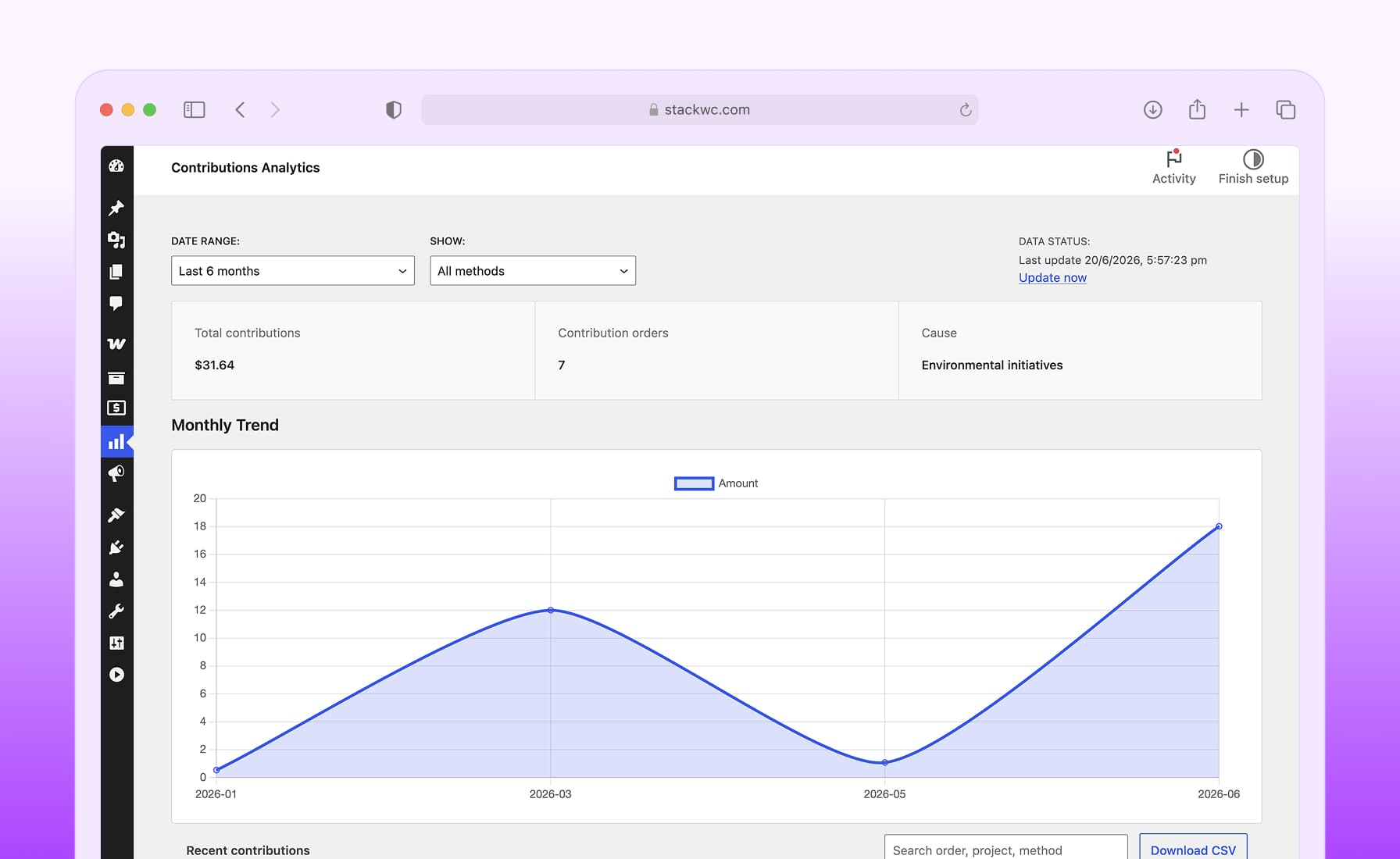
Track total contributions collected over time, see performance by widget or placement, and export the data as CSV whenever you need it.
HPOS-Compatible by Design
Built to work cleanly with High-Performance Order Storage, so contributions stay accurate as your order volume grows.
Find quick answers to common questions about plugin!
Can I use Checkout Contributions for different types of causes?
Yes. The plugin is flexible and can be used for charitable donations, environmental initiatives, community projects, nonprofit campaigns, fundraising efforts, or any merchant-defined purpose. All cause information and messaging are fully customizable.
How are contributions added to an order?
Contributions are added as a native WooCommerce fee, not as a separate product. This means they appear naturally in cart totals, checkout, order details, refunds, emails, and reporting.
Can I customise the contribution amount and widget appearance?
Absolutely. You can configure fixed, percentage-based, or weight-based contribution calculations, set minimum and maximum limits, customize labels and messaging, and adjust widget colors, icons, and cause information to match your store branding.
Is the plugin compatible with WooCommerce Blocks and HPOS?
Yes. Checkout Contributions supports both WooCommerce Cart & Checkout Blocks and High-Performance Order Storage (HPOS), ensuring compatibility with modern WooCommerce stores.
Does Checkout Contributions send funds to charities or causes automatically?
No. The plugin collects optional contributions as part of the customer's order. Funds are received by the merchant through their normal WooCommerce payment process, and the merchant is responsible for directing those funds to their chosen cause or organization.
You’re almost there! Install the plugin today and turn your ideas into results...